Jump to content
View in the app

A better way to browse. Learn more.

GTAGames.nl - De Nederlandse Grand Theft Auto Community!

A full-screen app on your home screen with push notifications, badges and more.

To install this app on iOS and iPadOS
  1. Tap the Share icon in Safari
  2. Scroll the menu and tap Add to Home Screen.
  3. Tap Add in the top-right corner.
To install this app on Android
  1. Tap the 3-dot menu (⋮) in the top-right corner of the browser.
  2. Tap Add to Home screen or Install app.
  3. Confirm by tapping Install.

Enkele foto's van Lowlands

(0 reviews)

Hoeveel procent heb je GTA Vice City uitgespeelt? 91 members have voted

  1. 1. Hoeveel procent heb je GTA Vice City uitgespeelt?

    • 10%
      5
    • 20%
      6
    • 30%
      1
    • 40%
      2
    • 50%
      11
    • 60%
      6
    • 70%
      4
    • 80%
      7
    • 90%
      40
    • 100%
      0

This poll is closed to new votes

Please sign in or register to vote in this poll.

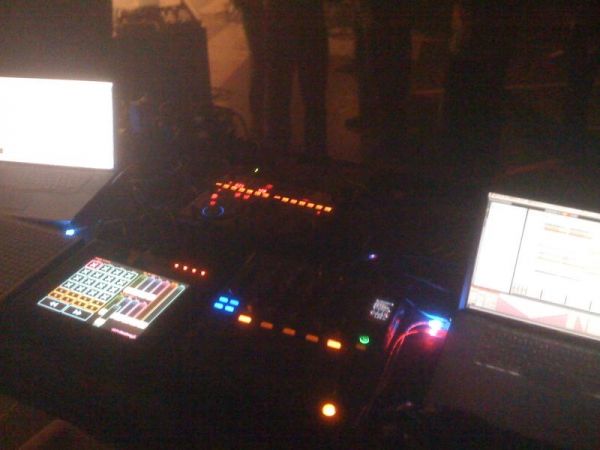
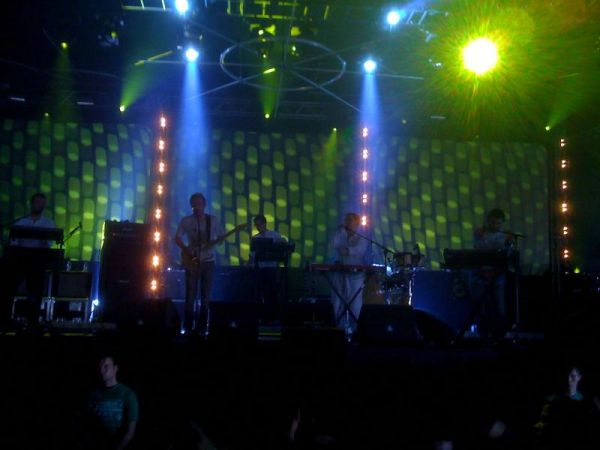
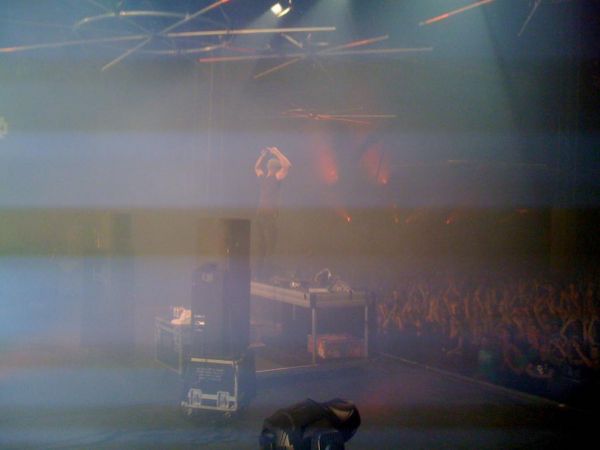
De MijnPhone maakt helaas niet al te goede foto's al blijkt er wel een effect op de MijnPhone te zitten waardoor foto's opeens van backstage lijken te komen.
med_gallery_1_5_33304.jpg

Hot Chip vanuit het publiek

med_gallery_1_5_34453.jpg

De 2 Apple iBooks van Deadmau5 (ja, die op ElectroChoc is te horen), zijn andere knoppenkastjes en lichtgevende USB kabels
med_gallery_1_5_12688.jpg

Junkie XL en al het publiek gaat uit zijn dak.

5 Comments

Recommended Comments

TomHagen The Godfather

TomHagen

Leden

Onze Joriz is stiekem backstage foto's gaan maken? :puh:

Masturmind Postless Person

Masturmind

Banned

Onze Joriz is stiekem backstage foto's gaan maken? :puh:

Haha ja, hij was zeker nieuwsgierig :puh:

2fast{0} Kingpin

2fast{0}

Leden

Joriz is dus in mijn Woonplaats geweest! :puh:

Pietje II Al Capone

Pietje II

Leden

Joriz is dus in mijn Woonplaats geweest! :puh:

Bij Zeus!

Ferre Al Capone

Ferre

Leden

Ik heb erg gefaald om niet naar Deadmau5 toe te gaan. Die gast pwnt. :7

Guest
Add a comment...

Configure browser push notifications

Chrome (Android)
  1. Tap the lock icon next to the address bar.
  2. Tap Permissions → Notifications.
  3. Adjust your preference.
Chrome (Desktop)
  1. Click the padlock icon in the address bar.
  2. Select Site settings.
  3. Find Notifications and adjust your preference.