




Editie 268 - Up to Date

Artikel geplaatst door OWN
· 468 bezichtigingen

Deze rubriek is geschreven door @Kloep!

De Smartphone Contest is afgelopen. Hier kun je de uitslag bekijken:
[table=header]||Classic
1|End Of The Riot|354
2|NandroDavids|183
3|myron.b|65[/table]
De winnaar is bekend:
[table=header]|Naam|Aantal punten
1|NandroDavids|8
2|End Of The Riot|7
3|GTA-fan2|4
4|MegaPilot|3
5|bassieboy35|1
|myron.b|1[/table]
Naamswijzigingen
En de eerste van dit jaar
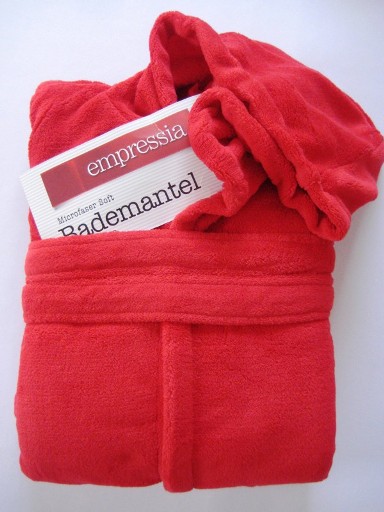
myron.b was het zat om de hele dag met een zwarte balk voor zijn ogen te lopen en gaat thans door het leven als Empressia. Ze zijn er in het rood, maar ook in geel en groen.....
Edit: door omstandigheden ziet het slachtoffer toch af van de naamswijziging en heet hij thans weer gewoon myron.b. Bij hoge uitzondering heb ik de naamswijziging niet meegeteld dus er mag nog 1 naamswijziging volgen. Ergo, dit is dus slechts een post geweest om mijn postcount op te krikken


Blog Silverbyte
Deze week heeft Silverbyte maar liefst twee blogitems online gezet. Hij geeft zijn mening over talentenjachten en verteld over het mysterie achter dekbedhoezen. Zweven ze in de nacht?
De blog kun je hier vinden.
Recommended Comments