Jump to content
View in the app

A better way to browse. Learn more.

GTAGames.nl - De Nederlandse Grand Theft Auto Community!

A full-screen app on your home screen with push notifications, badges and more.

To install this app on iOS and iPadOS
  1. Tap the Share icon in Safari
  2. Scroll the menu and tap Add to Home Screen.
  3. Tap Add in the top-right corner.
To install this app on Android
  1. Tap the 3-dot menu (⋮) in the top-right corner of the browser.
  2. Tap Add to Home screen or Install app.
  3. Confirm by tapping Install.

OWN 439 - Max Columnt Niet

(0 reviews)

Snapmatic contest van Rockstar: De finalisten!

Ook Rockstar houdt regelmatig contests om hun spelers heerlijk zoet te houden terwijl het buiten maar steeds kouder wordt. Zo was er onlangs een contest waarbij je je mooiste snapmatic mocht insturen wat betrekking had tot Halloween en de Lowrider update. Natuurlijk heeft Rockstar vele inzendingen te verwerken gekregen, maar dit zijn de mooiste volgens Rockstar:

Thema: Lowrider

actual_1446727835.jpg

Pacific Ocean by Vertigo9219

actual_1446727846.jpg

Leopard Print by ArtsyBoo

actual_1446727856.jpg

Don't Mess With Vagos by ChaosZake
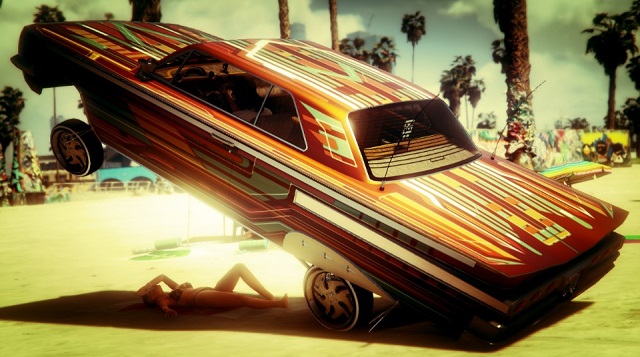
actual_1446727866.jpg

Olympic FWY by R1CHIEC

actual_1446727876.jpg

SPF 1000 by SilverFox1

Thema: Halloween

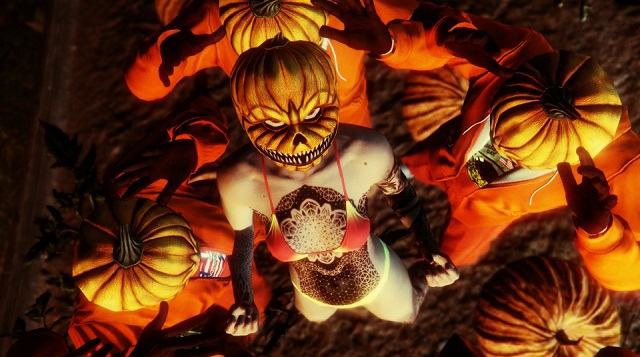
actual_1446727890.jpg

SMILEY by BanJabi

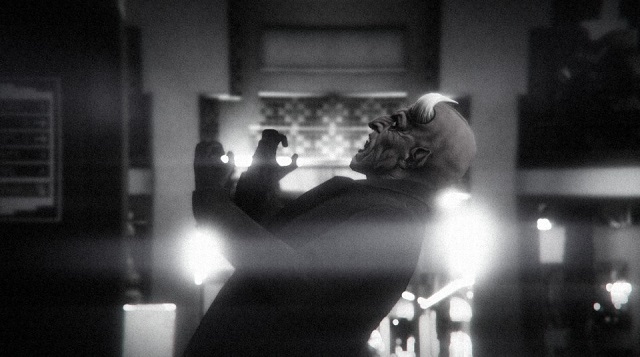
actual_1446727903.jpg

BURTON by PhenaxMusic

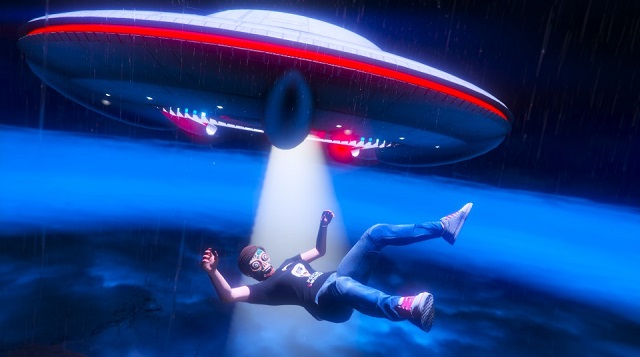
actual_1446727916.jpg

BEAM ME UP by incredible91852

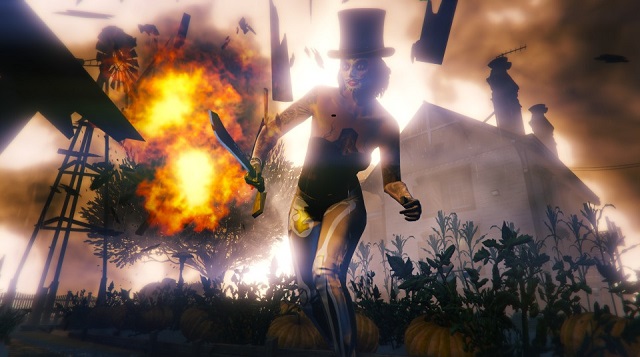
actual_1446727929.jpg

STRAIGHT FROM HELL by Sariska

actual_1446727940.jpg

DEVIL'S PLAYGROUND by SzaboAndris

Wat vind jij van deze creaties? Laat het weten in een reactie!

b3c413b50bf694be293dee0u92.png

0 Comments

Recommended Comments

There are no comments to display.

Guest
Add a comment...

Configure browser push notifications

Chrome (Android)
  1. Tap the lock icon next to the address bar.
  2. Tap Permissions → Notifications.
  3. Adjust your preference.
Chrome (Desktop)
  1. Click the padlock icon in the address bar.
  2. Select Site settings.
  3. Find Notifications and adjust your preference.