



Jump to content
View in the app

A better way to browse. Learn more.

GTAGames.nl - De Nederlandse Grand Theft Auto Community!

A full-screen app on your home screen with push notifications, badges and more.

To install this app on iOS and iPadOS
  1. Tap the Share icon in Safari
  2. Scroll the menu and tap Add to Home Screen.
  3. Tap Add in the top-right corner.
To install this app on Android
  1. Tap the 3-dot menu (⋮) in the top-right corner of the browser.
  2. Tap Add to Home screen or Install app.
  3. Confirm by tapping Install.

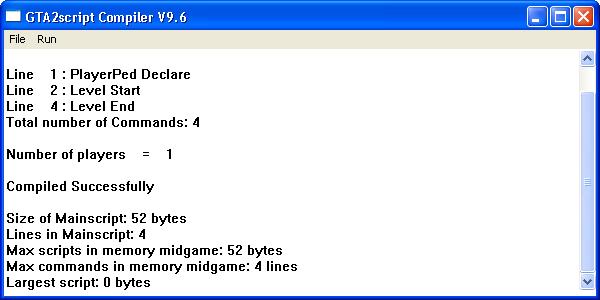
1 Screenshot

Met deze officiële Script Compiler van DMA Design kun je je scripts omzetten naar een voor GTA2 bruikbaar bestand. De compiler is noodzakelijk voor het gebruiken van je eigengemaakte maps. Voor een uitgebreide tutorial kun je terecht op WikiGTA.

Configure browser push notifications

Chrome (Android)
  1. Tap the lock icon next to the address bar.
  2. Tap Permissions → Notifications.
  3. Adjust your preference.
Chrome (Desktop)
  1. Click the padlock icon in the address bar.
  2. Select Site settings.
  3. Find Notifications and adjust your preference.