





Inleiding
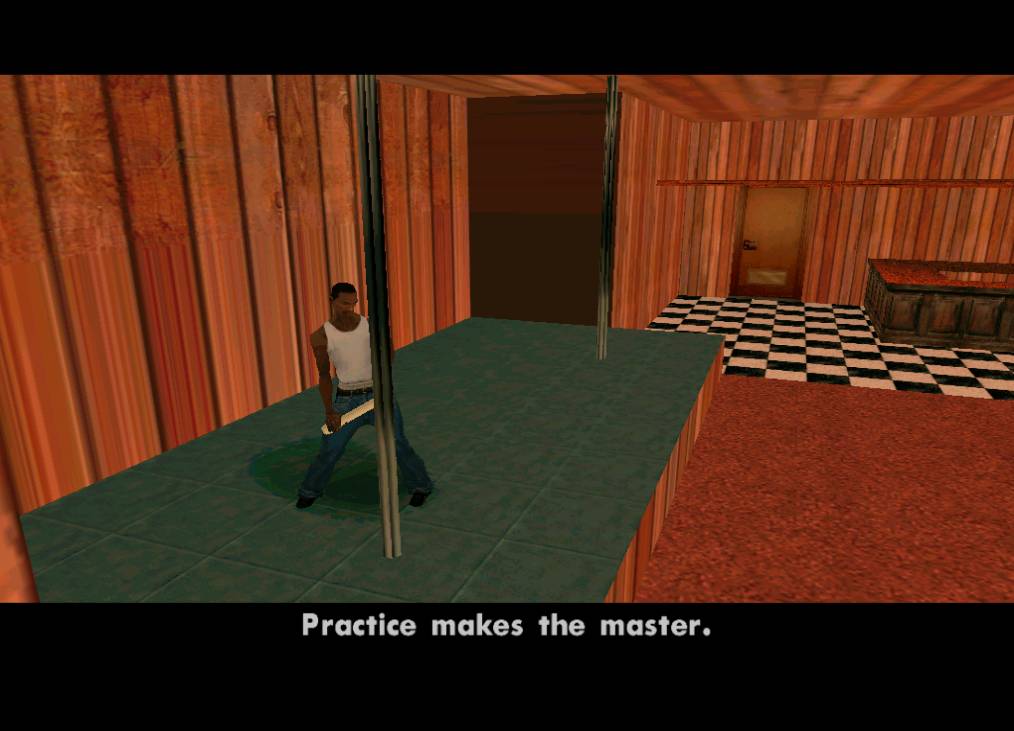
Veel mensen willen graag eens een missie maken, maar kunnen helaas niet scripten. Juist voor die mensen is deze modificatie geschikt: je kunt ingame een missie maken. Snel en eenvoudig. Die missie kan je nog verspreiden ook!
Installeren
De installatie is vrij simpel. Je moet de map die je in de download vind plakken in "San Andreas User Files". Als je een missie wilt installeren, moet je het bestandje ("DYOMx.dat") ook in "San Andreas User Files" plaatsen. Zorg wel dat je eerst CLEO geinstalleerd hebt (download).
Downloaden en verspreiden van missies
Je kunt missies downloaden en verspreiden via deze site.
Credits:
PatrickW (Scripten)
Dutchy3010 (Scripten)
_KoE_Mzungu (Testen)
GTA-Sheep (Testen)
Mythbuster (Testen)
Svenie (Testen)
Seemann (Voor CLEO)
Voor een uitgebreide gebruiksaanwijzing over de mod, moet je de readme lezen.
Veel plezier met de mod, en vergeet niet je creatie te uploaden op deze site!
Wat is er nieuw in versie 12/07/09 21:20
Uitgebracht:
Geen veranderingen beschikbaar voor deze versie.