




Skip to content
View in the app

A better way to browse. Learn more.

GTAGames.nl - De Nederlandse Grand Theft Auto Community!

A full-screen app on your home screen with push notifications, badges and more.

To install this app on iOS and iPadOS
  1. Tap the Share icon in Safari
  2. Scroll the menu and tap Add to Home Screen.
  3. Tap Add in the top-right corner.
To install this app on Android
  1. Tap the 3-dot menu (⋮) in the top-right corner of the browser.
  2. Tap Add to Home screen or Install app.
  3. Confirm by tapping Install.
Stephen Root praat zijn mond voorbij over GTA6!

Stephen Root praat zijn mond voorbij over GTA6!

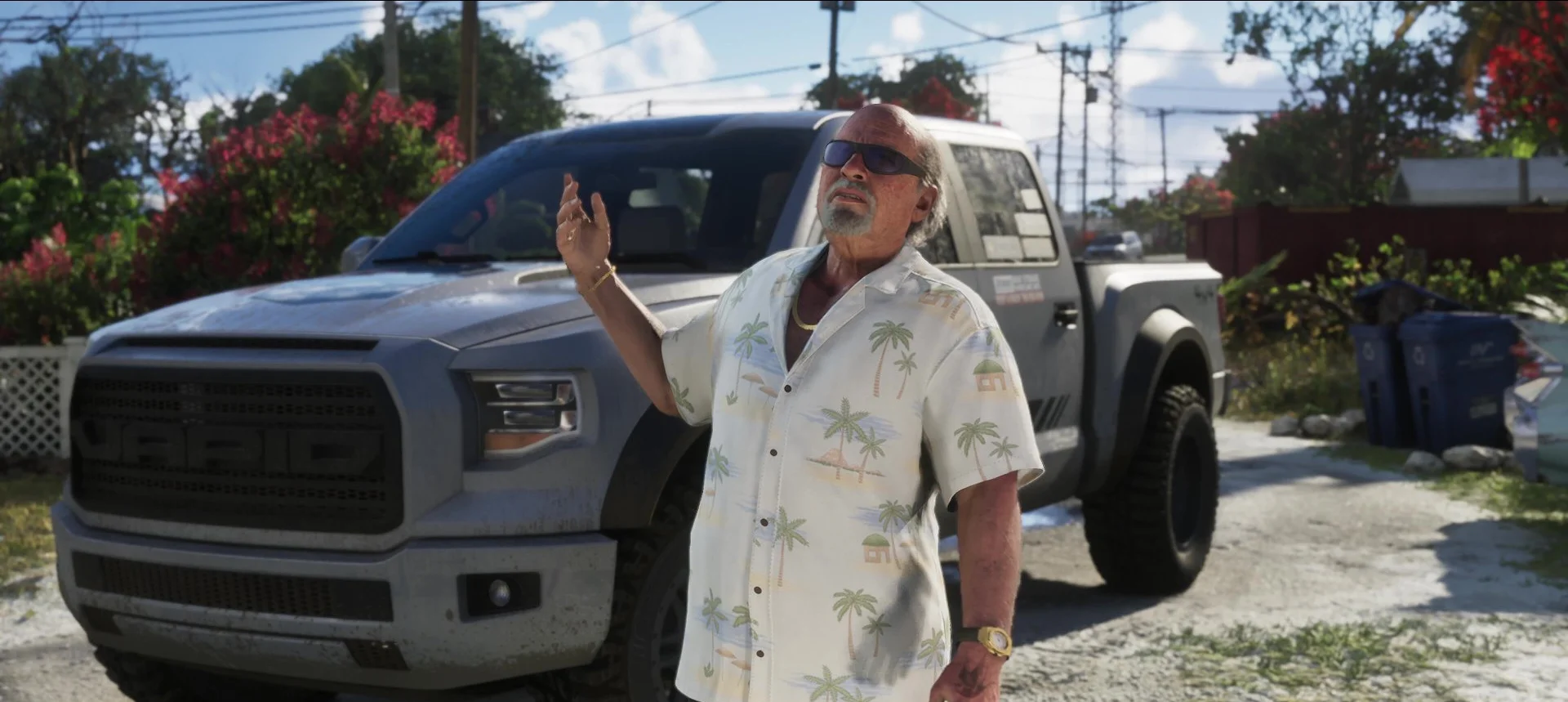
Ondanks de dikke NDA's van Rockstar bevestigde Stephen vandaag in een interview met AP Entertainment zijn rol in GTA6. Volgens Stephen hadden te veel fans zijn stem al herkend uit de TV-serie King of the Hill, dus was het lastig voor hem nog te ontkennen.

Sinds de tweede trailer werd er al gespeculeerd dat Stephen in GTA6 zit. De trailer begint namelijk direct met zijn herkenbare stem die de inmiddels beroemde zin "What are you doing, Jason?" uitspreekt.

In GTA6 speelt hij Brian Heder een oudere drugsdealer die meer als een nestor in het spel zit en Jason de fijne kneepjes van 'het vak' leert.

Terwijl Grand Theft Auto V geen enkele bekende stem-acteur had (Steven Ogg werd pas later bekender met Snowpiercer en Better Call Saul) heeft GTA6 dus echt weer een redelijk bekende acteur. Zelf ken ik Stephen Root vooral als Milton uit Office Space, maar hij speelt ook rollen in Barry, King of the Hill en Widow's Bay.

Ik ben enorm benieuwd wat er nog meer opduikt aan bevestigingen. Zou Manni L. Perez toch echt Lucia zijn?

User Feedback

Recommended Comments

There are no comments to display.

Join the conversation

You can post now and register later. If you have an account, sign in now to post with your account.

Guest
Add a comment...

Account

Navigation

Search

Search

Configure browser push notifications

Chrome (Android)
  1. Tap the lock icon next to the address bar.
  2. Tap Permissions → Notifications.
  3. Adjust your preference.
Chrome (Desktop)
  1. Click the padlock icon in the address bar.
  2. Select Site settings.
  3. Find Notifications and adjust your preference.