





GTA Online is weer een auto rijker, spelers kunnen profiteren van nieuwe bonussen, pak je kansen in het casino en maak kans op nieuwe prijzen, en claim je Diamond Program beloningen. Dit is de GTA Online update van deze week...
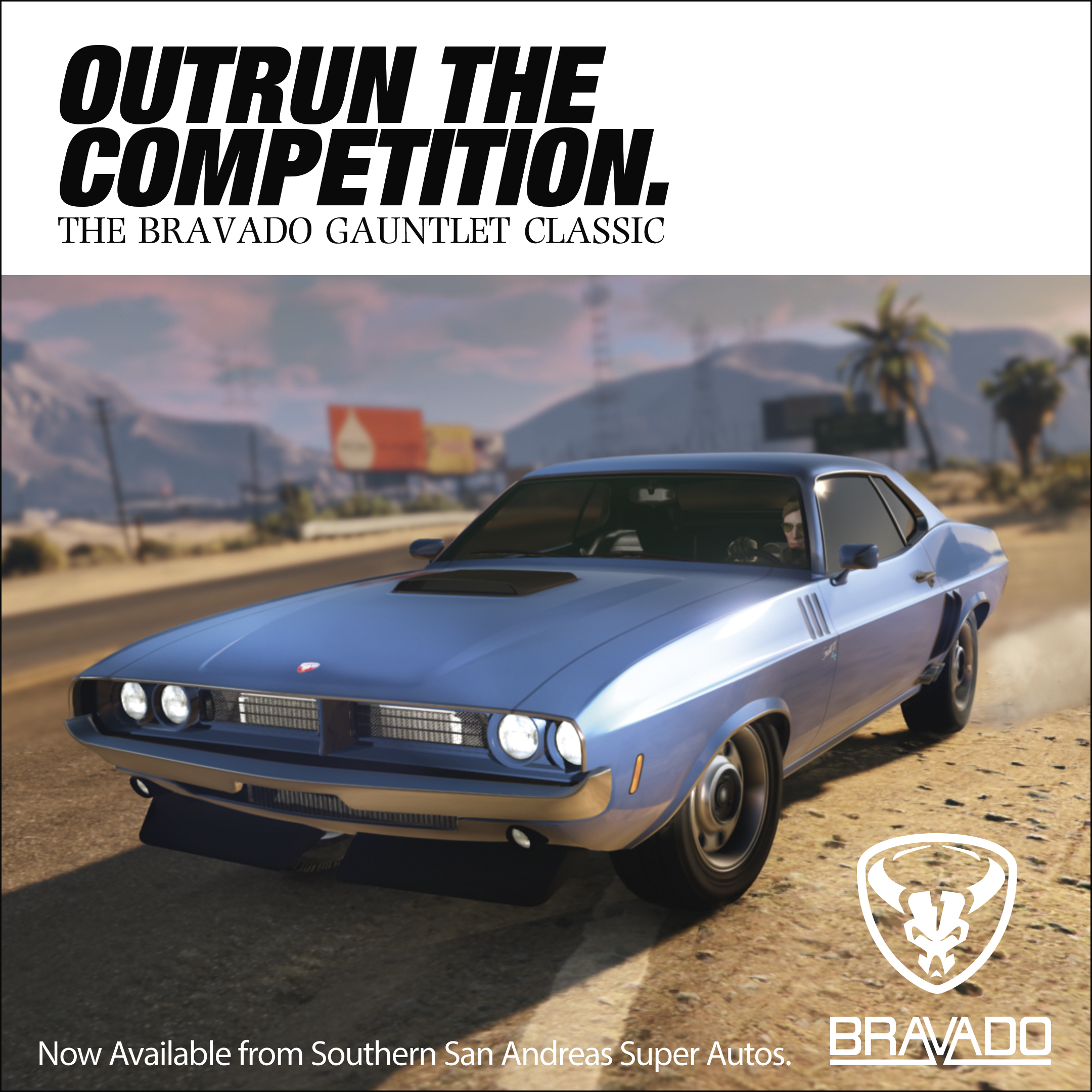
Maak kennis met de Bravado Gauntlet Classic, een oud beestje dat nog altijd sterk genoeg is en tegen een stootje kan. Je kunt deze nieuwe muscle kopen voor $615,000 bij Southern San Andreas Motorsport. Mocht je geen geld hebben voor het nieuwe voertuig omdat je al je centen al uitgegeven hebben in het casino, dan kun je ook nog aan de slag voor The Diamond. Al het Casino Work levert je namelijk dubbel geld en RP op. Maak je onderdeel uit van een organisatie dan kun je als Bodyguard of Associate een dubbel salaris verwachten.
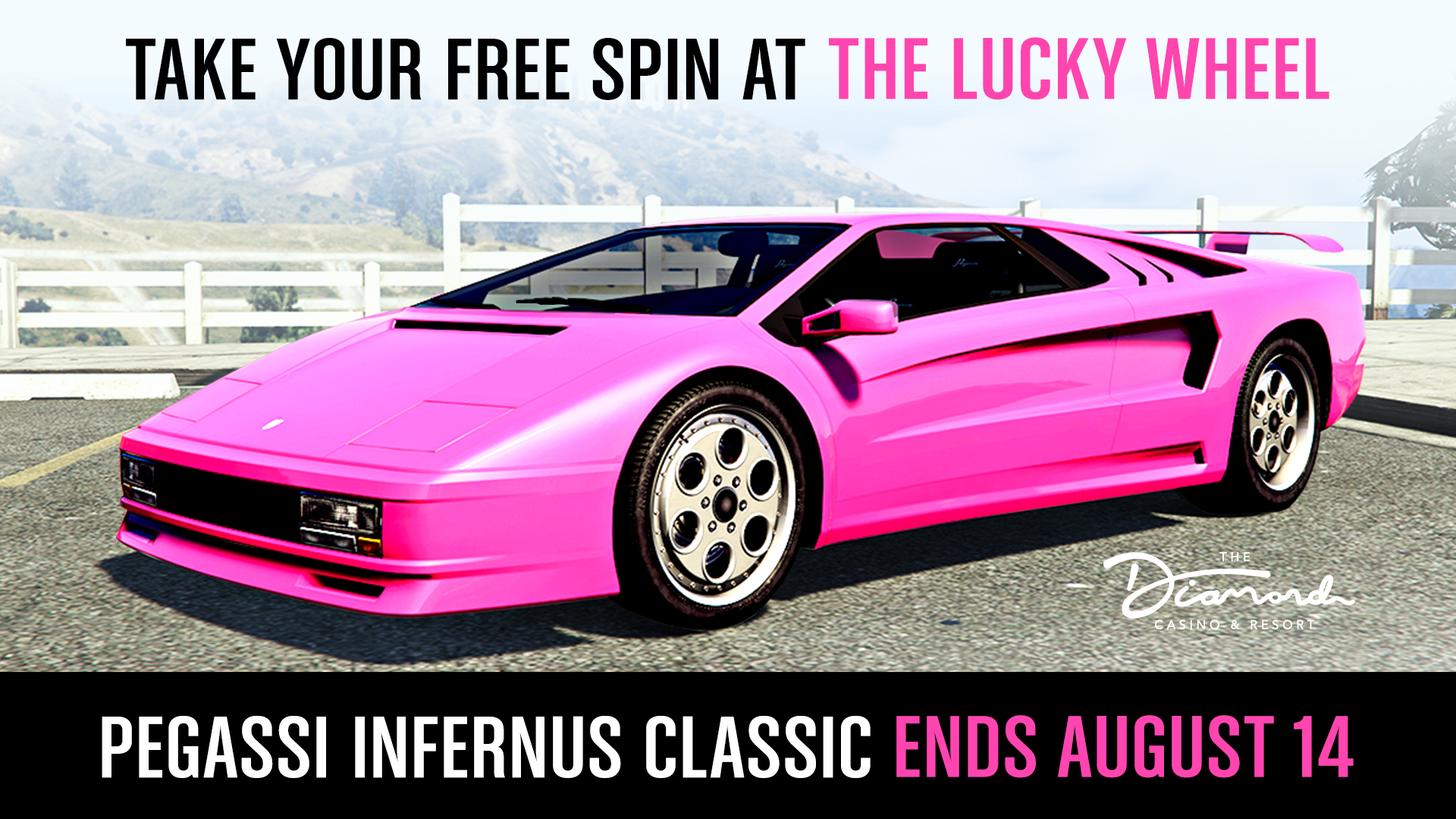
Inloggen op GTA Online levert je deze week de Red Diamond Casino & Resort Tee op. Probeer ook je kans te nemen met het Lucky Wheel. Deze week kun je daar namelijk weer een nieuw podiumvoertuig mee verdienen: de Pegassi Infernus Classic. Ondertussen is de Casino Store voorzien van nieuwe kleding en artworks voor je Penthouse.
Spelers die zich voor de eerste ronde aan beloningen van The Diamond Program hebben gekwalificeerd kunnen de eerste beloningen op 13 augustus verwachten. Naast deze extra bonussen zijn er weer volop kortingen en Twitch Prime-bonussen. Lees ze hier allemaal!
Bron: Rockstar Newswire

Recommended Comments
Een reactie plaatsen
Je kan nu een reactie plaatsen en pas achteraf registreren. Als je al lid bent, log eerst in om met je eigen account een reactie te plaatsen.