





Bravado zit er weer bovenop en komt deze keer met een fel autootje aanzetten. De Bravado Gauntlet Hellfire is vanaf nu beschikbaar bij Southern San Andreas Super Autos voor een prijs van $745.000.
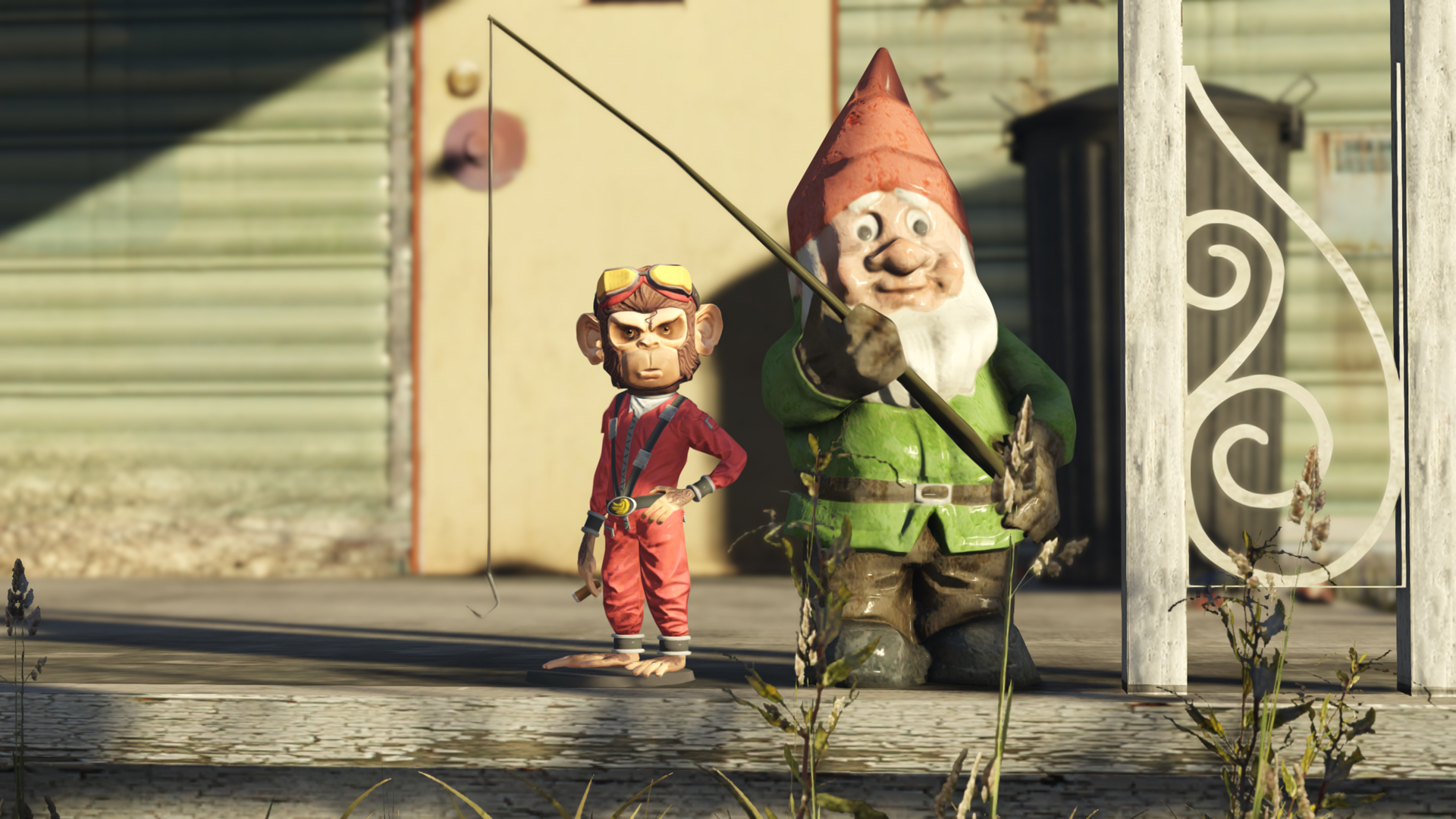
Naast de Bravado Gauntlet Hellfire kun je deze week ook wat anders nieuws op GTA Online vinden. En dat vinden moet je heel letterlijk nemen. Een paar weken geleden konden wij al melden dat er nieuwe collectibles onderweg waren naar GTA Online, waaronder Action Figures. Deze zijn nu beschikbaar en zijn verstopt in San Andreas. Door ze te verzamelen ontvang je geld en RP. Weet je ze allemaal te vinden dan ontvang je ook nog een bonus, een exclusief Impontent Rage kostuum. In de onderstaande video worden alle locaties van de Action Figures getoond. Lekker makkelijk!
The Diamond Casino & Resort heeft een nieuw podiumvoertuig, de Truffade Nero, naar binnengereden welke deze week te winnen is met een draai aan het Lucky Wheel. De Casino Store is aangevuld met nieuwe kleding en artworks voor je Casino Penthouse. Verder kun je deze week weer profiteren van bonussen en kortingen. Zo krijg je dubbel RP en geld met Casino Story Missions, en kun je geld besparen op leuke voertuigen. Bekijk hier de volledige lijst met bonussen en kortingen.
Bron: Rockstar Newswire

Recommended Comments
Een reactie plaatsen
Je kan nu een reactie plaatsen en pas achteraf registreren. Als je al lid bent, log eerst in om met je eigen account een reactie te plaatsen.