






Deze week kunnen auto liefhebbers van Los Santos zich flink uitleven want het is Lowriders week. Ga deze week naar Benny's Original Motor Works voor grote kortingen en ga naar Lamar Davis en scoor dubbele beloningen op alle acht Lowrider-missies tot en met 17 april. Ook kun je meer verdienen met de Inch By Inch, Keep the Pace, en In and Out Adversary Modes.
Het Premium Race-schema van deze week omvat een rondje rond Bolingbroke en een rondleiding door het moderne wonder dat het zuidelijke San Andreas-wegennet is. Om je kans te wagen op een GTA $ 100K prijs, leg je GTA$ 20K in en ga je via de gele corona op Legion Square of via de Quick Job-app op je in-game telefoon.
- 11 april: Arms Race (vergrendeld tegen Super)
- 12 - 15 april: The Commute (vergrendeld voor sport)
- 16 - 17 april: Criminal Records (vergrendeld tegen Super)
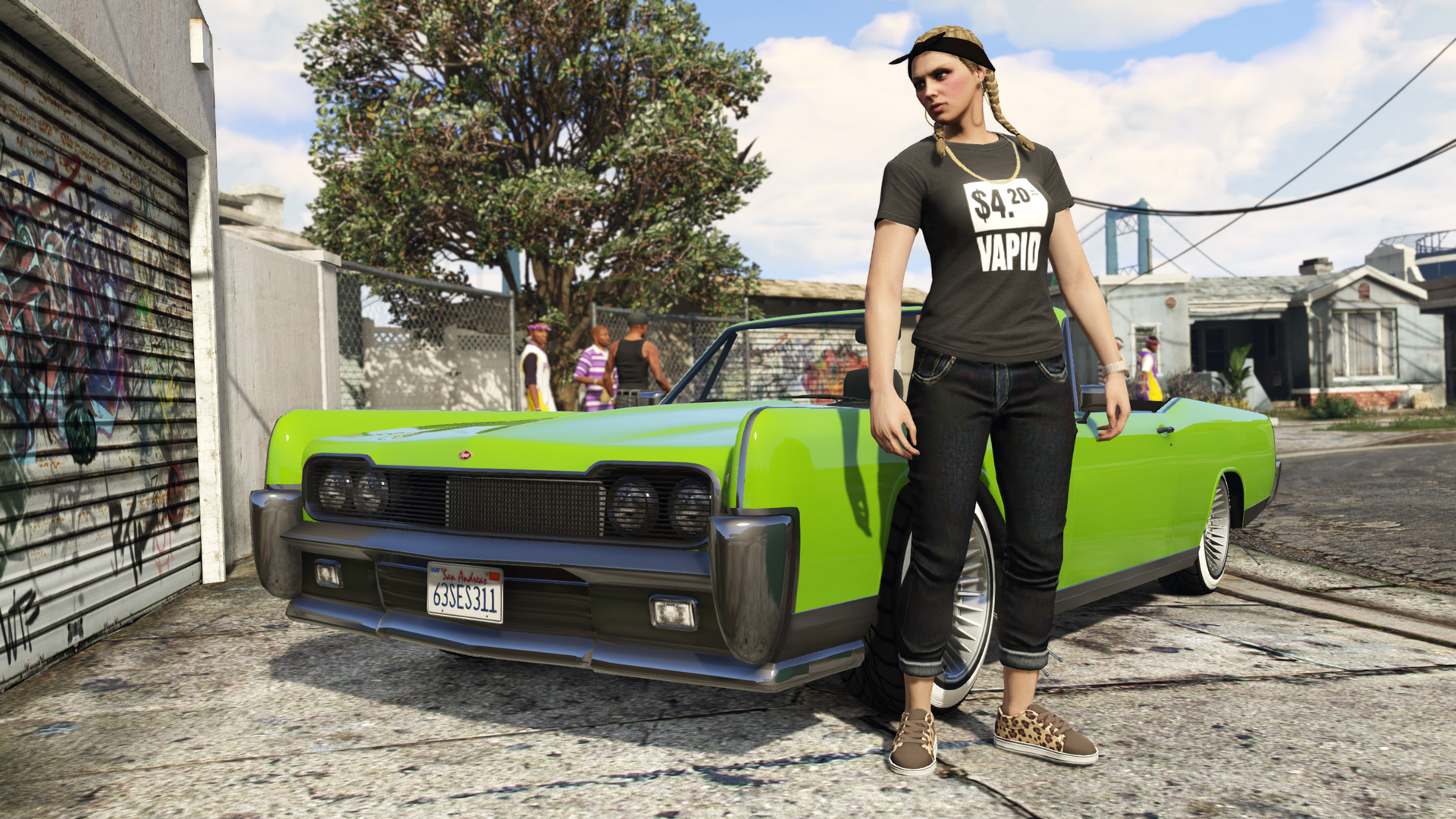
Kom deze week naar GTA Online en ontvang de knock-off 'Fake Vapid' shirt. Alle kortingen van deze week vind je hier.
Bron: Rockstar Newswire

Recommended Comments
Een reactie plaatsen
Je kan nu een reactie plaatsen en pas achteraf registreren. Als je al lid bent, log eerst in om met je eigen account een reactie te plaatsen.