





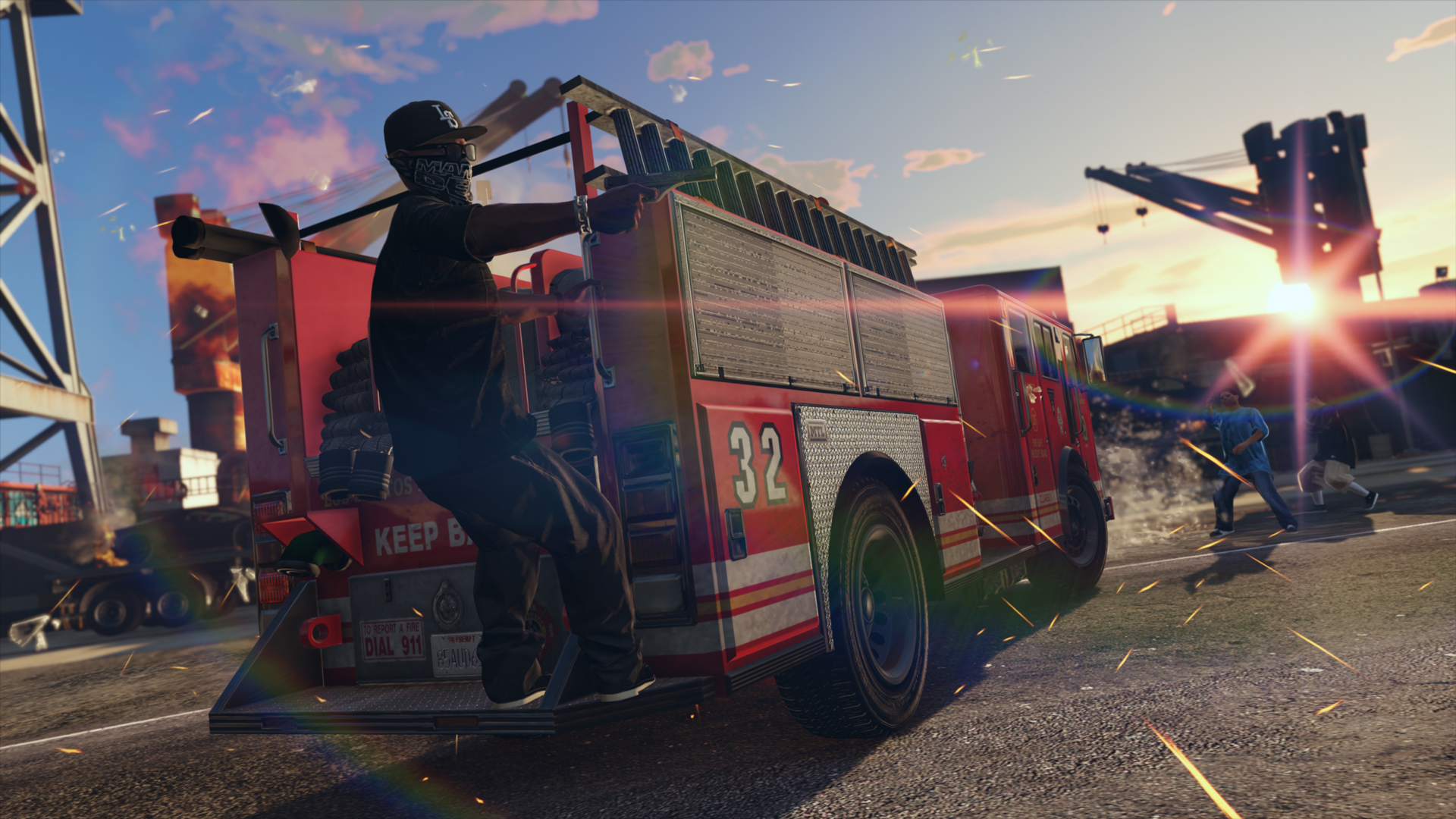
Rockstar Games heeft vandaag weer een wekelijkse update voor GTA Online uitgerold. Ook deze week heeft Simeon weer wat leuke karweitjes voor je klaarliggen. Er zijn namelijk twee nieuwe Premium Deluxe Repo Work missies beschikbaar.
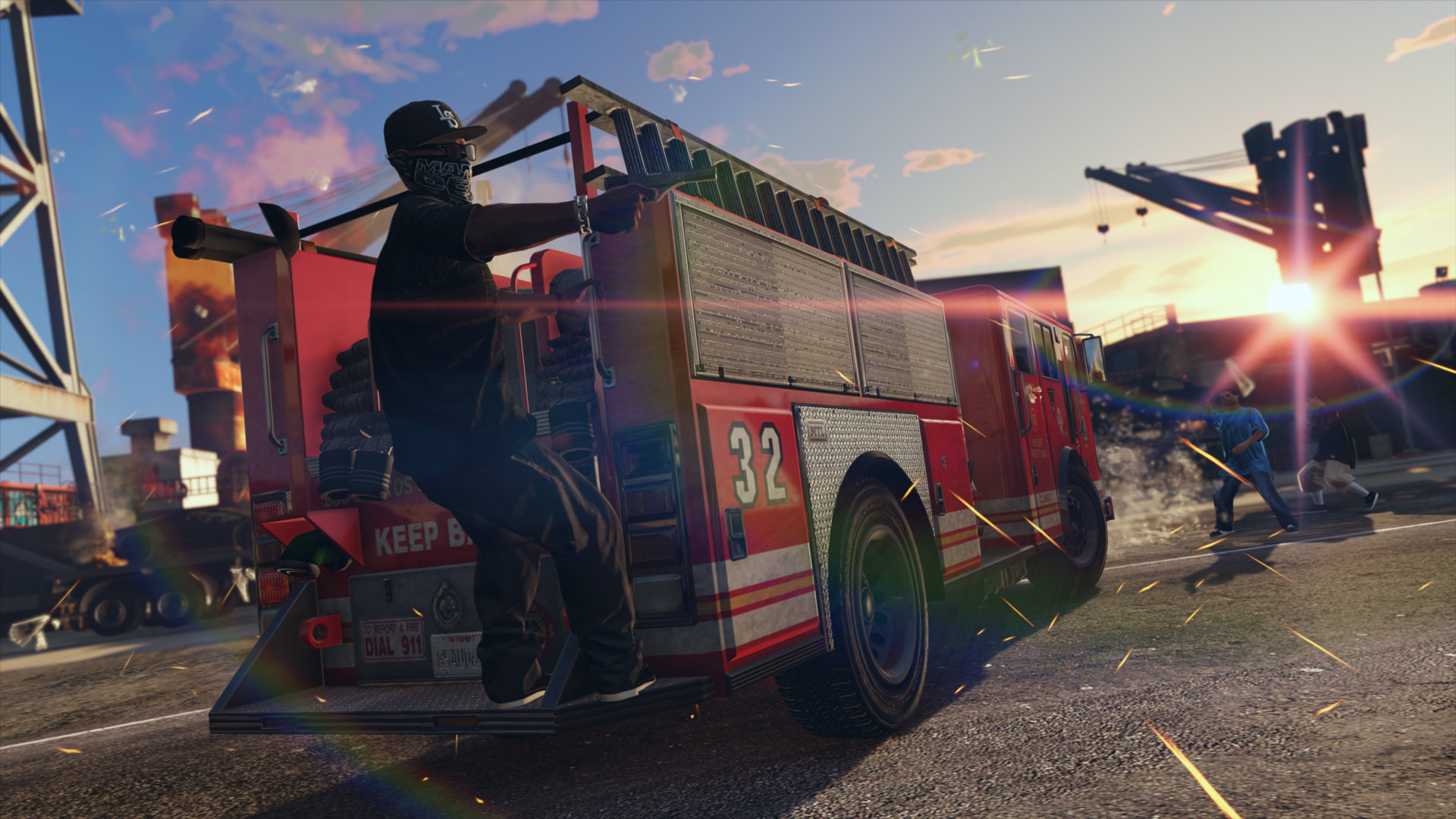
- Burn Rate: Doof het vuur in een Firetruck en zorg dat de Simeon's laatste vracht aan voertuigen blijft bestaan.
- Simeonomics: Steel voertuigen die op het punt staan het land uitgevlogen te worden in een groot vrachtvliegtuig.
Profiteer deze week van dubbel RP en GTA$ op alle Premium Deluxe Repo Work missies. Daarnaast kun je deze week ook dubbele beloningen binnenhalen voor Gunrunning verkoopmissies, Special Vehicle Races en G-Rating Versus missies.
Spelers die zich pas gevestigd hebben in Los Santos, of van uitzicht willen wisselen, kunnen deze week de Maze Bank West office gratis en voor niets claimen op de Dynasty 8 website. Begin je avontuur in lucratieve zaakjes zoals het verhandelen van Special Cargo of Import/Export door een kantoor aan te schaffen.
Uiteraard zijn er deze week ook kortingen beschikbaar welke je samen met de bonussen in een compleet overzicht hier kunt bekijken.
Bron: Rockstar Newswire
Recommended Comments
Een reactie plaatsen
Je kan nu een reactie plaatsen en pas achteraf registreren. Als je al lid bent, log eerst in om met je eigen account een reactie te plaatsen.