




Skip to content
View in the app

A better way to browse. Learn more.

GTAGames.nl - De Nederlandse Grand Theft Auto Community!

A full-screen app on your home screen with push notifications, badges and more.

To install this app on iOS and iPadOS
  1. Tap the Share icon in Safari
  2. Scroll the menu and tap Add to Home Screen.
  3. Tap Add in the top-right corner.
To install this app on Android
  1. Tap the 3-dot menu (⋮) in the top-right corner of the browser.
  2. Tap Add to Home screen or Install app.
  3. Confirm by tapping Install.

Ontvang The Diamond Casino & Resort cadeautjes op GTA Online

Met de release van The Diamond Casino & Resort update heeft GTA Online een succesvolle periode achter de rug. Het meeste aantal spelers sinds de launch van GTA Online in oktober 2013 zijn geteld en dat moet gevierd worden. Rockstar Games geeft als dank gratis cadeautjes weg aan de spelers die tussen 23 juli en 3 augustus GTA Online gespeeld hebben, en hebben bijgedragen aan de fantastische opening van The Diamond Casino & Resort.

 

large.16926f56733decd4dfaac886b456e5739c large.783829344e15bcc769c2117f32ab4e468e


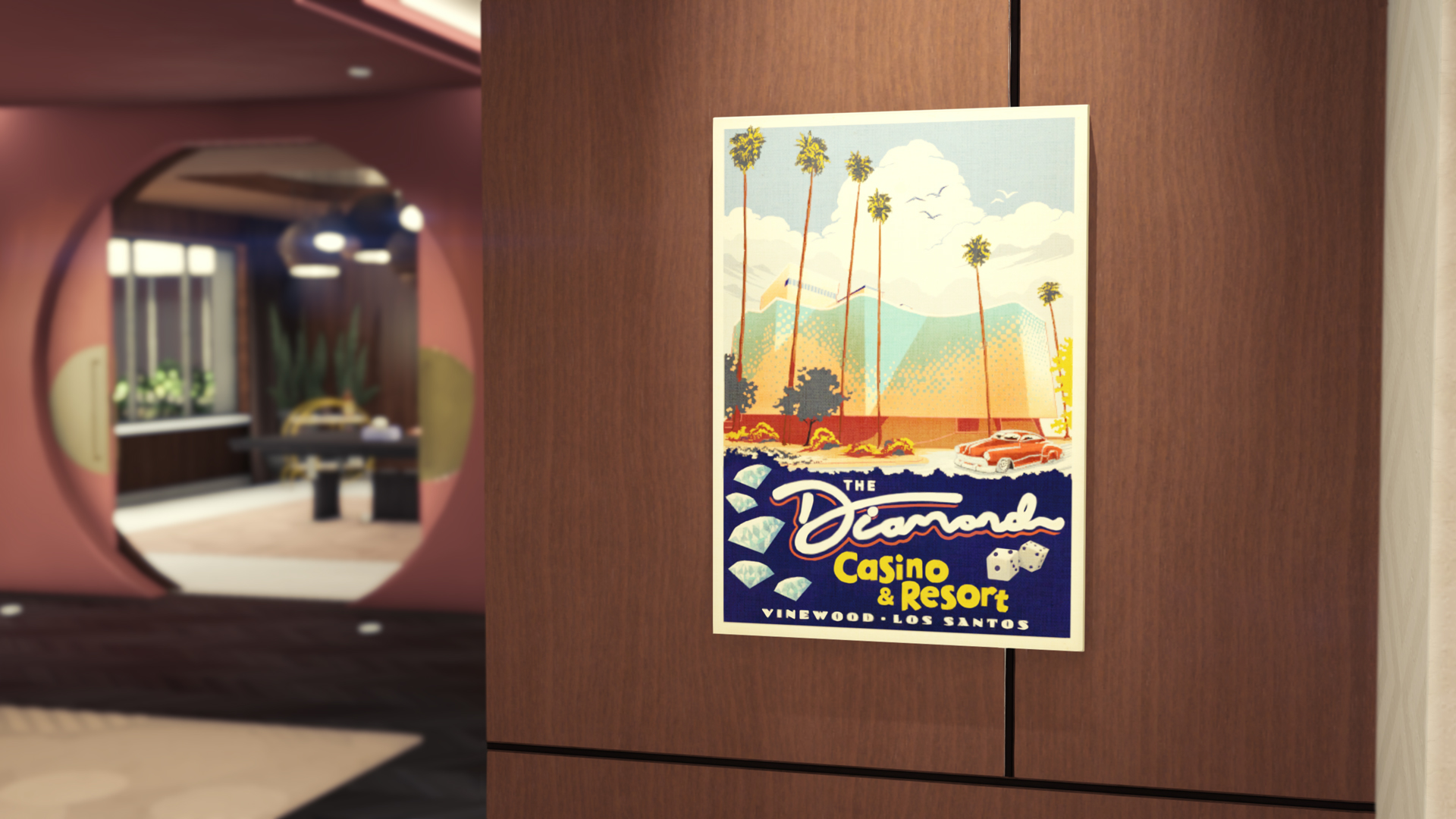
Spelers die inloggen op GTA Online ontvangen $250.000, de Ash Diamond Hoodie, en The Diamond Casino & Resort Wall Art voor je Casino Penthouse. De laatste twee zijn te verkrijgen via de Casino Store. Het geld zal uiterlijk 11 augustus op je bankrekening staan. 


Bron: Rockstar Newswire

783829344e15bcc769c2117f32ab4e468e0070a5.jpg

User Feedback

Recommended Comments

GTA-LCS-Maverick Gang infiltrant

GTA-LCS-Maverick

Leden

Ik heb het al heel lang niet meer gespeeld, maar kom nu weer elke dag om aan het rat te draaien en voor de gezelligheid natuurlijk, en ik had nog 8 euro op me XBOX account staan, dus ik ben nou VIP en zit heerlijk in de rookruimte te kijken naar mensen die niet naar binnen mogen haha.

Join the conversation

You can post now and register later. If you have an account, sign in now to post with your account.

Guest
Add a comment...

Account

Navigation

Search

Search

Configure browser push notifications

Chrome (Android)
  1. Tap the lock icon next to the address bar.
  2. Tap Permissions → Notifications.
  3. Adjust your preference.
Chrome (Desktop)
  1. Click the padlock icon in the address bar.
  2. Select Site settings.
  3. Find Notifications and adjust your preference.