




Skip to content
View in the app

A better way to browse. Learn more.

GTAGames.nl - De Nederlandse Grand Theft Auto Community!

A full-screen app on your home screen with push notifications, badges and more.

To install this app on iOS and iPadOS
  1. Tap the Share icon in Safari
  2. Scroll the menu and tap Add to Home Screen.
  3. Tap Add in the top-right corner.
To install this app on Android
  1. Tap the 3-dot menu (⋮) in the top-right corner of the browser.
  2. Tap Add to Home screen or Install app.
  3. Confirm by tapping Install.

Verdien de High Roller outfit met een speurtocht

large_cas1.jpg.b1fcd27ea9f20ec29e1d45ab56d1573a.jpg&key=d9e840e7ebf7d07df18b00c795ce0f22728ae05f8b356d9d060cf5cd2bf891b1


Zoals we gisteren al konden lezen heeft Rockstar naast de slot machines en table games nog een andere leuke minigame verstopt in de open world. Namelijk 54 verstopte casino speelkaarten. Nu is dit natuurlijk een hele onderneming om deze zelf te zoeken, dus onze vrienden van GTASeriesVideos hebben met behulp van de GTAForums en Reddit community binnen 24 uur van de DLC release een video geupload met de locatie van elke kaart.


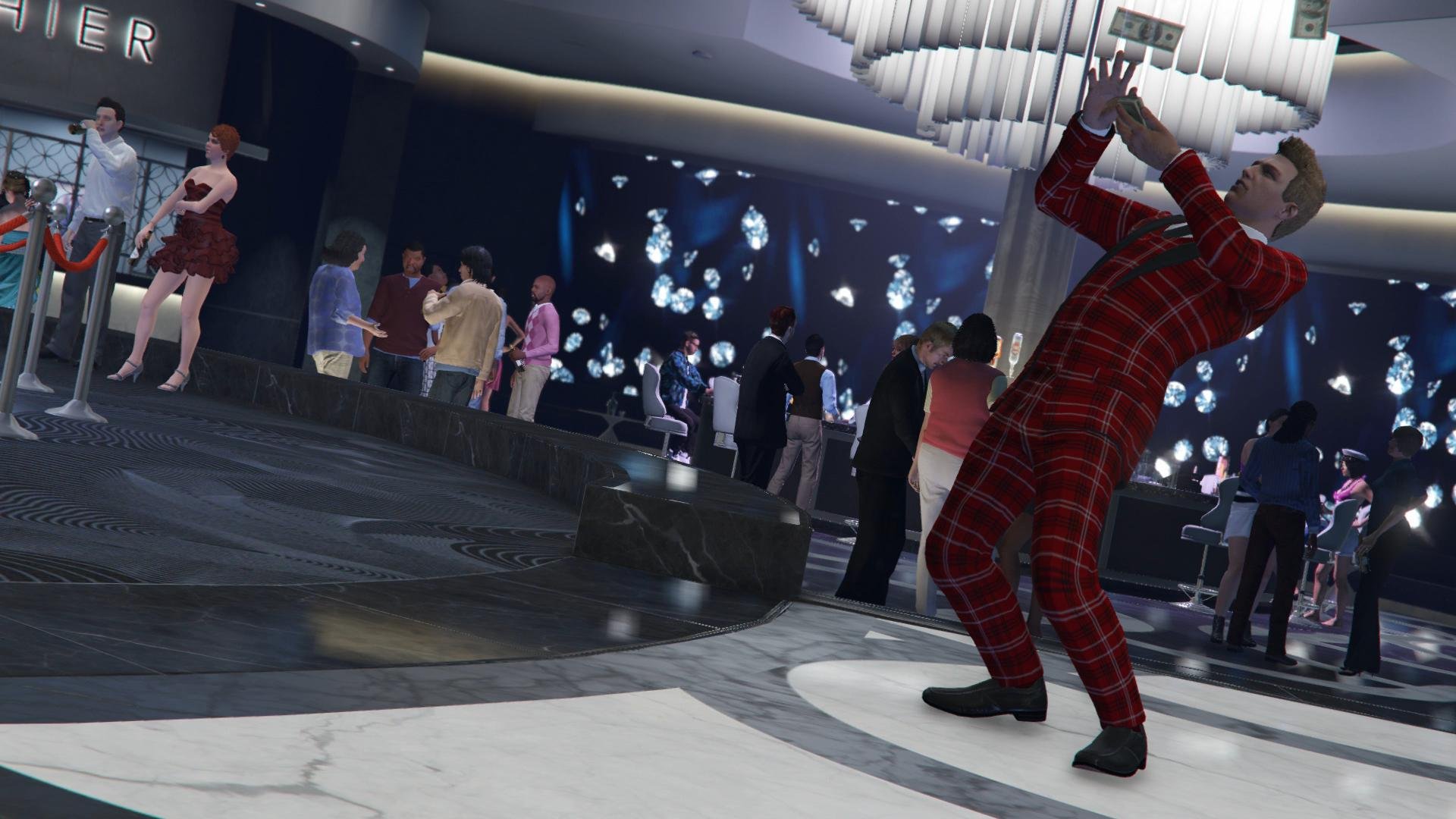
De beloning voor deze challenge is een mooie High Roller outfit. Deze kan je vinden in je wardrobe bij Special. En daarnaast krijg je ook een nieuw dek kaarten bij je prive speeltafel in je Penthouse. Mits je deze ruimte gekocht hebt. Later kunnen spelers op Red Dead Online ook een beloning verwachten.
 

large.41t9phhK.jpg.12c8340eebd7190fd5690a89600f1a44.jpg

De mannelijke High Roller outfit

5a7f62bca6ed6b2532659c32bf1feee17fcfa887.jpg

User Feedback

Recommended Comments

There are no comments to display.

Join the conversation

You can post now and register later. If you have an account, sign in now to post with your account.

Guest
Add a comment...

Account

Navigation

Search

Search

Configure browser push notifications

Chrome (Android)
  1. Tap the lock icon next to the address bar.
  2. Tap Permissions → Notifications.
  3. Adjust your preference.
Chrome (Desktop)
  1. Click the padlock icon in the address bar.
  2. Select Site settings.
  3. Find Notifications and adjust your preference.