




Skip to content
View in the app

A better way to browse. Learn more.

GTAGames.nl - De Nederlandse Grand Theft Auto Community!

A full-screen app on your home screen with push notifications, badges and more.

To install this app on iOS and iPadOS
  1. Tap the Share icon in Safari
  2. Scroll the menu and tap Add to Home Screen.
  3. Tap Add in the top-right corner.
To install this app on Android
  1. Tap the 3-dot menu (⋮) in the top-right corner of the browser.
  2. Tap Add to Home screen or Install app.
  3. Confirm by tapping Install.

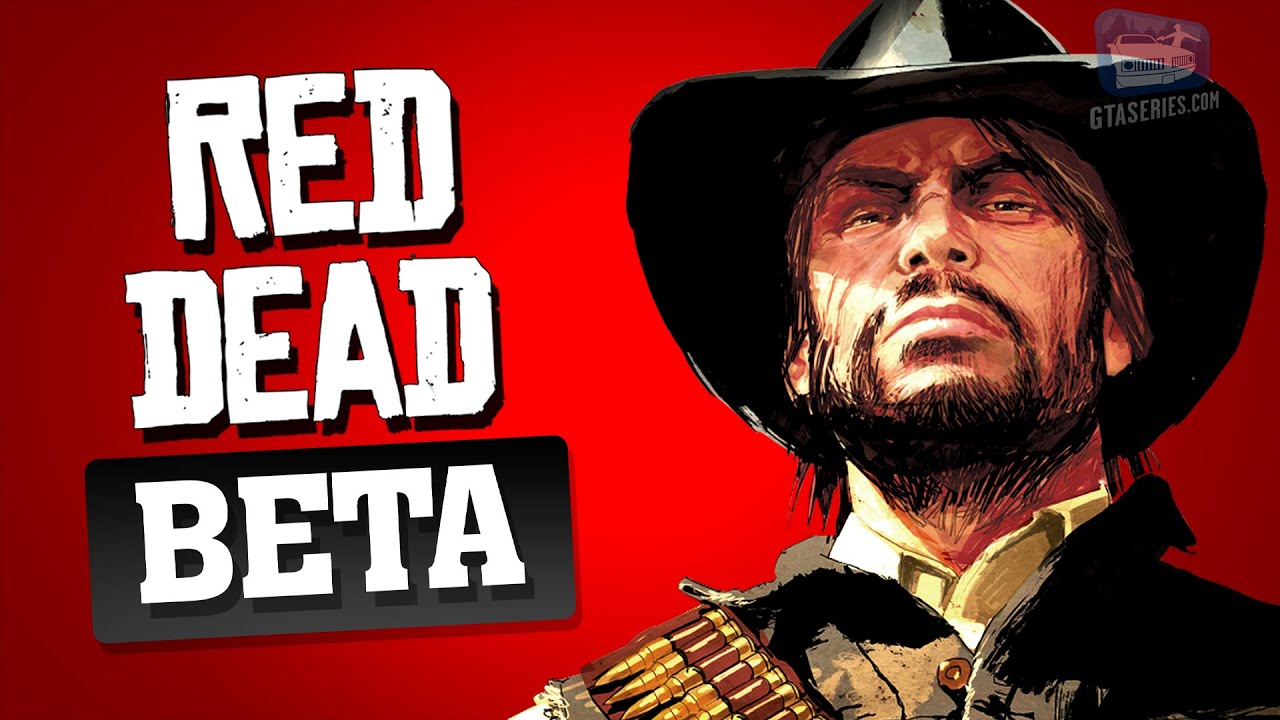
Bekijk de geschiedenis en beta versie van Red Dead Redemption

Dat GTA Series Videos leuke en interessant video's maakt weten we inmiddels al. Al jaren plaatsen wij hun video's hier op GTAGames en zo ook hun nieuwste video. Met nog twee weken te gaan tot de release van Red Dead Redemption 2, hebben ze vandaag een video geüpload waarin ze een stukje geschiedenisles geven over Red Dead Redemption. Tegelijkertijd hebben ze uitgelicht wat er veranderd is in Red Dead Redemption vergeleken de beta versie van het spel. Veel plezier met kijken! :) 


Bron: GTA Series Videos

User Feedback

Recommended Comments

There are no comments to display.

Join the conversation

You can post now and register later. If you have an account, sign in now to post with your account.

Guest
Add a comment...

Account

Navigation

Search

Search

Configure browser push notifications

Chrome (Android)
  1. Tap the lock icon next to the address bar.
  2. Tap Permissions → Notifications.
  3. Adjust your preference.
Chrome (Desktop)
  1. Click the padlock icon in the address bar.
  2. Select Site settings.
  3. Find Notifications and adjust your preference.