





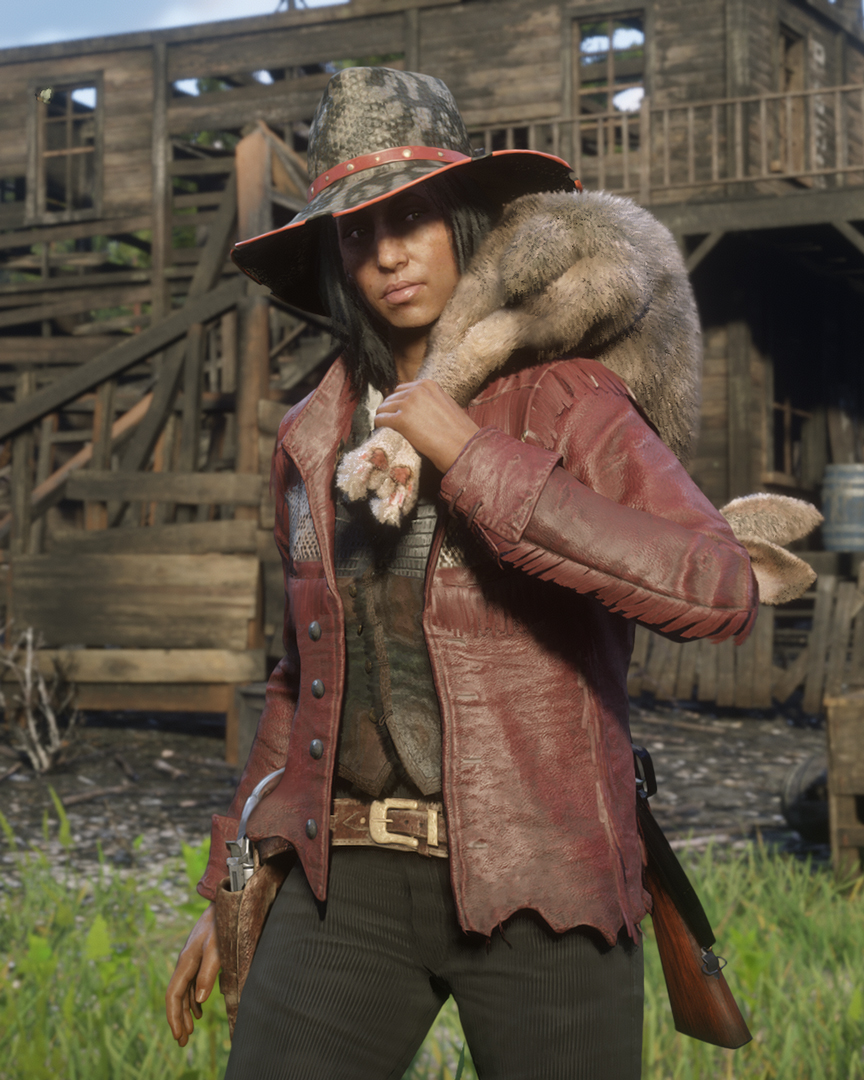
 Spelers die deze week rank 10 weten te bereiken op Red Dead Online krijgen een extra beloning van Rockstar Games. Er zal namelijk $100 Red Dead Online Dollars (RDO$) op je bankrekening gestort worden. Een leuk extraatje dus. Spelers die rank 10 al gepasseerd zijn ontvangen deze bonus ook. Het geld zal uiterlijk 15 mei gestort worden.
Daarnaast is de vorige week toegevoegde kleding nog altijd beschikbaar. Deze week kun je dus nog je geld uitgeven aan de Owanjila Hat, Manteca Hat, Benbow Jacket, Porter Jacket, Woodland Gloves, en Tied Pants.
Bron: Rockstar Newswire via Rockstar Social Club

Recommended Comments
Een reactie plaatsen
Je kan nu een reactie plaatsen en pas achteraf registreren. Als je al lid bent, log eerst in om met je eigen account een reactie te plaatsen.