




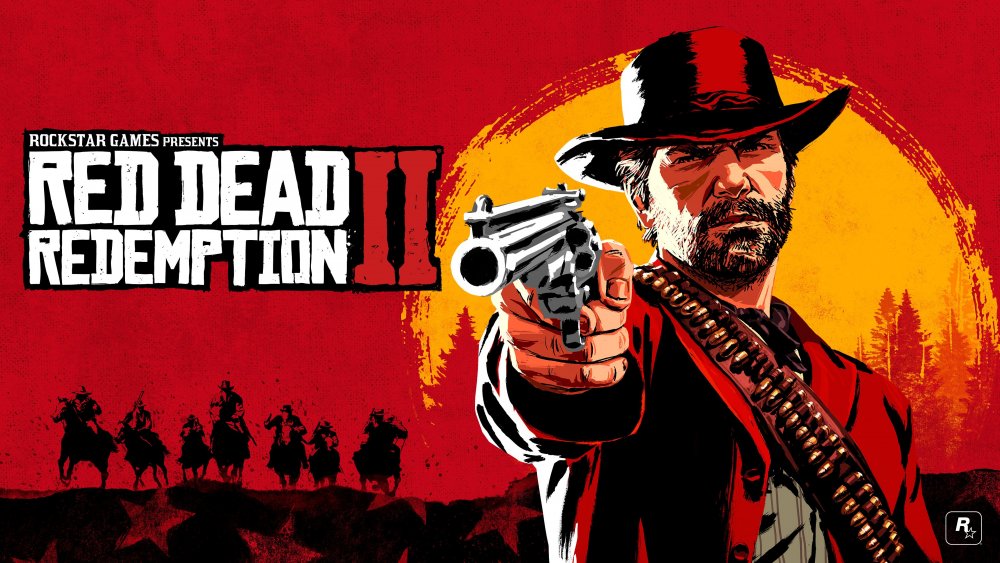
Op 23 februari heeft Rockstar Games samen met Red Bull een live optreden georganiseerd waarbij muziek uit Red Dead Redemption II gespeeld werd. Het concert dat een uur duurde vond plaats in Los Angeles en was maar voor een paar honderd man. Maar nu heeft Red Bull het optreden volledig op hun YouTube-kanaal beschikbaar gesteld zodat de rest van de wereld er ook van kan genieten. 
Er werd enkel muziek gespeeld die Woody Jackson gecomponeerd had (hij speelde trouwens mee), dus bijvoorbeeld het nummer Unshaken of andere nummers met tekst werden niet gespeeld. Op een officiële release van de soundtrack is het nog heel even wachten. Rockstar heeft gezegd dat die in de lente komt, dus lang zal het niet duren. In de uitleg onder het filmpje staat trouwens albums (meervoud dus), dus de OST zal zeer uitgebreid zijn vermoed ik.
In de spoiler vind je de setlist van het optreden.
Set List:
1. Blessed Are The Peacemakers
2. Mrs Sadie Adler, Widow
3. Revenge is a Dish Best Eaten
4. Who The Hell Is Leviticus Cornwall
5. Lost And Not Quite Found
6. Senyawa Solo
7. Paradise Mercifully Departed
8. A Rage Unleashed
9. Colin Stetson Solo
10. Fleeting Joy
11. Icarus and Friends
12. Red Dead Redemption
13. The Wheel
14. Blood Feuds, Ancient And Modern

Recommended Comments
Een reactie plaatsen
Je kan nu een reactie plaatsen en pas achteraf registreren. Als je al lid bent, log eerst in om met je eigen account een reactie te plaatsen.