



Skip to content
View in the app

A better way to browse. Learn more.

GTAGames.nl - De Nederlandse Grand Theft Auto Community!

A full-screen app on your home screen with push notifications, badges and more.

To install this app on iOS and iPadOS
  1. Tap the Share icon in Safari
  2. Scroll the menu and tap Add to Home Screen.
  3. Tap Add in the top-right corner.
To install this app on Android
  1. Tap the 3-dot menu (⋮) in the top-right corner of the browser.
  2. Tap Add to Home screen or Install app.
  3. Confirm by tapping Install.

Nieuwe Red Dead Redemption 2 Limited Edition merchandise onthult!

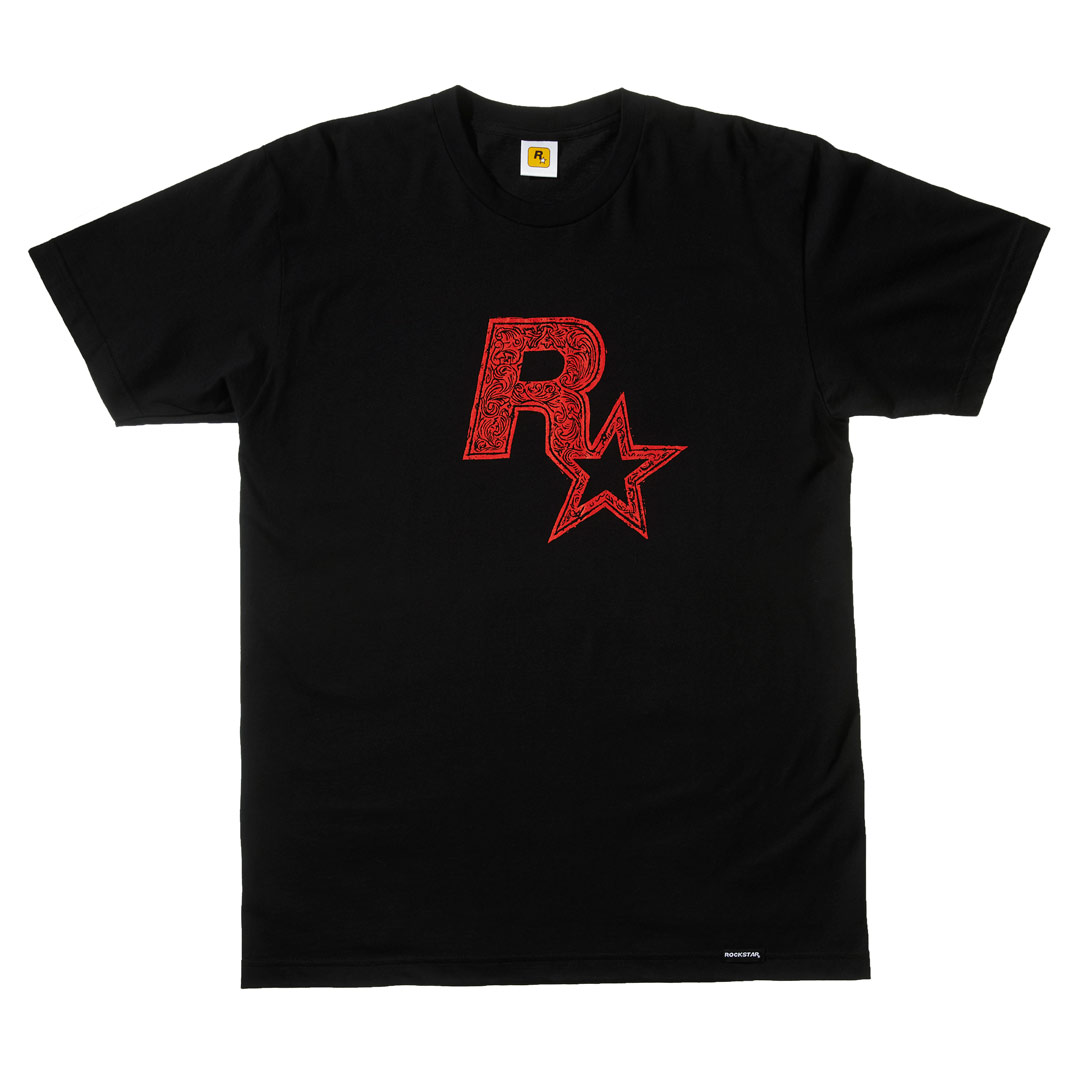
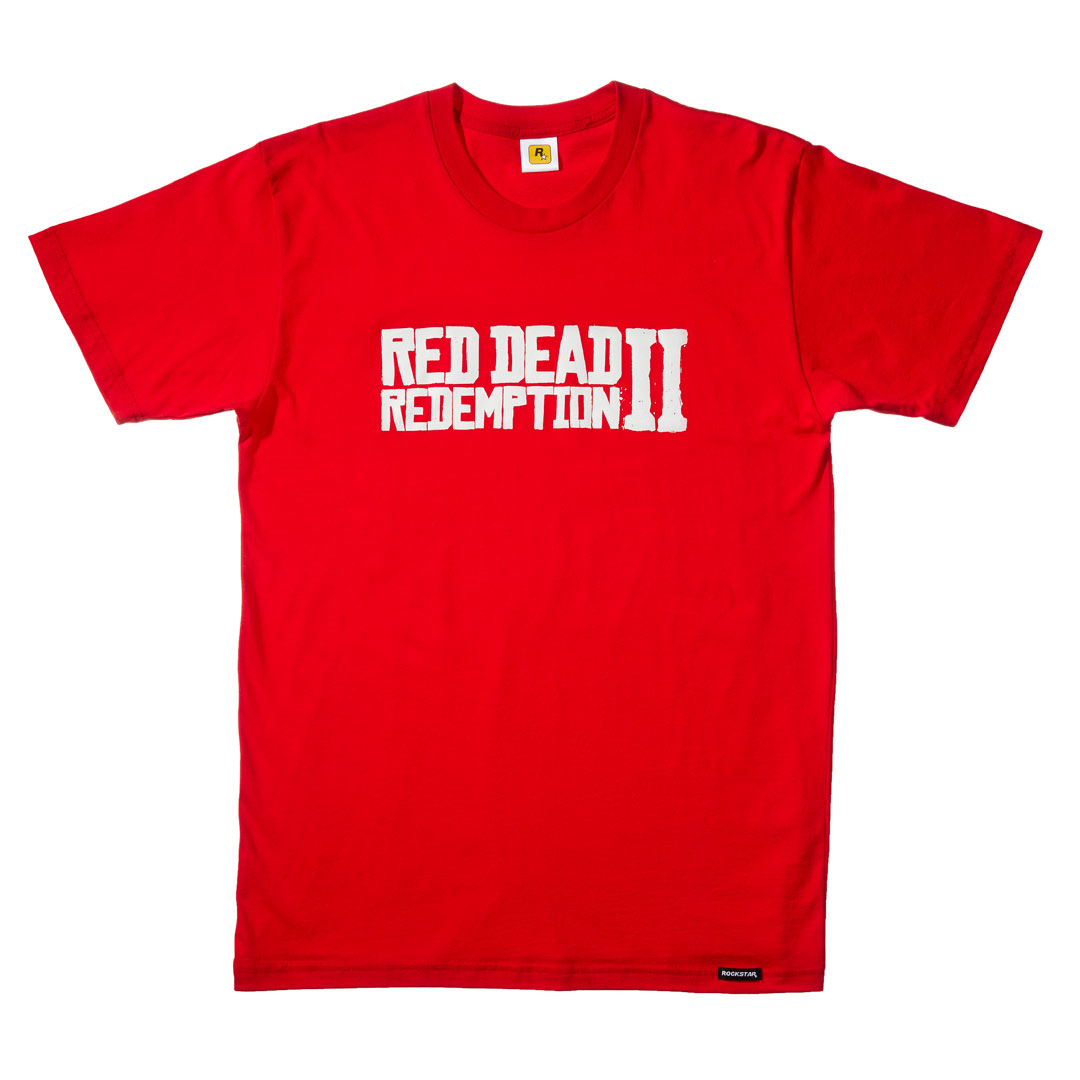
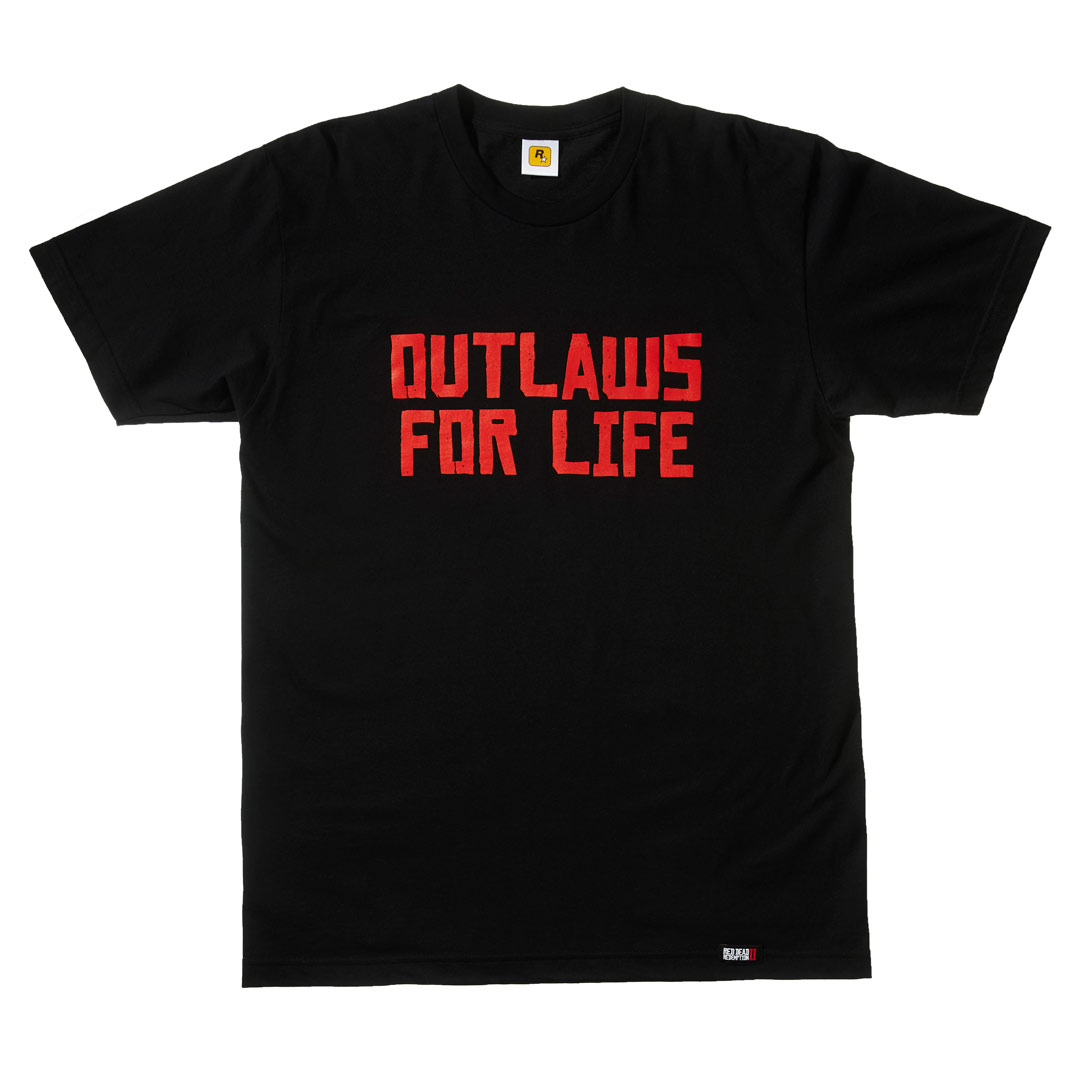
Tee-Black-Rockstar.jpgTee-Red-RDRII-W.jpgTee-Black-OFL.jpg


Rockstar Games heeft zonet de eerste Red Dead Redemption 2 Limited Edition merchandise onthult! Zo komen er metalen beeldjes, nieuwe iPhone en iPad hoesjes, een Zippo, t-shirts, dominos, stickers, pins, een flesopener, kaarsen en nog veel meer. 

Voor wie graag de volledige lijst met alle merchandise bekijkt kan hier terecht: 


Wanneer we al deze hebbedingetjes kunnen verwachten heeft Rockstar (helaas) niet vermeld. Tot nu toe zijn enkel de verschillende game edities en de strategy guide beschikbaar voor pre-order in de Rockstar Warehouse


Bron: Rockstar Newswire

User Feedback

Recommended Comments

Platypus Kingpin

Platypus

Leden

Konden ze zo'n T-shirt of die stick dynamiet niet mee in de Collector's Box steken? :puh:


Op hun website, bij de informatie van die trein staan de namen van een aantal gebieden in de game: Ambarino, New Hanover, Lemoyne, West Elizabeth en New Austin. Die twee laatste kennen we natuurlijk van de eerste RDR.

Phoenyxar Community Legend

Phoenyxar

Ereleden

New Hanover… New Orleans? Ik zou niet weten waar anders te zoeken qua naamgeving, want de Dakota's zijn toch te Noordelijk voor deze game.

Join the conversation

You can post now and register later. If you have an account, sign in now to post with your account.

Guest
Add a comment...

Account

Navigation

Search

Search

Configure browser push notifications

Chrome (Android)
  1. Tap the lock icon next to the address bar.
  2. Tap Permissions → Notifications.
  3. Adjust your preference.
Chrome (Desktop)
  1. Click the padlock icon in the address bar.
  2. Select Site settings.
  3. Find Notifications and adjust your preference.