




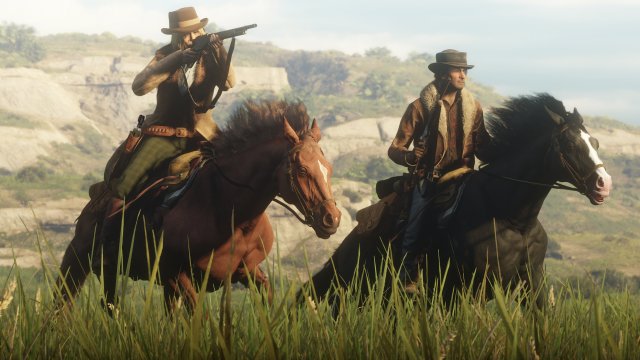

Rockstar Games heeft zojuist een artikel online geplaatst waarin ze een aantal verbeteringen voor de Red Dead Online Beta bespreken. Sinds de release van de Gun Rush gamemode heeft Rockstar een aantal fouten ontdekt met de matchmaking. Dankzij tijdelijke aanpassingen zijn deze fouten nu verholpen en moet het makkelijker zijn om volle Gun Rush sessies te vinden. Ondertussen werkt Rockstar aan een permanente oplossing die ze in een toekomstige update voegen.
Als teken van dank geeft Rockstar Games dit weekend (25-27 januari) vijf gratis Gold Bars weg aan spelers die inloggen op Red Dead Online. Deze Gold Bars staan uiterlijk op donderdag 29 januari op je account.
En zoals we eerder al gemeld hebben is Rockstar Games bezig met een aantal nieuwe toevoegingen, aanpassingen en verbeteringen. We kunnen binnenkort dagelijkse challenges verwachten waarvoor je Gold Nuggets ontvangt, nieuwe anti-grief methodes en meer. Rockstar geeft ons nog geen exacte datum voor deze updates. Maar ze staan gepland voor de komende maanden en zodra de updates klaar zijn krijgen we meer details.
Bron: Rockstar Newswire
Recommended Comments
Een reactie plaatsen
Je kan nu een reactie plaatsen en pas achteraf registreren. Als je al lid bent, log eerst in om met je eigen account een reactie te plaatsen.