




Skip to content
View in the app

A better way to browse. Learn more.

GTAGames.nl - De Nederlandse Grand Theft Auto Community!

A full-screen app on your home screen with push notifications, badges and more.

To install this app on iOS and iPadOS
  1. Tap the Share icon in Safari
  2. Scroll the menu and tap Add to Home Screen.
  3. Tap Add in the top-right corner.
To install this app on Android
  1. Tap the 3-dot menu (⋮) in the top-right corner of the browser.
  2. Tap Add to Home screen or Install app.
  3. Confirm by tapping Install.

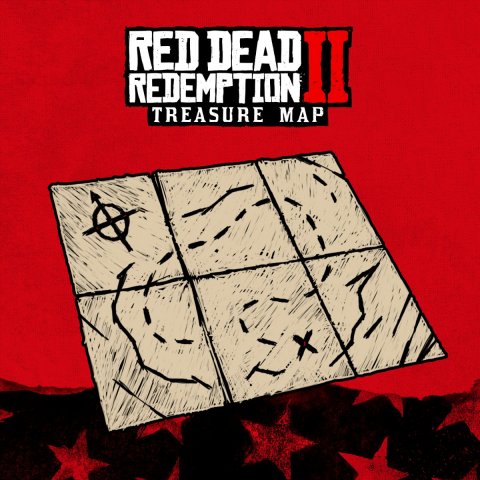
Red Dead Redemption 2 schatkaart-actie is verlengd!

medium.rdr2_treasuemapdeadline.jpg.4049f0dfc34a82b7f0b244ee4f083dce.jpg


Goed nieuws voor de mensen die nog geen digitale pre-order voor Red Dead Redemption 2 hebben geplaatst! Rockstar Games heeft namelijk de actie voor de exclusieve Story Mode schatkaart verlengd. Normaal gesproken had je tot vandaag (31 juli) de tijd om het spel te bestellen waardoor je een exclusieve schatkaart cadeau kreeg. De actie is nu met twee weken verlengd en verloopt nu op 15 augustus:)


Bron: Rockstar Games op Twitter

User Feedback

Recommended Comments

.Sharingan Legendary Godfather

.Sharingan

Leden

Sales vielen zeker tegen :7

Platypus Kingpin

Platypus

Leden

Veel mensen willen eerst gameplay zien voor ze pre-orderen, dus hopelijk betekent dit dat we een gameplay-trailer krijgen tussen nu en 15 augustus.

TerrorMau5 Lazlow stalker

TerrorMau5

Leden

ik wil em best pre orderen maar wil ik wel beetje gameplay zien van online niet dat erop eens vliegende eenhoornen over je hoofd vliegen en regenboog poep voor je neus laten hangen die ontploffen als je er te dichtbij staat. 

Join the conversation

You can post now and register later. If you have an account, sign in now to post with your account.

Guest
Add a comment...

Account

Navigation

Search

Search

Configure browser push notifications

Chrome (Android)
  1. Tap the lock icon next to the address bar.
  2. Tap Permissions → Notifications.
  3. Adjust your preference.
Chrome (Desktop)
  1. Click the padlock icon in the address bar.
  2. Select Site settings.
  3. Find Notifications and adjust your preference.