





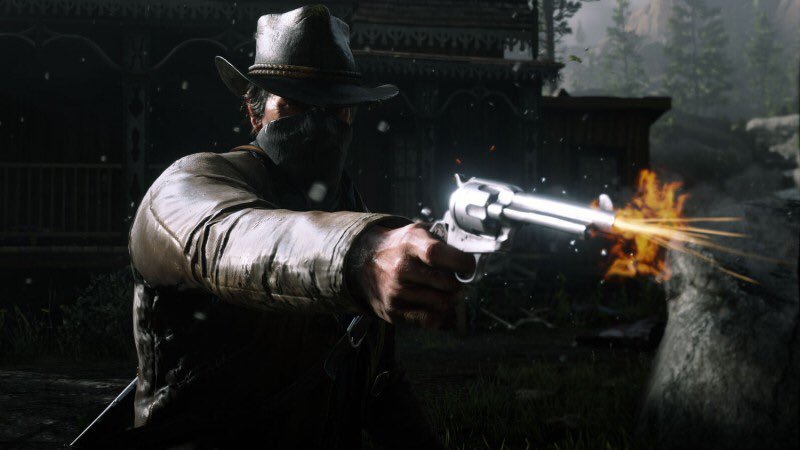
Take-Two Interactive heeft zojuist haar kwartaalcijfers bekendgemaakt. Tijdens de conferentie heeft het bedrijf onthuld dat Red Dead Redemption 2 inmiddels 25 miljoen exemplaren heeft verkocht. Sinds de laatste conferentie in mei zijn er 1 miljoen extra exemplaren verkocht van de western. Red Dead Online, net als GTA Online, zullen nog altijd bijgewerkt worden met content updates.
Vorige week heeft Rockstar Games ons meer informatie gegeven over de grote Red Dead Online update die later deze zomer moet uitkomen. Deze update brengt de mogelijkheid met zich mee om rollen aan te nemen in de wereld. Je kunt op jacht gaan naar criminelen als Bounty Hunter, opzoek gaan naar schatten en zeldzame voorwerpen als Collector, en goederen verkopen als Trader. Een exacte datum voor de update hebben we nog niet gehad.
Helaas is een eventuele PC-versie van Red Dead Redemption 2 niet genoemd. De laatste maanden gaan er al enkele geruchten rond dat het spel mogelijk naar de PC komt.
Bron: Take-Two Interactive

Recommended Comments
Een reactie plaatsen
Je kan nu een reactie plaatsen en pas achteraf registreren. Als je al lid bent, log eerst in om met je eigen account een reactie te plaatsen.