





Rockstar Games zit niet stil. Deze week worden de avontuurlijkere onder ons verblijd met een Explorer Package en een Durham Coat. Wanneer je vóór 16 juli 10 dagelijkse uitdagingen weet te voltooien, sleep je het pakketje binnen. Hier zit het volgende in:
- 60 gifpijlen
- 100 "Varmint Cartridges" - .22 caliber kogels handig voor klein wild
- tijm
- wilde munt
- oregano
- lekker stukje bief
- mals varkenslapje
- steak
- krekels (om mee te vissen)
- wormen (om mee te vissen)
- 5 Jolly Jack's
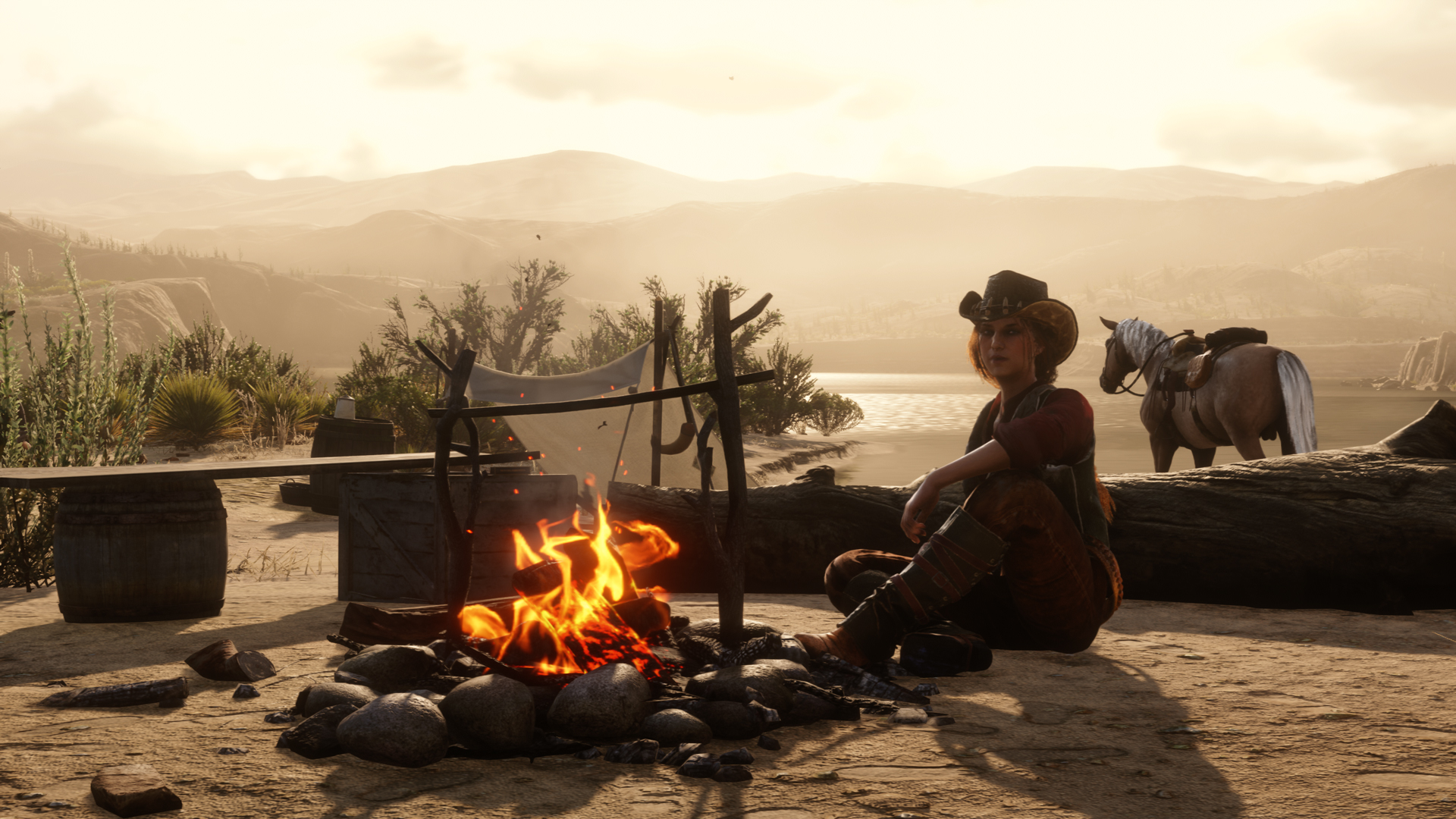
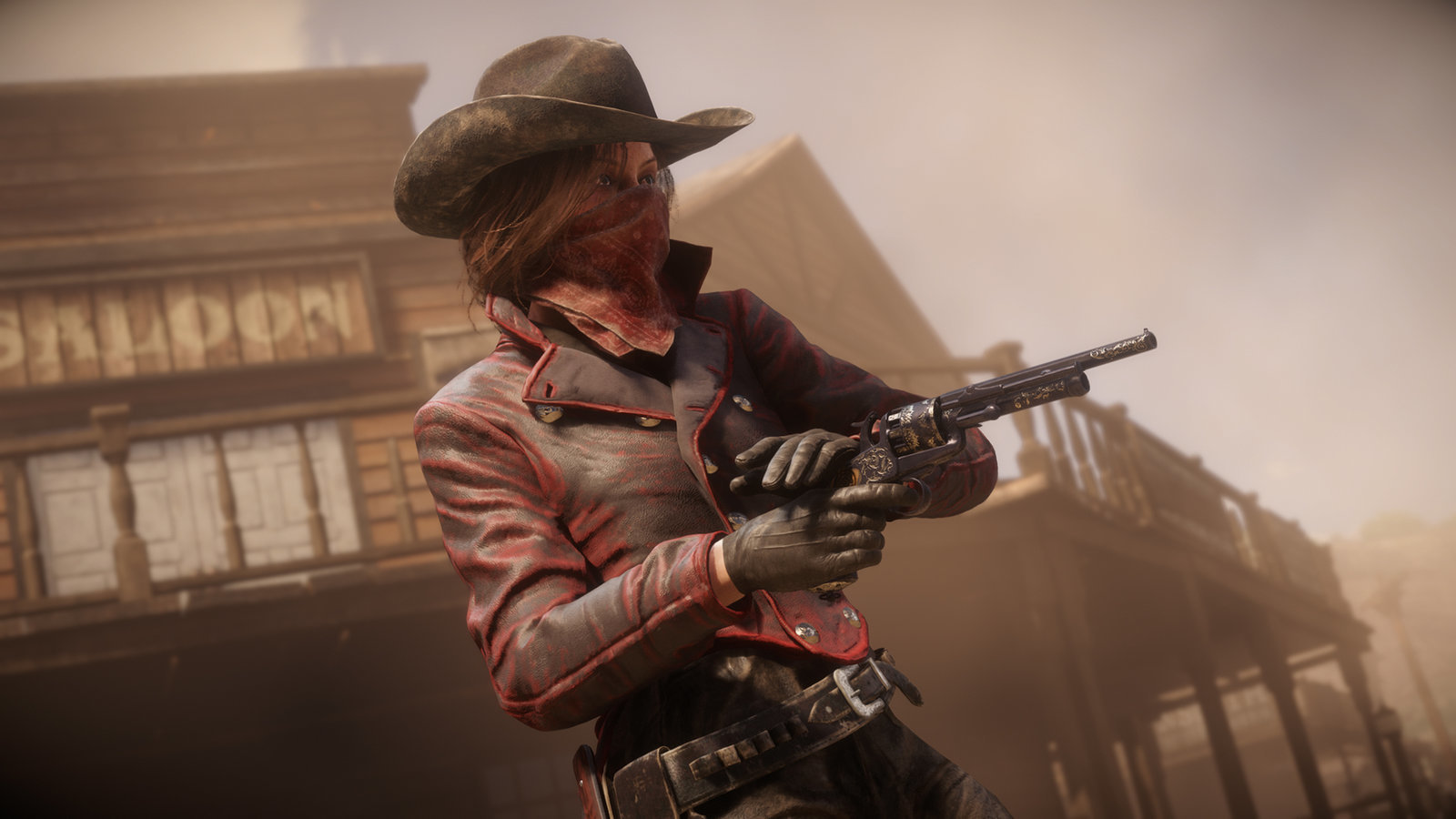
Ja, pfoe, je zou er bijna honger van krijgen! Je kan dat doen in nieuwe items zoals de Durham Coat, maar ook een Riggs Fringe Coat of een Fieldwork Hat. Ook zijn de Cossack Hat en Gardenia Hat afgeprijsd.
Goed, tenslotte wil Rockstar je ook even verleiden om Twitch Prime te nemen. Iedereen die zijn of haar Social Club account met de voorgenoemde dienst verbindt voor uiterlijk 19 juli krijgt $300 (ingame) en een Superior Ammo Bundle, die bomvol zit met kogels.
Waar wacht je nog op? Spelen met die hap!
Bron: Rockstar Newswire
Recommended Comments
Een reactie plaatsen
Je kan nu een reactie plaatsen en pas achteraf registreren. Als je al lid bent, log eerst in om met je eigen account een reactie te plaatsen.