




Skip to content
View in the app

A better way to browse. Learn more.

GTAGames.nl - De Nederlandse Grand Theft Auto Community!

A full-screen app on your home screen with push notifications, badges and more.

To install this app on iOS and iPadOS
  1. Tap the Share icon in Safari
  2. Scroll the menu and tap Add to Home Screen.
  3. Tap Add in the top-right corner.
To install this app on Android
  1. Tap the 3-dot menu (⋮) in the top-right corner of the browser.
  2. Tap Add to Home screen or Install app.
  3. Confirm by tapping Install.

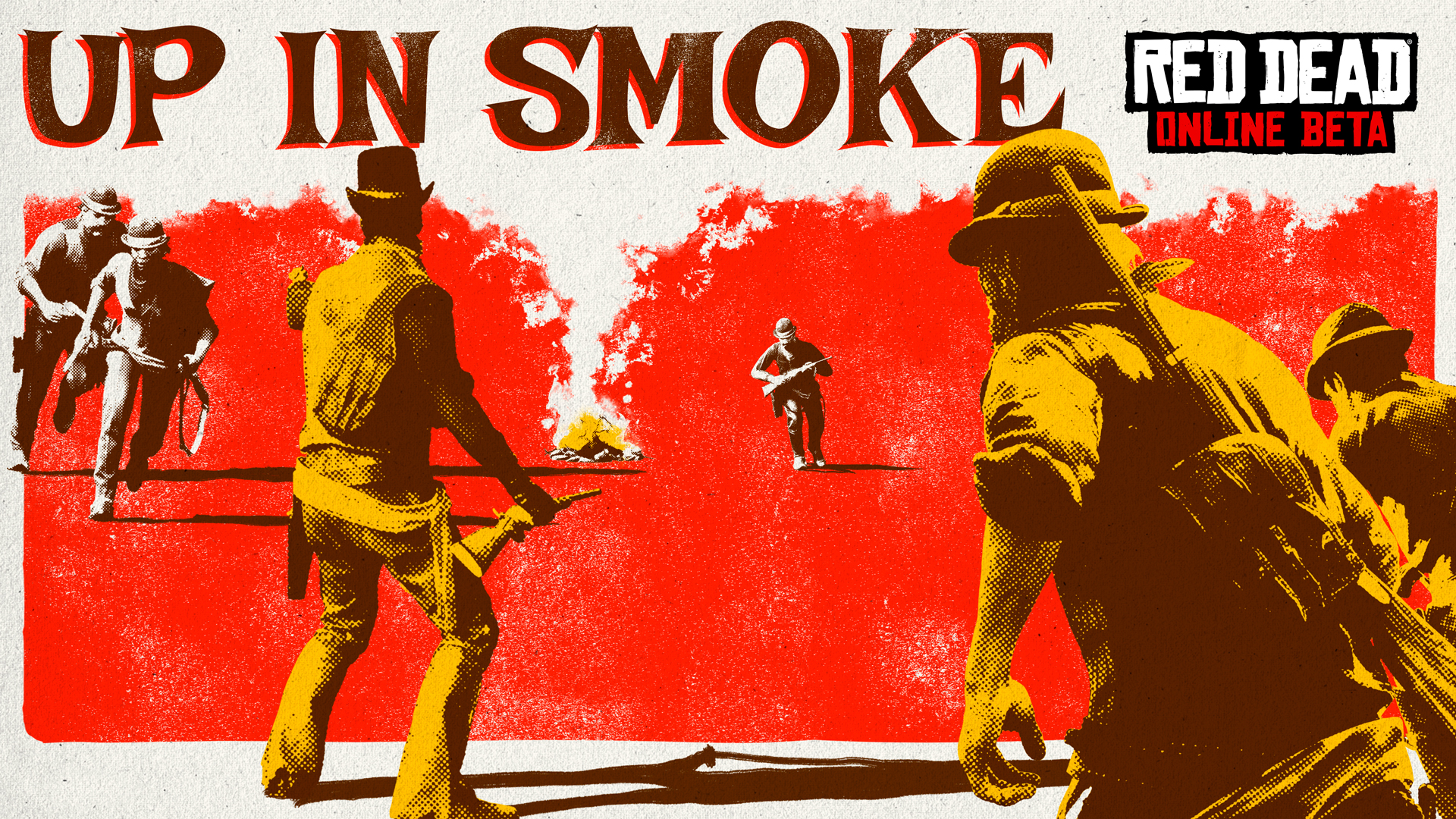
Vernietig het vijandelijke kamp in 'Up in Smoke' op Red Dead Online

reddeadonline_upinsmoke.jpg.f24ef7156c1017befa76b7294fdb0d19.jpg


Vandaag voegt Rockstar Games een nieuwe Showdown mode toe op Red Dead Online: Up in Smoke is vanaf nu beschikbaar. Twee teams spelen tegen elkaar en moeten het vijandelijke kamp zien te vernietigen. Alle spelers starten met een explosief pakketje die ze naar het kamp van de vijand moeten brengen. Eenmaal daar afgeleverd zal een gedeelte van het kamp in rook opgaan. Je wint wanneer het volledige kamp in lichterlaaie staat. 


Deze week kunnen spelers 30% meer XP verdienen voor Ability Cards welke in twee varianten beschikbaar zijn: Dead Eye en Passief. De Dead Eye kaarten leveren je extra bonussen op wanneer je Dead Eye activeert, terwijl de Passieve kaarten je helpen tijdens gevechten, herstellen en verdedigen. De 30% bonus XP zorgt ervoor dat je de kaarten sneller kunt upgraden naar een nieuw niveau. 

 

acf19537ff8ef76609b58e48ff1abaa5c4702fa5.jpg.a8f988e2129429309b60f59aab3603b0.jpg


De Wheeler, Rawson and Co. Catalogue is ook weer bijgewerkt en beschikt over nieuwe kleding: Winter Shotgun Coat, Benbow Jacket, Darned Stockings en Manteca Hat. 


Bron: Rockstar Newswire
 

reddeadonline_upinsmoke.thumb.jpg.a9dbaa6d8bdaacd4a013482f5fae33f7.jpg

User Feedback

Recommended Comments

There are no comments to display.

Join the conversation

You can post now and register later. If you have an account, sign in now to post with your account.

Guest
Add a comment...

Account

Navigation

Search

Search

Configure browser push notifications

Chrome (Android)
  1. Tap the lock icon next to the address bar.
  2. Tap Permissions → Notifications.
  3. Adjust your preference.
Chrome (Desktop)
  1. Click the padlock icon in the address bar.
  2. Select Site settings.
  3. Find Notifications and adjust your preference.