




Skip to content
View in the app

A better way to browse. Learn more.

GTAGames.nl - De Nederlandse Grand Theft Auto Community!

A full-screen app on your home screen with push notifications, badges and more.

To install this app on iOS and iPadOS
  1. Tap the Share icon in Safari
  2. Scroll the menu and tap Add to Home Screen.
  3. Tap Add in the top-right corner.
To install this app on Android
  1. Tap the 3-dot menu (⋮) in the top-right corner of the browser.
  2. Tap Add to Home screen or Install app.
  3. Confirm by tapping Install.

Verover treinen tijdens het 'Railroad Baron' Free Roam Event

large.f191c5b51fe593d885e079fbdc46ca9f9c


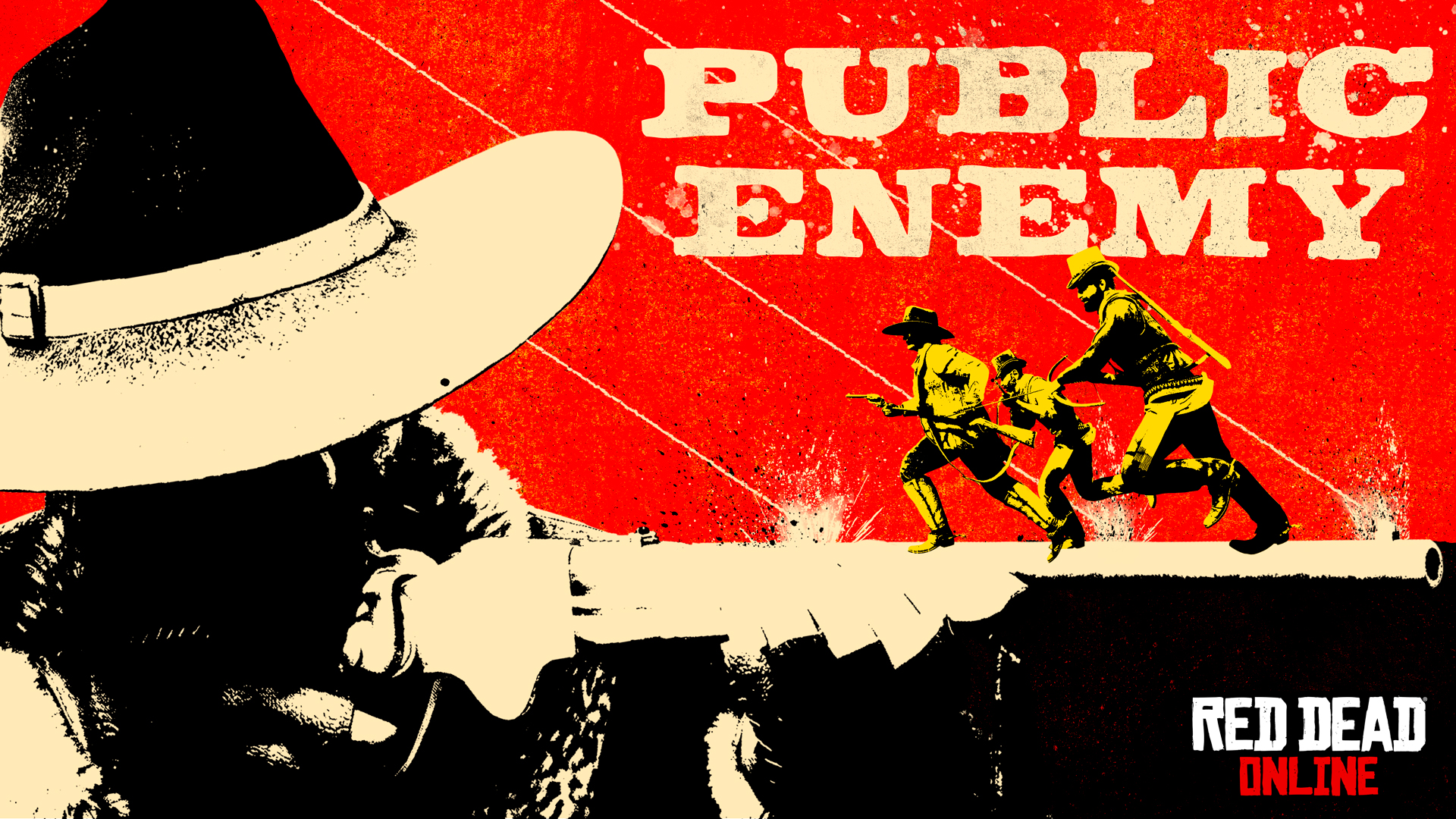
Een nieuwe Red Dead Online update heeft vandaag twee nieuwe speltypes toegevoegd. Spelers kunnen aan de slag met de Public Enemy Showdown mode waarin twee teams tegen elkaar spelen. In beide teams is er een Public Enemy aangewezen, en wanneer jij deze van de tegenstander omlegt scoor je een punt voor je team. Weet de Public Enemy jou om te leggen dan gaan de punten naar de tegenstander. 

 

large.e93871aa9b86fa0851dab380bb84370328


Een nieuw Free Roam Event is ook toegevoegd: Railroad Baron. Deze variant van King of the Castle laat spelers vechten om wagons van een rijdende trein. Het doel is om zolang en zoveel mogelijk wagons vast te houden terwijl de rest wilt zwartrijden. 

 

large.1a70695d23cbdf77e6c9d8f7c544f2ba37


De General Store is aangevuld met wat tijdelijke kledij. Spelers kunnen deze week het Flores Vest, de Calhoun Boots, Raccoon Hat en Shaffer Chaps. Weet je deze week in te loggen dan ontvang je ook nog een gratis tint voor de Bellerose Hat. Verder kun je ook profiteren van 35% korting op  Provisions, en 25% korting op Camp upgrades. 


Bron: Rockstar Newswire


e93871aa9b86fa0851dab380bb8437032840939b.jpg


User Feedback

Recommended Comments

Thundercover Forum Legend

Thundercover

Administrators

All we had to do, was follow the damn train, CJ!

Join the conversation

You can post now and register later. If you have an account, sign in now to post with your account.

Guest
Add a comment...

Account

Navigation

Search

Search

Configure browser push notifications

Chrome (Android)
  1. Tap the lock icon next to the address bar.
  2. Tap Permissions → Notifications.
  3. Adjust your preference.
Chrome (Desktop)
  1. Click the padlock icon in the address bar.
  2. Select Site settings.
  3. Find Notifications and adjust your preference.