




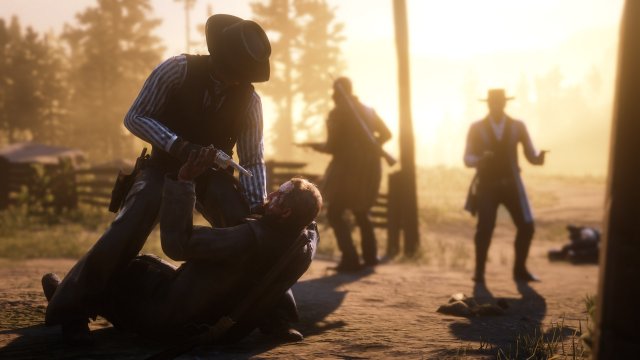


Take-Two Interactive heeft vandaag hun kwartaalcijfers onthuld. En het is geen verassing: Red Dead Redemption 2 is een gigantisch succes. Het spel heeft inmiddels 23 miljoen exemplaren verkocht. Dat is een stijging van minstens 6 miljoen sinds november, en 18% van de verkochten exemplaren zijn Special of Ultimate edities. Het spel is ook nog eens het bestverkochte spel in 2018.
Take-2 bevestigd nogmaals dat Rockstar Games Red Dead Online gaat ondersteunen met periodieke updates zoals ze dat ook met GTA Online hebben gedaan. Voor GTA Online blijven ze dit ook nog altijd doen. Red Dead Online had overigens een succesvollere launch dan GTA Online in 2013. In de begindagen zijn er meer spelers online geweest dan op GTA Online.
Verder heeft het bedrijf 140% winst geboekt in vergelijking met vorig jaar. In het totaal is er $1.249 miljard verdiend, dat was in 2017 480.8 miljoen. Het bedrijf heeft ook 1 miljoen aan aandelen gekocht, $108.90 per aandeel.
Bron: Take-Two Interactive
Recommended Comments
Een reactie plaatsen
Je kan nu een reactie plaatsen en pas achteraf registreren. Als je al lid bent, log eerst in om met je eigen account een reactie te plaatsen.