
Skip to content
View in the app

A better way to browse. Learn more.

GTAGames.nl - De Nederlandse Grand Theft Auto Community!

A full-screen app on your home screen with push notifications, badges and more.

To install this app on iOS and iPadOS
  1. Tap the Share icon in Safari
  2. Scroll the menu and tap Add to Home Screen.
  3. Tap Add in the top-right corner.
To install this app on Android
  1. Tap the 3-dot menu (⋮) in the top-right corner of the browser.
  2. Tap Add to Home screen or Install app.
  3. Confirm by tapping Install.

Nieuwe GTA Kubrick sets & Steam sale!

medium.gta_kubrick1.png.934a3ab624033102


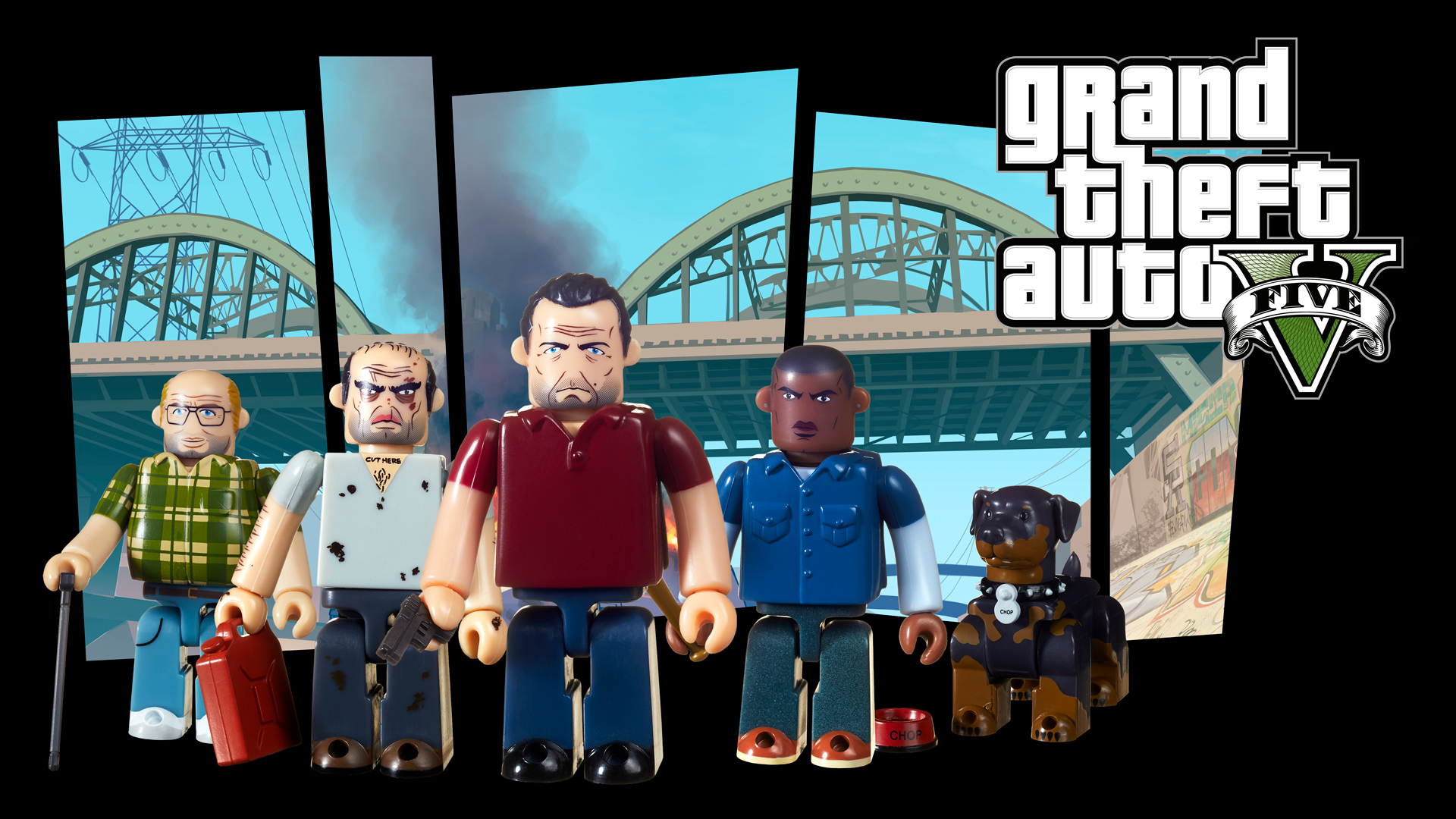
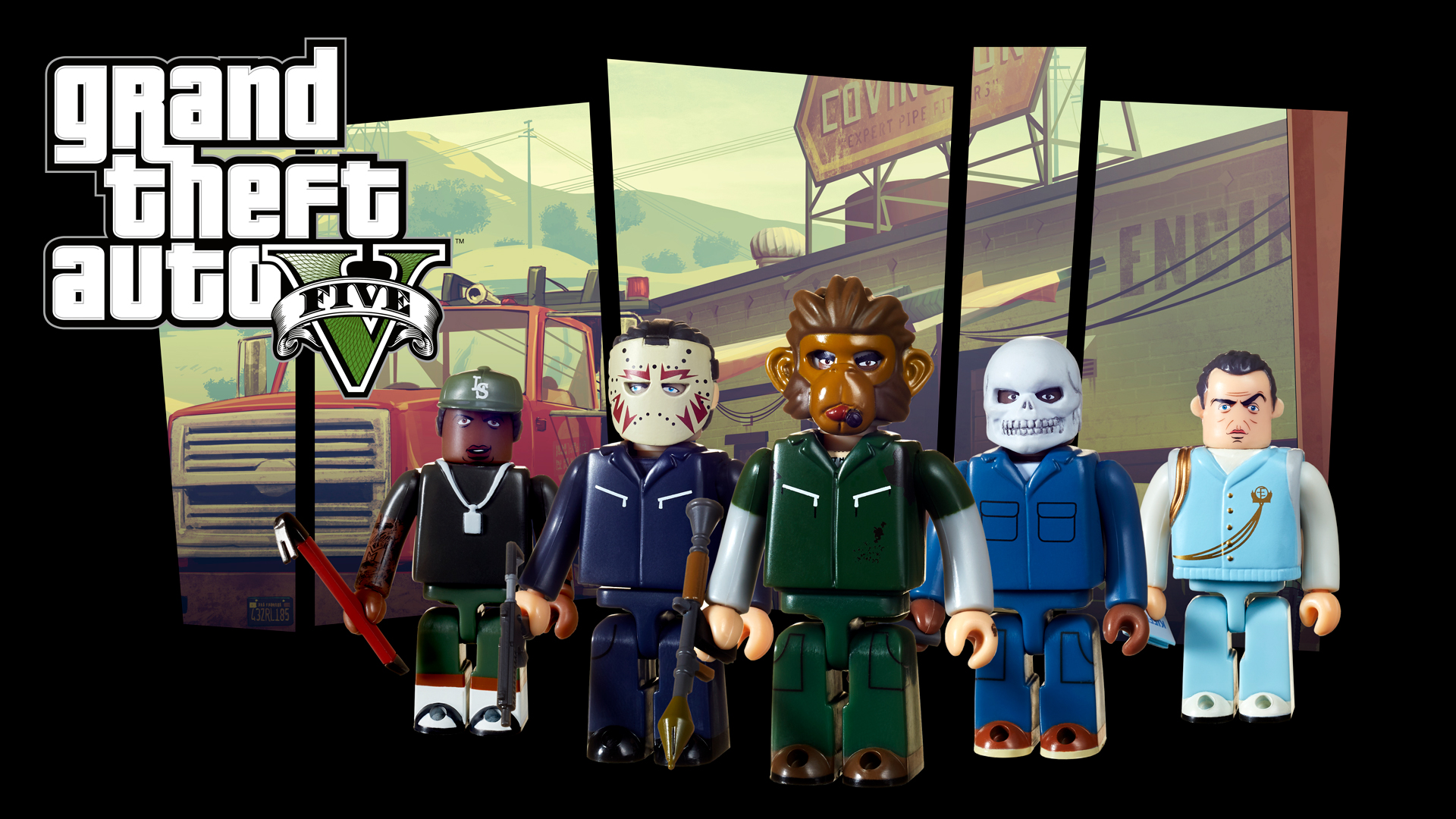
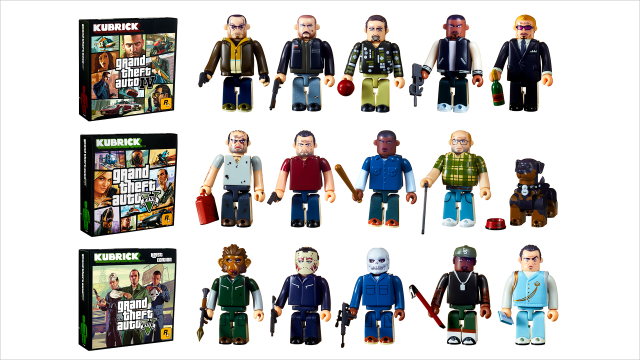
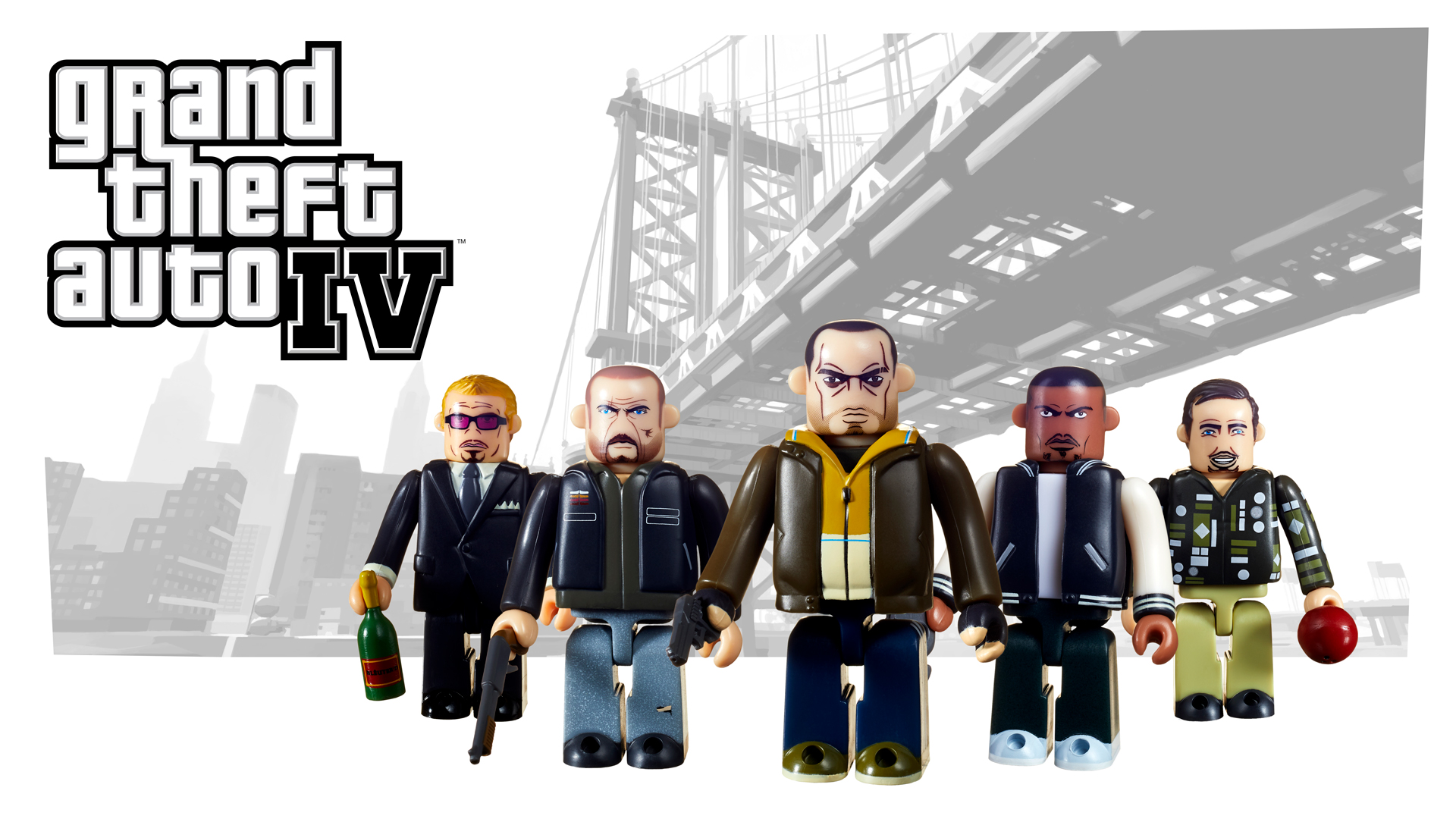
Rockstar Games heeft vandaag aangekondigd een nieuwe set Kubricks uit te brengen voor de GTA-serie. Jaren geleden hebben we dit soort verzamelitems al eens voorbij zien komen voor de wat oudere GTA's zoals Vice City en San Andreas. Vanaf 14 september zijn er nieuwe sets beschikbaar voor GTA V en GTA IV die nu te bestellen zijn via The Warehouse. 


De GTA IV set bevat Kubricks van Niko Bellic, Roman Bellic, Johnny Klebitz, Luis Lopez en nachtclubkoning ''Gay'' Tony Prince. De set van GTA V bevat Michael, Trevor, Franklin, Lester en hond Chop. Ze brengen ook nog een speciale GTA V editie uit met daarin outfits van Michael, Trevor en Franklin die bekend zijn uit de Heists. In deze editie zit ook Lamar Davis en leider van de Epsilon Program, Chris Formage. 
 

gta_kubrick2.png.56d13a9ce8252595d69cd5739337d382.png

gta_kubrick13.png.4464473bf789b4fdb017f10bcc11c8b9.png gta_kubrick4.png.af75a99af4aeecf16bb5c7faa3c7d7bb.png


In ander nieuws: Op Steam is een Rockstar Games uitverkoop gaande. Op een aantal Rockstar-titels krijg je hoge kortingen. Sla dus snel je slag als je nog een aantal klassiekers in huis wilt halen voor de PC. :) 


Bron: Rockstar Newswire / Steam

User Feedback

Recommended Comments

PrioX Forum Legend

De GTA Kubrick sets zijn inmiddels beschikbaar in The Warehouse! :) 

Join the conversation

You can post now and register later. If you have an account, sign in now to post with your account.

Guest
Add a comment...

Account

Navigation

Search

Search

Configure browser push notifications

Chrome (Android)
  1. Tap the lock icon next to the address bar.
  2. Tap Permissions → Notifications.
  3. Adjust your preference.
Chrome (Desktop)
  1. Click the padlock icon in the address bar.
  2. Select Site settings.
  3. Find Notifications and adjust your preference.