





Update (28/07/19 - 22:00):
De URL zou een tijdelijke URL zijn geweest en tegelijkertijd een grap die niet aangepast is voordat het artikel gepubliceerd werd. Polygon heeft excuses aangeboden voor de valse hoop. Damage control of clickbait? Hoe dan ook, het gerucht dat Bully 2 het volgende Rockstar-spel wordt blijft bestaan.
Origineel bericht:
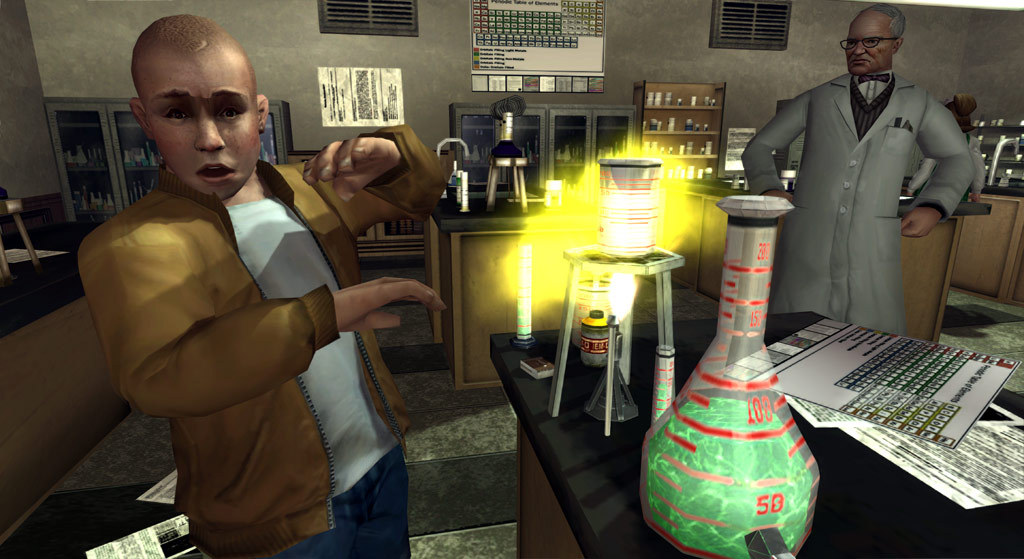
Het is een slechte grap of een klein foutje... Website Polygon heeft mogelijk de releaseperiode voor Bully 2, de nog onaangekondigde titel van Rockstar Games, gelekt. Er gaan al tijden geruchten rond dat Bully 2 het volgende Rockstar-spel gaat zijn dat uitkomt. Maar informatie van de ontwikkelaar zelf hebben we nog altijd niet gehad.
Het artikel van Polygon gaat over een easter egg die gevonden is in GTA Online met de release van The Diamond Casino & Resort update. Fans denken dat een gevonden schilderij een verwijzing bevat naar Bully 2. Maar daar gaat het hier niet om. De URL van het artikel bevat een wel heel opvallende tekst:
“/bully-sequel-announced-fall-2020-news-embargoed-do-not-publish”.
In de URL staat vermeld dat een vervolg op Bully eind 2020 moet uitkomen, en dat er een embargo op deze informatie staat. Dit wilt zeggen dat de informatie niet vóór een bepaalde tijd gedeeld mag worden. Als dit het geval is kunnen we misschien binnenkort een aankondiging verwachten.
Bron: Polygon, via RockstarINTEL

Recommended Comments
Een reactie plaatsen
Je kan nu een reactie plaatsen en pas achteraf registreren. Als je al lid bent, log eerst in om met je eigen account een reactie te plaatsen.