





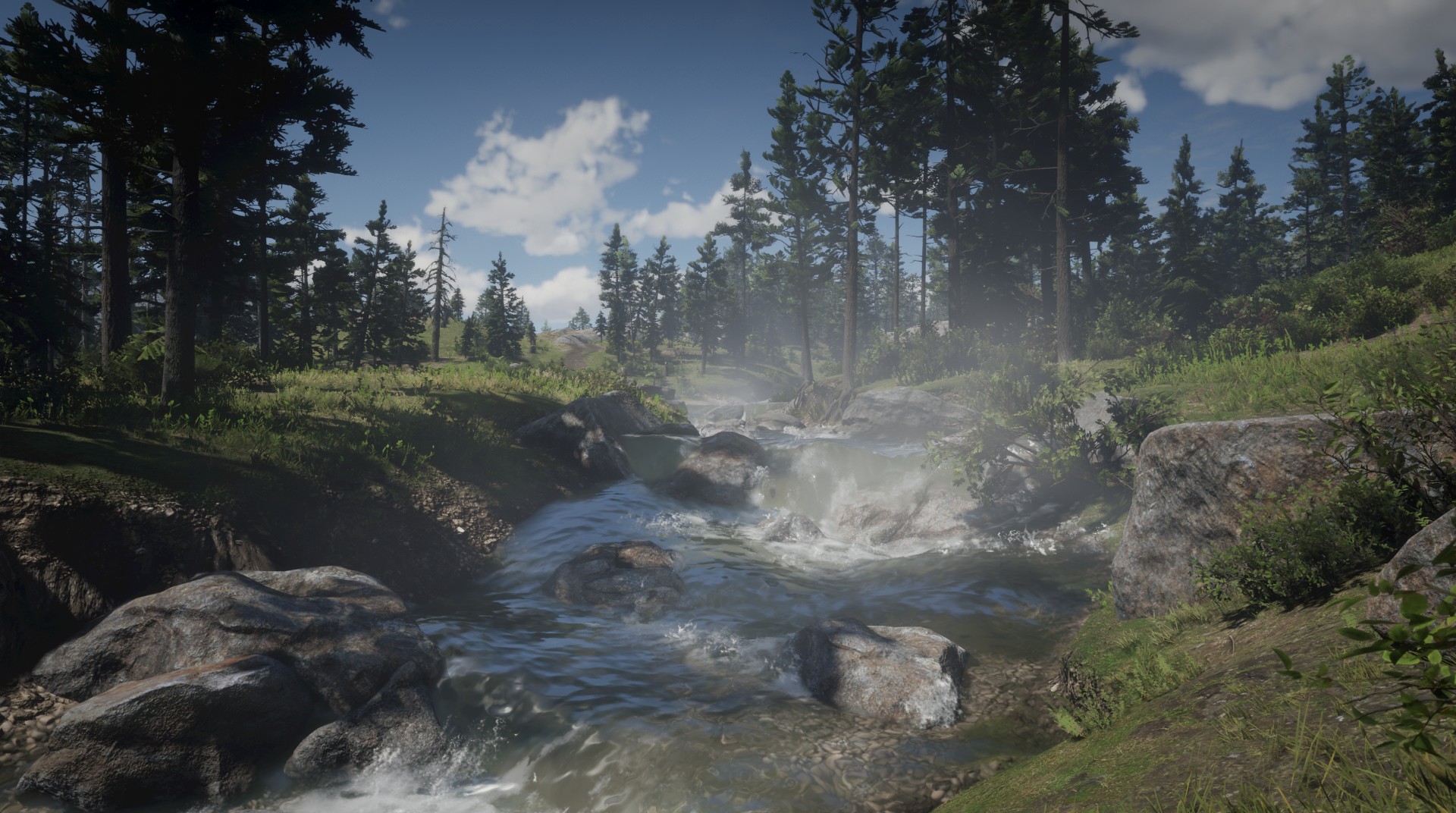
Rockstar Games heeft vandaag aangekondigd het Indiase bedrijf Dhruva Interactive te hebben overgenomen van uitgever Starbreeze Studios voor $7.9 miljoen. Het bedrijf zal samenwerken met Rockstar India aan (lopende) projecten. Dhruva Interactive heeft gewerkt aan spellen als Halo 5, Forza Horizon 3, Sea of Thieves, Quantum Break, en PAYDAY 2.
CitaatRockstar Games zijn de onbetwiste leiders van innovatie en creativiteit in de ontwikkeling van moderne spellen ", zegt Rajesh Rao, CEO en oprichter van Dhruva. "Dhruva Interactive is opgericht met als doel een gameontwikkeling-community van wereldklasse te ontwikkelen in India, en het Dhruva-team onder het label van Rockstar Games brengen, bewijst verder dat we erin geslaagd zijn een getalenteerd team te creëren dat kan bijdragen aan de beste games ter wereld terwijl ze helpen om een bloeiende lokale gemeenschap voor game-ontwikkelaars in India te creëren. "
De verkoop zal binnen enkele maanden afgerond worden.
Bron: Gamesindustry.biz

Recommended Comments
Een reactie plaatsen
Je kan nu een reactie plaatsen en pas achteraf registreren. Als je al lid bent, log eerst in om met je eigen account een reactie te plaatsen.