
Skip to content
View in the app

A better way to browse. Learn more.

GTAGames.nl - De Nederlandse Grand Theft Auto Community!

A full-screen app on your home screen with push notifications, badges and more.

To install this app on iOS and iPadOS
  1. Tap the Share icon in Safari
  2. Scroll the menu and tap Add to Home Screen.
  3. Tap Add in the top-right corner.
To install this app on Android
  1. Tap the 3-dot menu (⋮) in the top-right corner of the browser.
  2. Tap Add to Home screen or Install app.
  3. Confirm by tapping Install.

Uitverkoop in The Rockstar Warehouse!

medium.thewarehouse20uitverkoop1.jpg.549


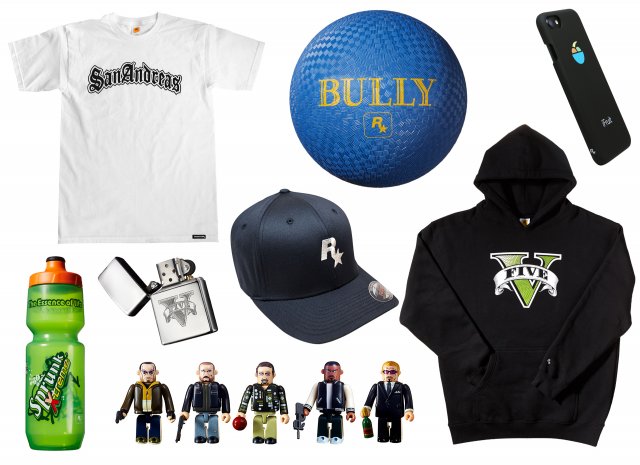
Wil je jezelf of een andere Rockstar-fan nog verassen met wat leuke hebbedingetjes en merchandise van Rockstar Games en hun spellen? Dan is dit de kans op je slag te slaan in The Warehouse, de online webwinkel van Rockstar. Om het twintig jaar bestaan van Rockstar Games te vieren verlagen ze tijdelijk hun prijzen op enkele items.


iPhone hoesjes, GTA V Zipper aansteker, of GTA Kubricks sets. Ze zijn allemaal met 40% korting binnen te halen. Ook zijn er enkele Rockstar-klassiekers afgeprijsd waaronder GTA San Andreas, Bully, L.A. Noire en meer. Koop je GTA V voor de PS4, Xbox One of PC via The Warehouse dan krijg je $1.25 miljoen voor GTA Online. Een leuk extraatje! 


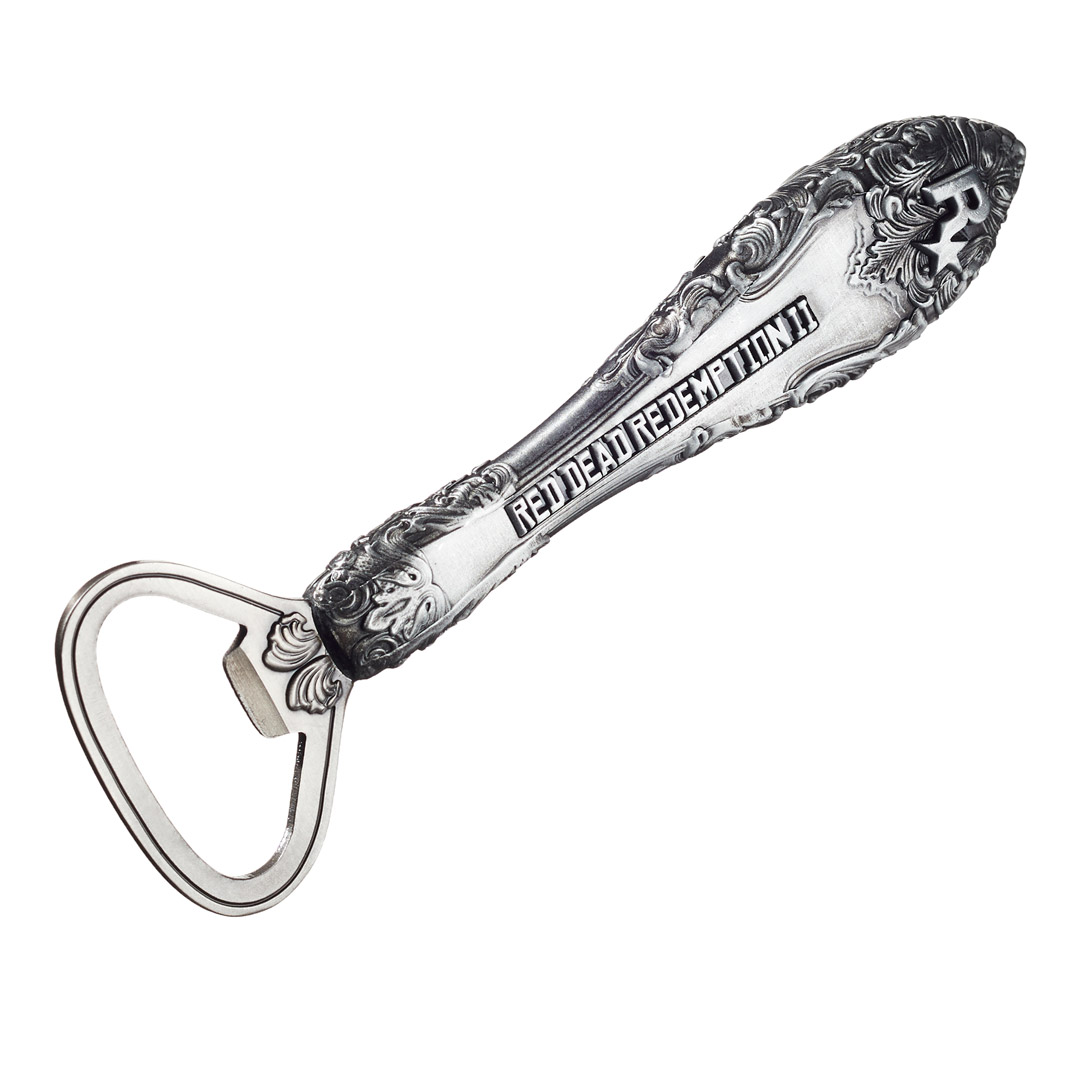
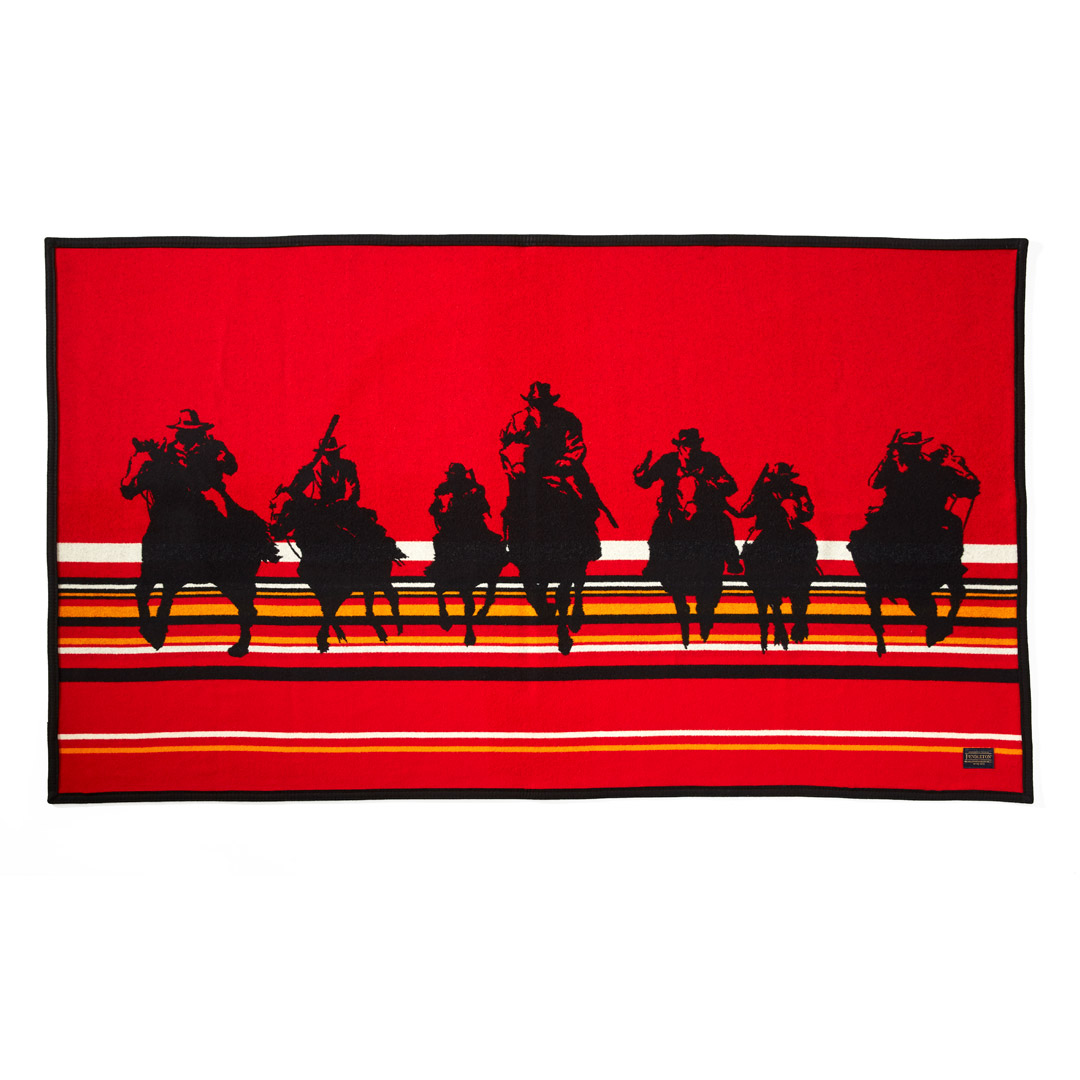
Daarnaast heeft Rockstar ook nieuwe items toegevoegd uit de Red Dead Redemption 2 Outlaw Essentials Collection. Deze unieke collectie bevat nu o.a. een domino set, flesopener en metalen puzzels. 
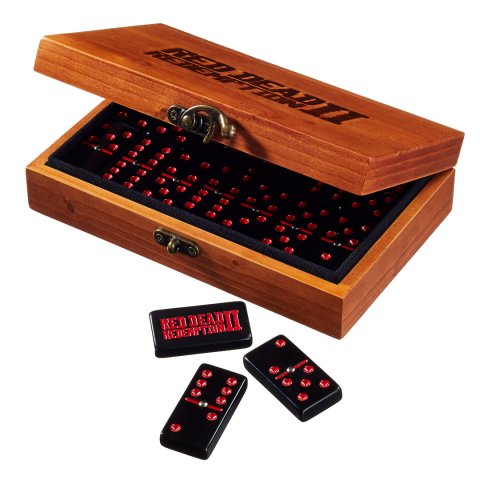
 

medium.Dominoes.jpg.41014b494a8c84f18fa3cc83515132fa.jpgBottle-Opener.jpg.8211d18960871e1b05d9d69b86a45557.jpgBlanket.jpg.fd5281e5eafe6789d5eff6503c8c92b3.jpg


Bron: Rockstar Newswire

User Feedback

Recommended Comments

Nyltje Al Capone

Nyltje

Leden

Die opener kan ik niet terug vinden. :puh: 


Gevonden, maar wel lastig te vinden. Kijke, kijke, maar niet kope.

Join the conversation

You can post now and register later. If you have an account, sign in now to post with your account.

Guest
Add a comment...

Account

Navigation

Search

Search

Configure browser push notifications

Chrome (Android)
  1. Tap the lock icon next to the address bar.
  2. Tap Permissions → Notifications.
  3. Adjust your preference.
Chrome (Desktop)
  1. Click the padlock icon in the address bar.
  2. Select Site settings.
  3. Find Notifications and adjust your preference.