




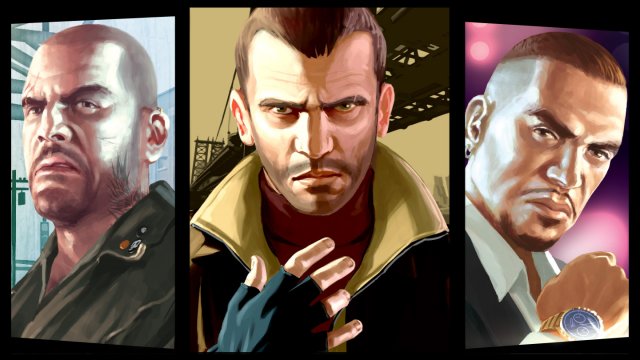


Deze week is het uitverkoop in de Xbox store van Microsoft! Ontzettend veel *backwards compatibility games zijn met korting te bemachtigen. Zo ook enkele Rockstar Games titels die je voor een paar euro binnen kan halen.
*Deze games zijn zowel op de Xbox 360 als Xbox One speelbaar.
- Bully Scholarship Edition (€7,49)
- Grand Theft Auto IV (€12,49)
- Grand Theft Auto IV: The Ballad of Gay Tony (€9,49)
- Grand Theft Auto IV: The Lost and Damned (€4,74)
- Red Dead Redemption (€11,99)
- Red Dead Redemption: Undead Nightmare (€4,74)
Alle bovenstaande kortingen zijn tot 22 mei beschikbaar. Have fun! 
Bron: MajorNelson.com
Recommended Comments
Een reactie plaatsen
Je kan nu een reactie plaatsen en pas achteraf registreren. Als je al lid bent, log eerst in om met je eigen account een reactie te plaatsen.