




Editie 124 - Inleiding

Artikel geplaatst door Dutchy3010
· 532 bezichtigingen

Welkom bij editie 124 van Oceans Weekly News, er lijkt geen eind aan te komen. Hoewel redacteurs komen en gaan, bestaat OWN na 2,5 jaar nog steeds. Iets waar we met zijn allen trots op kunnen zijn, zowel (ex-)redacteurs als trouwe lezers. Iedereen bij deze: Happy Valentine! Nog iets leuks meegemaakt vandaag? Reageer op dit item! We zijn benieuwd naar jullie verhaaltjes. Wat ik vanochtend in de krant las, is dat stelletjes vaak niets doen aan valentijnsdag. Dat kan toch helemaal niet! Juist de dag om iets romantisch voor elkaar te organiseren!
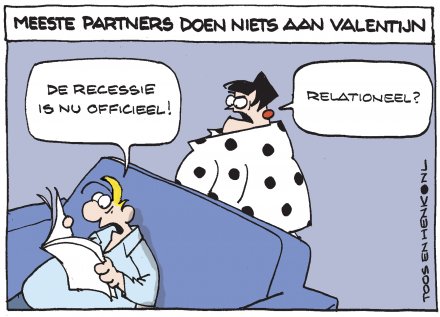
Maar goed, weer even terug naar OWN. Vandaag zijn er twee rubrieken niet: "Test Jezelf" en "De Kronieken der...". Ik ben zeer benieuwd wat voor zoetsappige verhaaltjes we zullen krijgen van die redacteurs! Blijkbaar was Valentijnsdag zo goed bevallen, dat ze 's avonds er nog niet waren.

Ik wens jullie allemaal veel plezier met deze editie.
Recommended Comments