




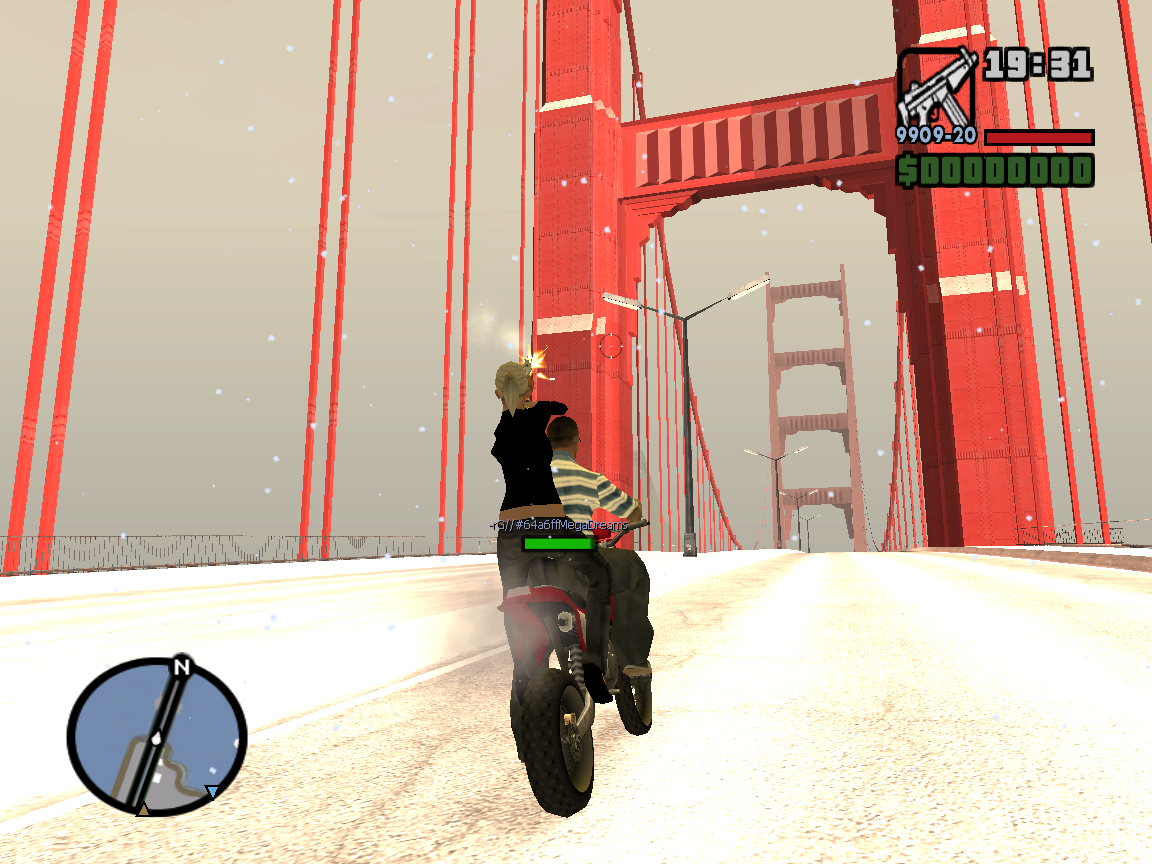
GTAForum Kerst en Oud & Nieuw meeting 2014
Album gemaakt door
Dutchy3010 ·
Bijgewerkt
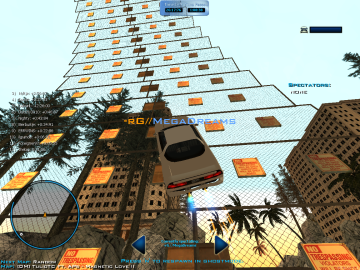
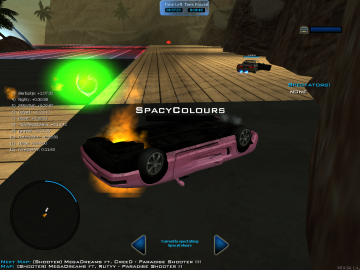
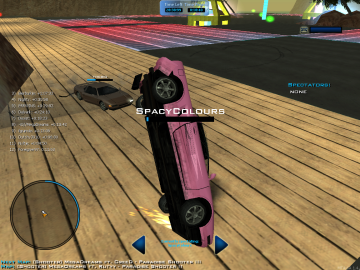
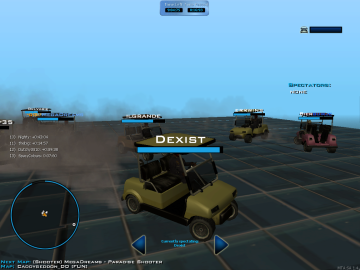
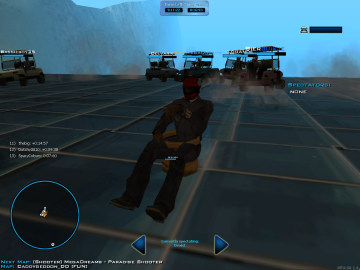
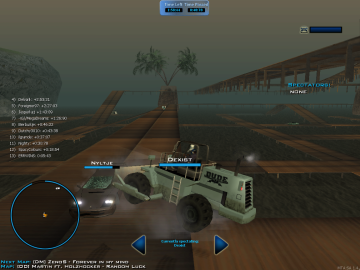
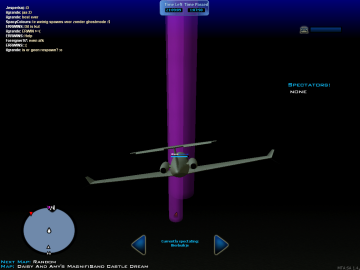
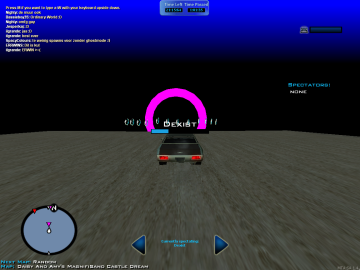
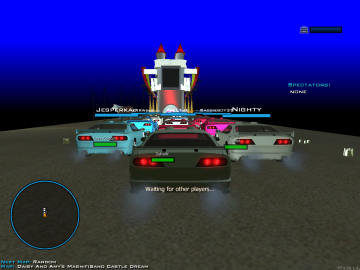
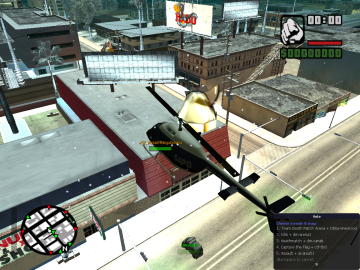
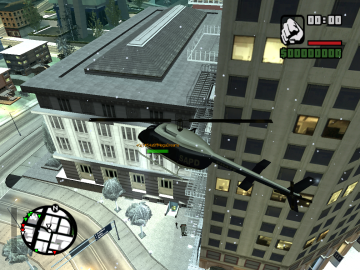
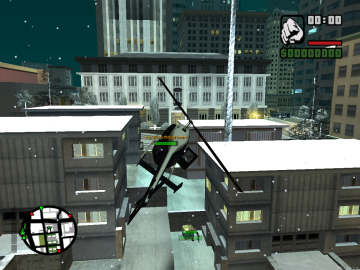
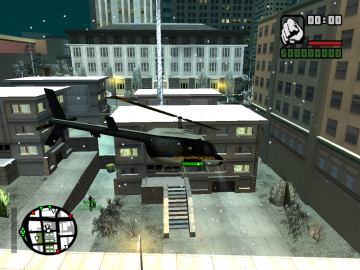
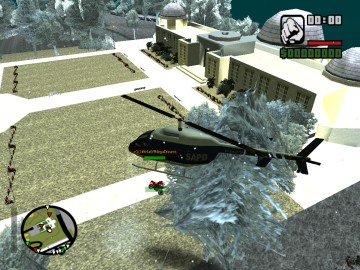
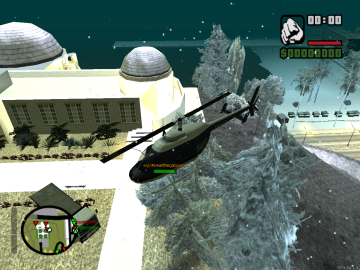
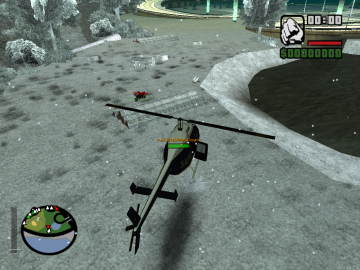
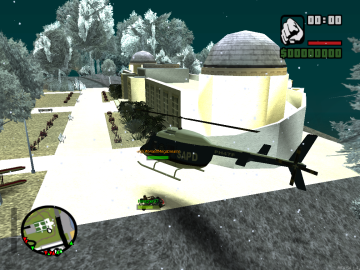
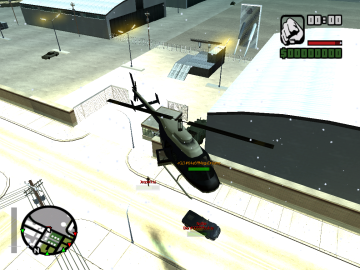
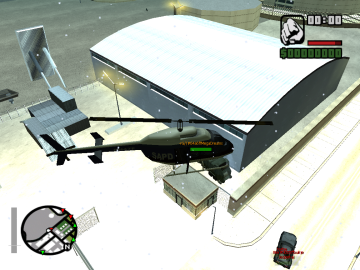
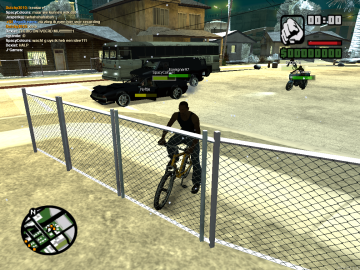
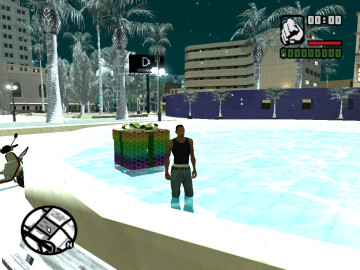
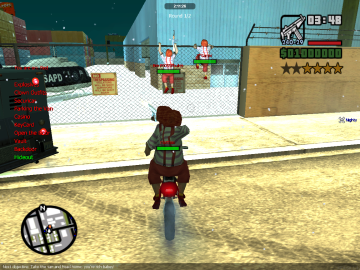
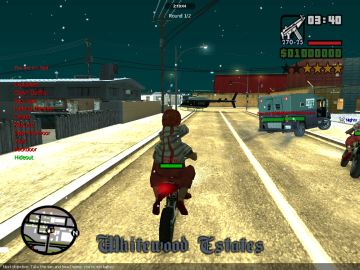
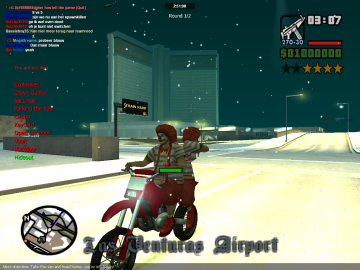
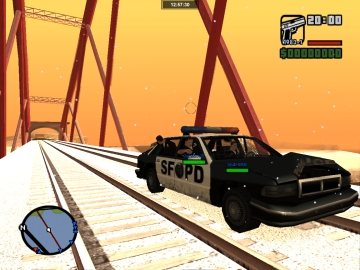
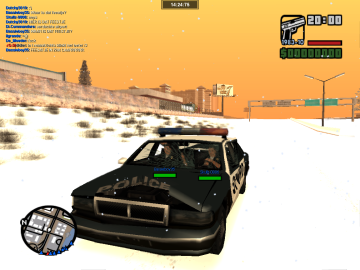
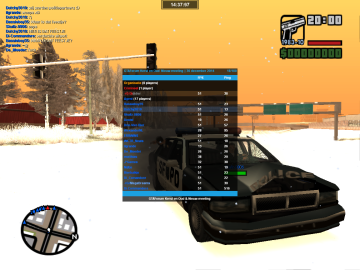
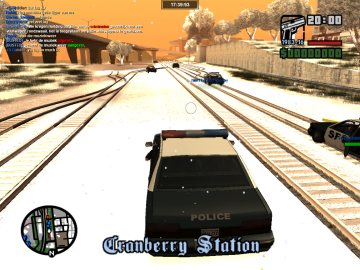
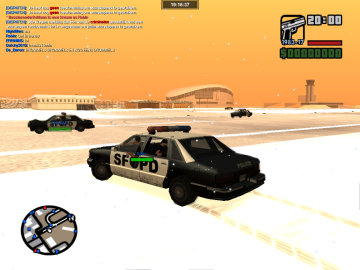
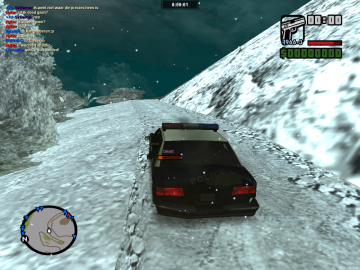
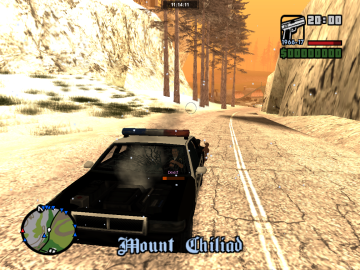
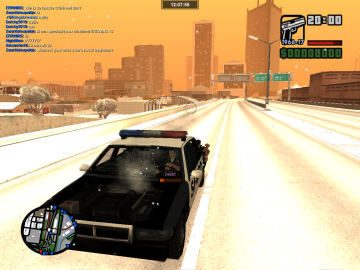
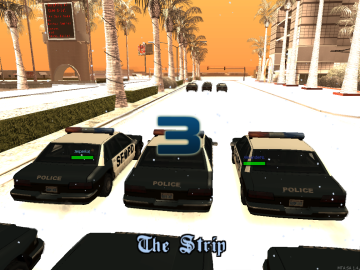
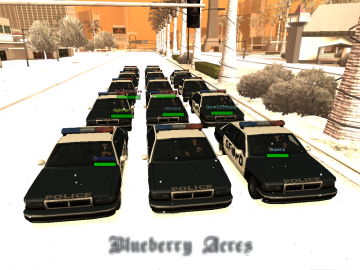
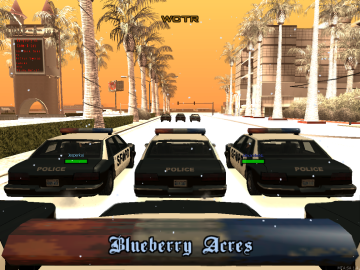
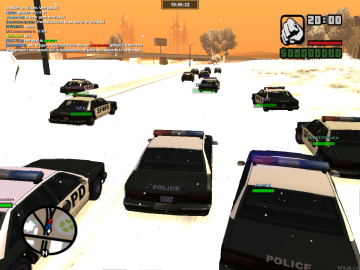
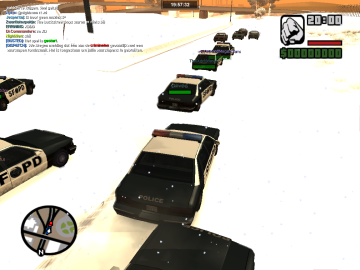
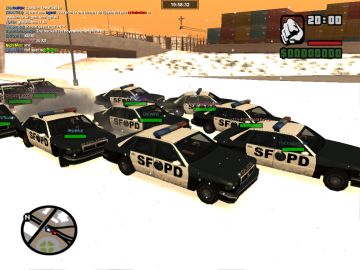
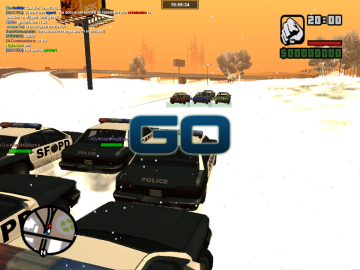
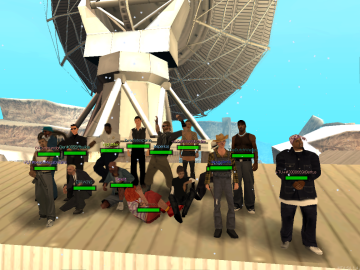
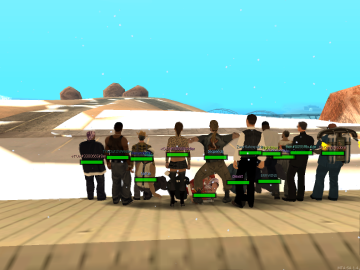
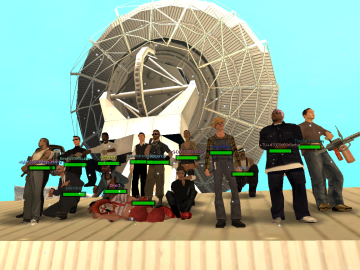
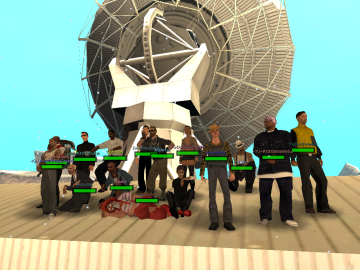
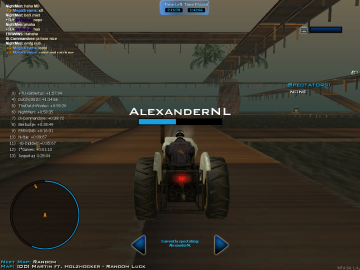
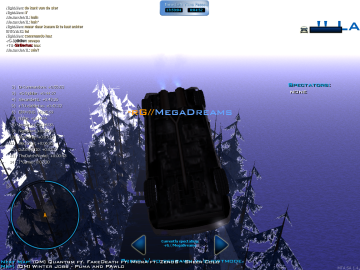
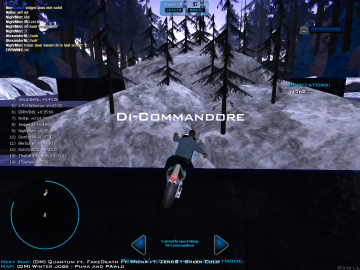
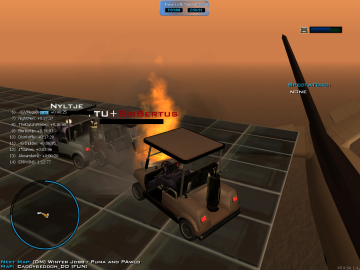
Screens van de GTAForum Kerst en Oud & Nieuw meeting 2014, welke plaatsvond op 30 december 2014 en maar liefst 6,5 uur duurde!
88 afbeeldingen
-
Door Dutchy3010
-
Door Dutchy3010
-
Door Dutchy3010
-
Door Dutchy3010
-
Door Dutchy3010
-
Door Dutchy3010
-
Door Dutchy3010
-
Door Dutchy3010
-
Door Dutchy3010
-
Door Dutchy3010
-
Door Dutchy3010
-
Door Dutchy3010
-
Door Dutchy3010
-
Door Dutchy3010
-
Door Dutchy3010
-
Door Dutchy3010
-
Door Dutchy3010
-
Door Dutchy3010
-
Door Dutchy3010
-
Door Dutchy3010
-
Door Dutchy3010
-
Door Dutchy3010
-
Door Dutchy3010
-
Door Dutchy3010
-
Door Dutchy3010
-
Door Dutchy3010
-
Door Dutchy3010
-
Door Dutchy3010
-
Door Dutchy3010
-
Door Dutchy3010
-
Door Dutchy3010
-
Door Dutchy3010
-
Door Dutchy3010
-
Door Dutchy3010
-
Door Dutchy3010
-
Door Dutchy3010
-
Door Dutchy3010
-
Door Dutchy3010
-
Door Dutchy3010
-
Door Dutchy3010
-
Door Dutchy3010
-
Door Dutchy3010
-
Door Dutchy3010
-
Door Dutchy3010
-
Door Dutchy3010
-
Door Dutchy3010
-
Door Dutchy3010
-
Door Dutchy3010
-
Door Dutchy3010
-
Door Dutchy3010
Galerijstatistieken
- Afbeeldingen 28.6k
- Reacties 4
- Albums 114
Recent actief 0
- Er zijn hier geen geregistreerde gebruikers aanwezig.
0 Album Comments
Er zijn geen reacties om weer te geven.