




Jump to content
View in the app

A better way to browse. Learn more.

GTAGames.nl - De Nederlandse Grand Theft Auto Community!

A full-screen app on your home screen with push notifications, badges and more.

To install this app on iOS and iPadOS
  1. Tap the Share icon in Safari
  2. Scroll the menu and tap Add to Home Screen.
  3. Tap Add in the top-right corner.
To install this app on Android
  1. Tap the 3-dot menu (⋮) in the top-right corner of the browser.
  2. Tap Add to Home screen or Install app.
  3. Confirm by tapping Install.

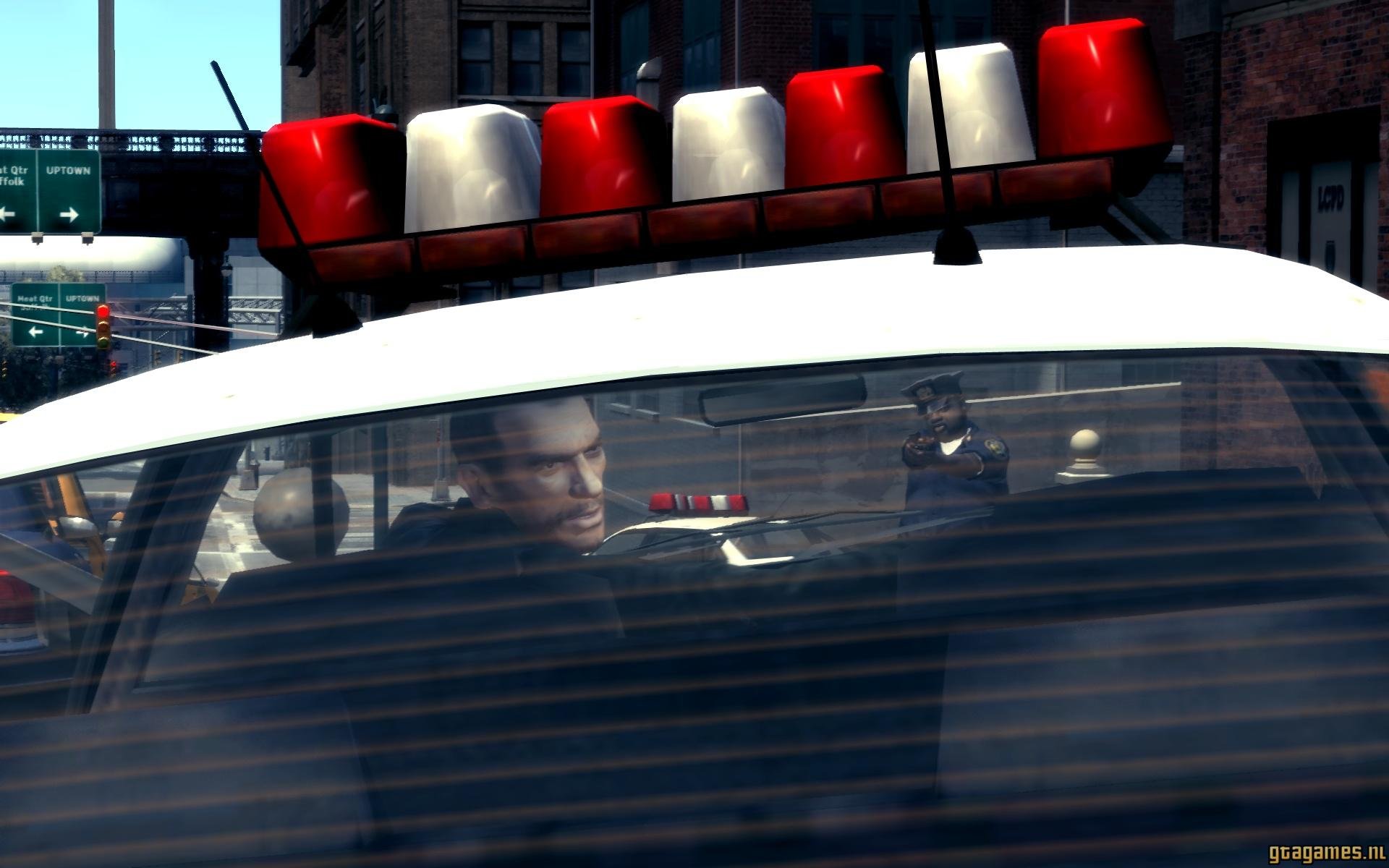
De ''complete'' editie van GTA IV is terug op Steam

Steam heeft vandaag bevestigd dat GTA IV terug te koop is via het platform. Vorige maand werd duidelijk dat GTA IV tijdelijk niet verkrijgbaar was doordat de ondersteuning voor Games For Windows Live gestopt was. Hierdoor konden er geen nieuwe activatiecodes meer aangemaakt worden.


De originele versie van GTA IV is nu vervangen voor GTA IV: The Complete Edition. Echter is deze editie niet zo compleet als de naam doet vermoeden. Door deze verandering is alle ondersteuning voor Games For Windows Live verwijderd, is de multiplayer niet meer toegankelijk en zijn leaderboards niet meer in te zien. Ook zijn de volgende radiozenders tijdelijk niet beschikbaar: RamJam FM, Self-Actualization FM, en Vice City FM.  


Spelers die de originele GTA IV of Episodes From Liberty City in het bezit hebben, moeten het spel updaten naar The Complete Edition. De opgeslagen gegevens (zoals save games) zullen gewoon toegankelijk blijven. Binnenkort komt het spel ook naar de Rockstar Games Launcher. Of er dan ook bepaalde elementen niet meer beschikbaar zijn is nog onduidelijk. 

Edited by PrioX

User Feedback

Recommended Comments

There are no comments to display.

Join the conversation

You can post now and register later. If you have an account, sign in now to post with your account.

Guest
Add a comment...

Account

Navigation

Search

Configure browser push notifications

Chrome (Android)
  1. Tap the lock icon next to the address bar.
  2. Tap Permissions → Notifications.
  3. Adjust your preference.
Chrome (Desktop)
  1. Click the padlock icon in the address bar.
  2. Select Site settings.
  3. Find Notifications and adjust your preference.