




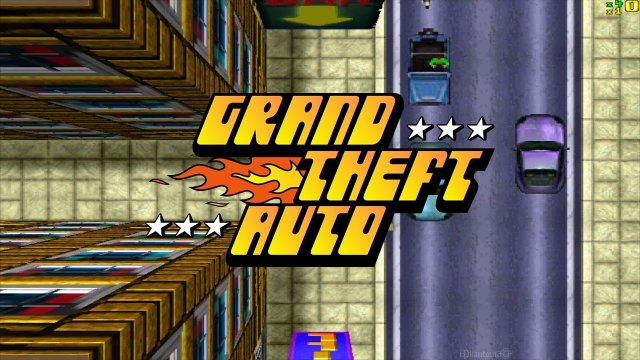

 Op 3 december komt Sony met een kleine versie van de originele PlayStation console die in 1995 in Europa verscheen. Voor ongeveer 100 euro (de prijs is verschillend per winkel) kun je twintig iconische PlayStation spellen spelen die al op de console klaarstaan. Wat dacht je van Rayman, Tekken 3 of Metal Gear Solid? Maar hoe kan het ook anders dat de originele Grand Theft Auto ook tussen de lijst staat! Op 3 december kun je de eerste Grand Theft Auto opnieuw beleven op een PlayStation Classic Mini.
Bron: PlayStation
Recommended Comments
Een reactie plaatsen
Je kan nu een reactie plaatsen en pas achteraf registreren. Als je al lid bent, log eerst in om met je eigen account een reactie te plaatsen.