




Skip to content
View in the app

A better way to browse. Learn more.

GTAGames.nl - De Nederlandse Grand Theft Auto Community!

A full-screen app on your home screen with push notifications, badges and more.

To install this app on iOS and iPadOS
  1. Tap the Share icon in Safari
  2. Scroll the menu and tap Add to Home Screen.
  3. Tap Add in the top-right corner.
To install this app on Android
  1. Tap the 3-dot menu (⋮) in the top-right corner of the browser.
  2. Tap Add to Home screen or Install app.
  3. Confirm by tapping Install.

Filmpje: GTA Online is dikke fun!

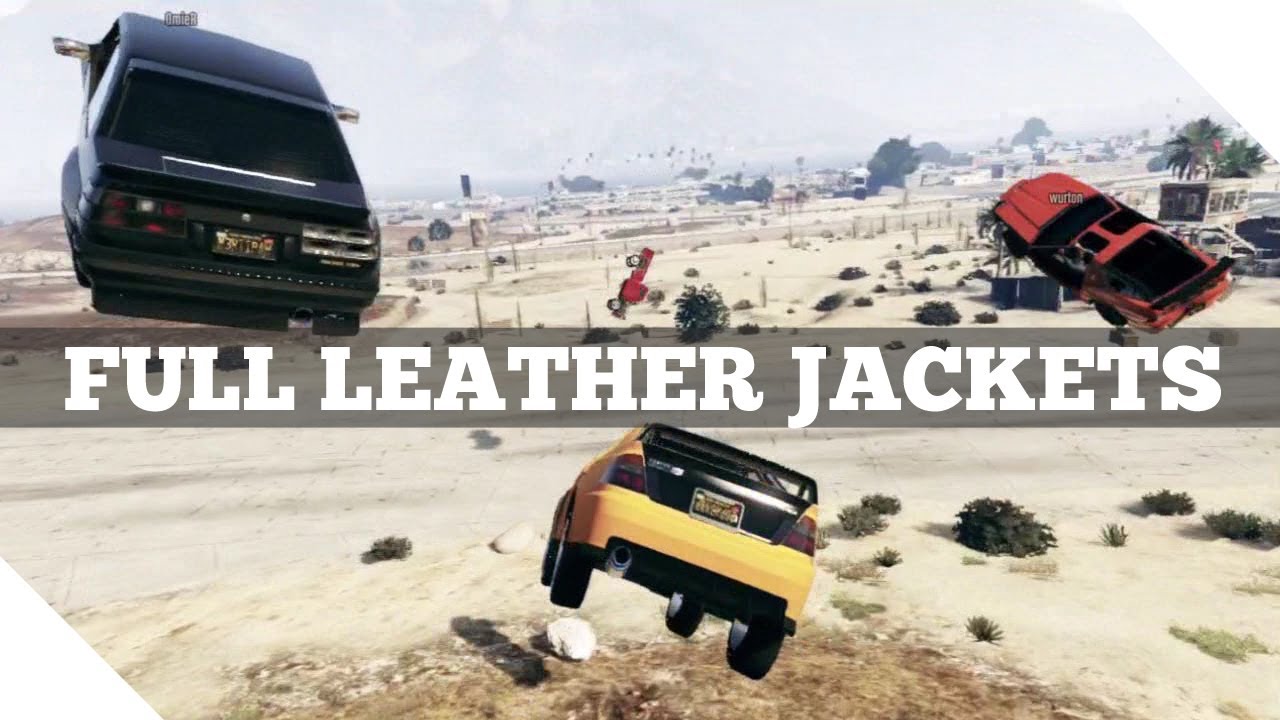
Ik had het al eerder verteld. Steeds meer mensen vinden uit hoe dikke fun GTA: Online is. Steeds meer stuntlocaties en andere rariteiten worden uitgevonden en getest. Deze video die ik op het internet tegen kwam laat zowel zien hoe mooi en spel is en vooral hoe grappig. Waarom dit stelletje Finnen? van de Full Leather Jackets crew constant aan het roken zijn is mij niet duidelijk. Maar dat ze lol hebben zie k wel. Veel kijk en GTA Online plezier! biertje.gif

Mocht je hulp nodig hebben met GTA Online check dan ons eigen Nederlandse GTA Online forum. Ben je nog opzoek naar een Nederlandse crew om samen met GTA: Online te spelen kan je ook een kijkje nemen in ons Crews & Clans forum. Heb je zelf een filmpje gemaakt of ben je een leuk filmpje op het internet tegen gekomen vergeet me dan vooral niet te tippen.

Bron video:

User Feedback

Recommended Comments

Ezra24rct3 The Godfather

Ezra24rct3

Leden

Hahaha! Bedankt voor het delen!

xCrazyShotgun Ballas leider

xCrazyShotgun

Leden

Nice!

TonyBrigante Ruitje intikker

TonyBrigante

Leden

Ik blijf me ook verbazen dat ik bijna dagelijks nog nieuwe dingen tegenkom die me blijven vermaken. Gaaf spel!

Join the conversation

You can post now and register later. If you have an account, sign in now to post with your account.

Guest
Add a comment...

Account

Navigation

Search

Search

Configure browser push notifications

Chrome (Android)
  1. Tap the lock icon next to the address bar.
  2. Tap Permissions → Notifications.
  3. Adjust your preference.
Chrome (Desktop)
  1. Click the padlock icon in the address bar.
  2. Select Site settings.
  3. Find Notifications and adjust your preference.