




Skip to content
View in the app

A better way to browse. Learn more.

GTAGames.nl - De Nederlandse Grand Theft Auto Community!

A full-screen app on your home screen with push notifications, badges and more.

To install this app on iOS and iPadOS
  1. Tap the Share icon in Safari
  2. Scroll the menu and tap Add to Home Screen.
  3. Tap Add in the top-right corner.
To install this app on Android
  1. Tap the 3-dot menu (⋮) in the top-right corner of the browser.
  2. Tap Add to Home screen or Install app.
  3. Confirm by tapping Install.

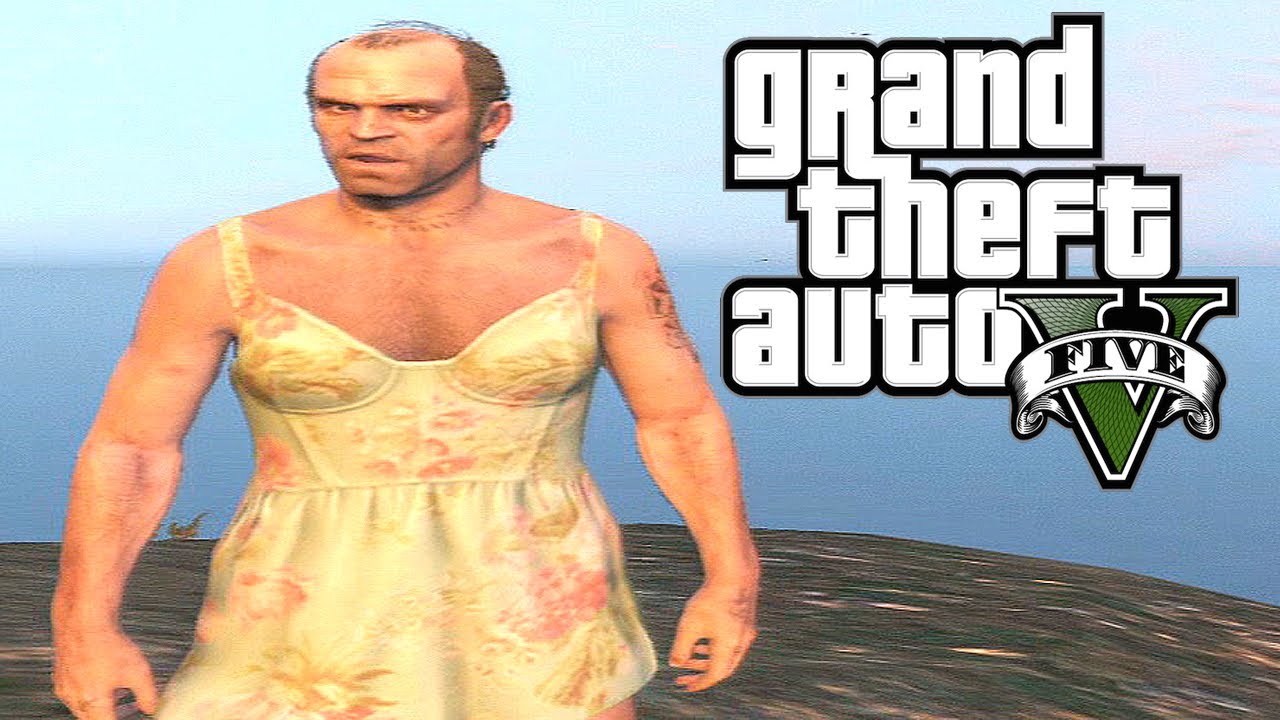
Filmpje: Trevor's emotionele liefdesleven!

Trevor Philips is een heel emotionele man. Zijn liefde voor alles en iedereen om hem heen straalt van hem af. Niemand minder dan Yeardley Diamond heeft deze aardige man in beeld gebracht. Kortom zeker het kijken waard om kennis te maken met de meest vriendelijke persoon uit Grand Theft Auto V. Veel kijkplezier loveit.gif (dit filmpje bevat spoilers uit missies!).

Bron:

. Dank aan ballas4life voor het insturen.

User Feedback

Recommended Comments

Sir_Ballas Dictator

Sir_Ballas

Leden

graag gedaan :D

Megadreams Kingpin

Megadreams

Leden

Het laat je echt een heel andere kant van Trevor zien. Waaronder ook de reden waarom hij is... zoals hij is.

.Sharingan Legendary Godfather

.Sharingan

Leden

Vet gemaakt!

Basssss The Godfather

Basssss

Leden

Hmm.. De spoiler-waarschuwing te laat gezien. :( Ziet er wel leuk uit voor zover ik heb gekeken. :puh:

Proliner Buurtcrimineel

Proliner

Leden

Al de video al gezien knap inelkaar geplakt!

TerrorMau5 Lazlow stalker

TerrorMau5

Leden

OTHERWISE THE OTHER EAR ! nu ben ik benieuwd of hij zijn oor nog heeft of niet XD

Join the conversation

You can post now and register later. If you have an account, sign in now to post with your account.

Guest
Add a comment...

Account

Navigation

Search

Search

Configure browser push notifications

Chrome (Android)
  1. Tap the lock icon next to the address bar.
  2. Tap Permissions → Notifications.
  3. Adjust your preference.
Chrome (Desktop)
  1. Click the padlock icon in the address bar.
  2. Select Site settings.
  3. Find Notifications and adjust your preference.