




Skip to content
View in the app

A better way to browse. Learn more.

GTAGames.nl - De Nederlandse Grand Theft Auto Community!

A full-screen app on your home screen with push notifications, badges and more.

To install this app on iOS and iPadOS
  1. Tap the Share icon in Safari
  2. Scroll the menu and tap Add to Home Screen.
  3. Tap Add in the top-right corner.
To install this app on Android
  1. Tap the 3-dot menu (⋮) in the top-right corner of the browser.
  2. Tap Add to Home screen or Install app.
  3. Confirm by tapping Install.

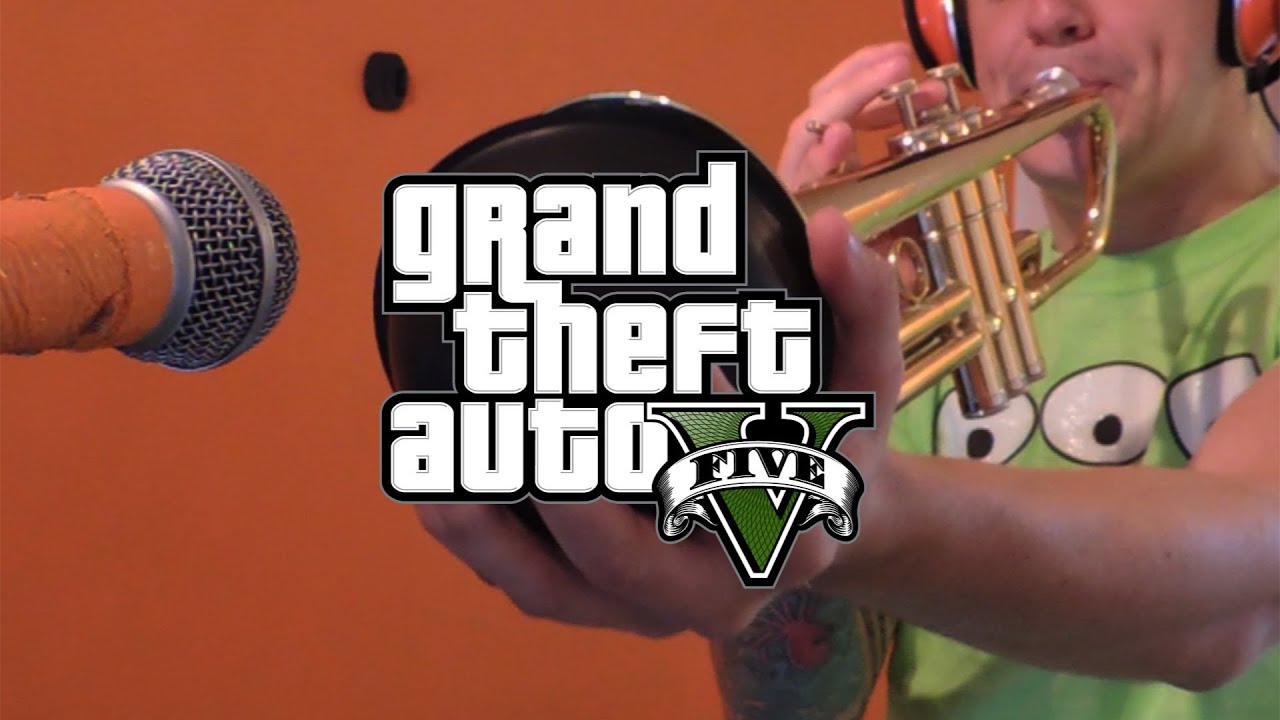
GAAF: SquidPhysics speelt het nummer van GTAV!

SquidPhysics is weer als eenmansband bezig geweest. Deze keer heeft hij het GTAV themanummer (Welcome to Los Santos van Oh No) gespeeld. Zijn cover komt verdacht veel overeen met het origineel. Ik ben zeker benieuwd welke nummers hij van Grand Theft Auto nog meer in zijn eentje gaat inspelen. Veel kijkplezier! smile2.gif

Bron:

via GTAGaming.com

User Feedback

Recommended Comments

Sir_Ballas Dictator

Sir_Ballas

Leden

zo te zien heeft hij ook de special (correct me if Im wrong) edition :7

Michael The Godfather

Michael

Leden

Zo nice, en ik vind het weer enorm knap van hem! _O_

Bassieboy35 Legendary Godfather

Bassieboy35

Ereleden

Het blijft een talent! :)

TerrorMau5 Lazlow stalker

TerrorMau5

Leden

hij doet een ding fout en dat is dat hij nu zijn tijd zit te verdoen terwijl hij ook doodleuk GTA V kan doen op zijn xbox of ps3 >:puh:

Foreigner97 Al Capone

Foreigner97

Ereleden

Uiteraard is het weer gaaf gedaan, bedankt voor het delen! Hoort dit trouwens niet meer thuis in de nieuwssectie van GTA V? :$

zo te zien heeft hij ook de special (correct me if Im wrong) edition :7

Volgens mij had-ie de Los Santos pet op, en die zat enkel in de Collecter's Edition. ;)

Lars Diablos baas

Lars

Leden

Verkeerd geplaatst?

Sir_Ballas Dictator

Sir_Ballas

Leden

verkeerd geplaatst? wat :7

Phoenyxar Community Legend

Phoenyxar

Ereleden

Hehe, dan leer ik zo ook maar eens eventjes de Theme song kennen. Want het kan aan mij liggen, maar ik had hem voorheen nog niet gehoord.

Goed gemaakt! ;3

Join the conversation

You can post now and register later. If you have an account, sign in now to post with your account.

Guest
Add a comment...

Account

Navigation

Search

Search

Configure browser push notifications

Chrome (Android)
  1. Tap the lock icon next to the address bar.
  2. Tap Permissions → Notifications.
  3. Adjust your preference.
Chrome (Desktop)
  1. Click the padlock icon in the address bar.
  2. Select Site settings.
  3. Find Notifications and adjust your preference.