




Jump to content
View in the app

A better way to browse. Learn more.

GTAGames.nl - De Nederlandse Grand Theft Auto Community!

A full-screen app on your home screen with push notifications, badges and more.

To install this app on iOS and iPadOS
  1. Tap the Share icon in Safari
  2. Scroll the menu and tap Add to Home Screen.
  3. Tap Add in the top-right corner.
To install this app on Android
  1. Tap the 3-dot menu (⋮) in the top-right corner of the browser.
  2. Tap Add to Home screen or Install app.
  3. Confirm by tapping Install.

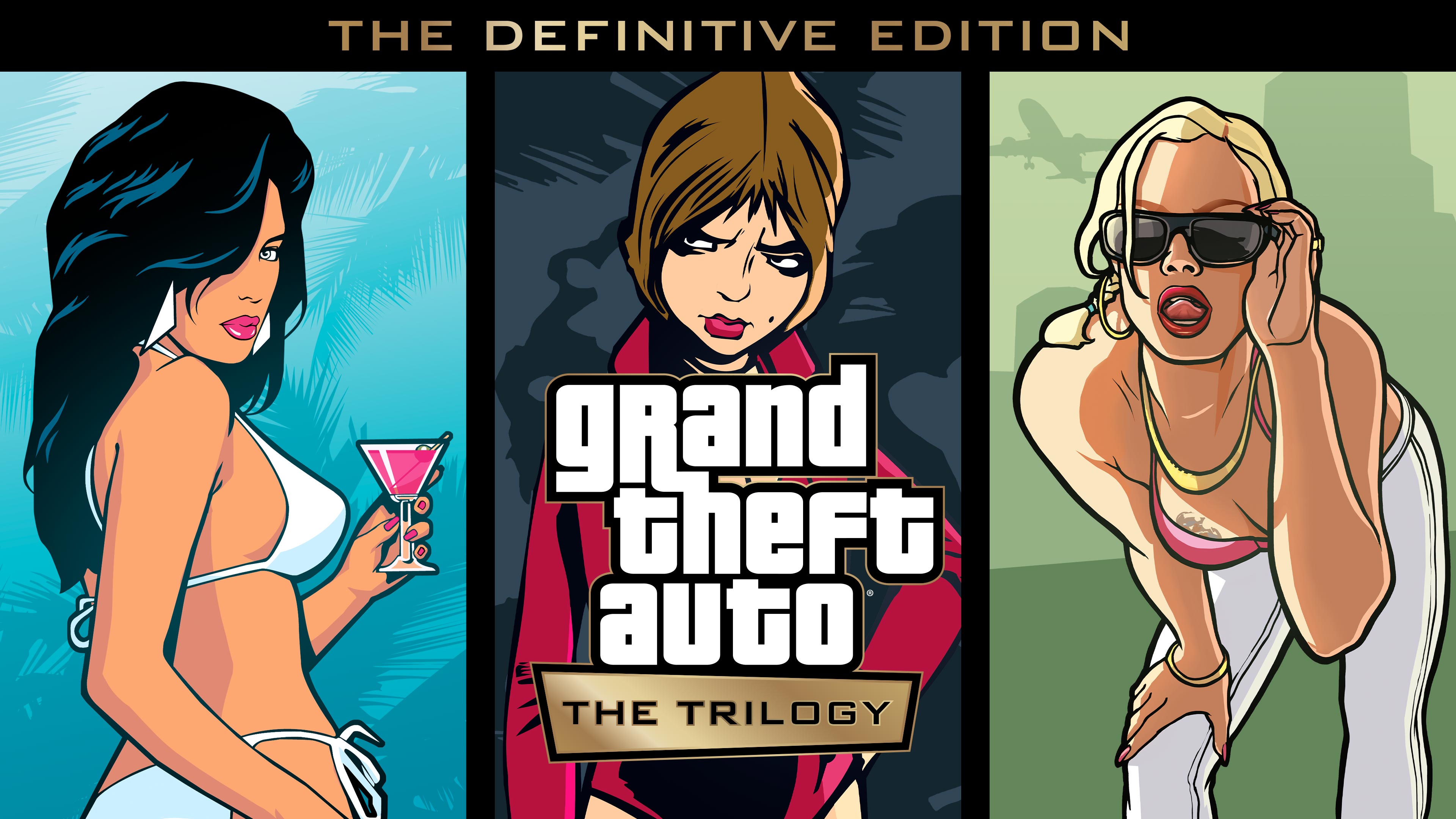
Grand Theft Auto: The Trilogy – The Definitive Edition nu op Steam

Grand Theft Auto: The Trilogy – The Definitive Edition is vanaf nu beschikbaar op Steam en Steam Deck, en zal later deze maand ook naar de Epic Game Store komen.

Dat heeft Rockstar Games vandaag bekendgemaakt. Naast moderne besturing, grafische en omgevingsupgrades en andere verbeteringen, zullen deze versies van Grand Theft Auto III, Grand Theft Auto: Vice City en Grand Theft Auto: San Andreas speelbaar zijn op Steam Deck en ondersteunen extra functies, waaronder achievements en meer.


Op dit moment is er een Rockstar Publisher Sale gaande op Steam. Hierdoor is GTA: The Trilogy – The Definitive Edition tijdelijk te koop voor 30 euro (50% korting). Ook andere titels van Rockstar zijn afgeprijsd, waaronder Red Dead Redemption 2 en Grand Theft Auto V. 

User Feedback

Recommended Comments

There are no comments to display.

Join the conversation

You can post now and register later. If you have an account, sign in now to post with your account.

Guest
Add a comment...

Account

Navigation

Search

Configure browser push notifications

Chrome (Android)
  1. Tap the lock icon next to the address bar.
  2. Tap Permissions → Notifications.
  3. Adjust your preference.
Chrome (Desktop)
  1. Click the padlock icon in the address bar.
  2. Select Site settings.
  3. Find Notifications and adjust your preference.