




Skip to content
View in the app

A better way to browse. Learn more.

GTAGames.nl - De Nederlandse Grand Theft Auto Community!

A full-screen app on your home screen with push notifications, badges and more.

To install this app on iOS and iPadOS
  1. Tap the Share icon in Safari
  2. Scroll the menu and tap Add to Home Screen.
  3. Tap Add in the top-right corner.
To install this app on Android
  1. Tap the 3-dot menu (⋮) in the top-right corner of the browser.
  2. Tap Add to Home screen or Install app.
  3. Confirm by tapping Install.

Groot nieuws: Trevor heeft een zak!

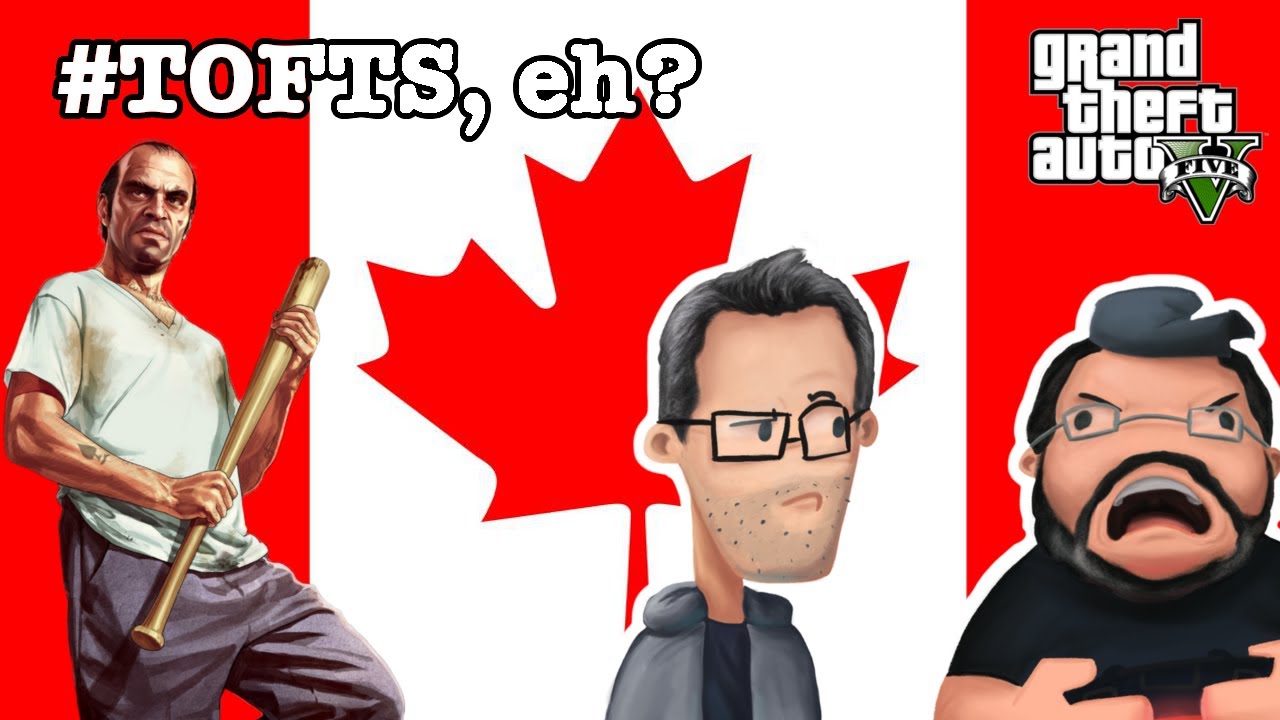
Steven Ogg bewijst weer in dit filmpje dat alle vooroordelen over hem waar zijn. Hij is echt Trevor Philips uit GTA5. Terwijl Oliver Vaquer (Robert Lutece in BioShock Infinite) allerlei vooroordelen over Canadezen tegen Steven zit te vertellen, blijken ze ook nog waar te zijn en haalt Steven zo een een zak met vaag gedroogd vlees (beef jerky) uit zijn broek.

Jason Zumwalt (Roman in GTA4) probeert ondertussen nog steeds Grand Theft Auto V spelen al hebben ze nog steeds niet Trevor vrijgespeeld. Misschien wordt het is tijd dat we ze gaan helpen anders spelen ze GTAV nooit uit voor de release van de volgende Grand Theft Auto. puh2.gif

Zie ook de vorige filmpjes:

Bron:

via Rockstar Network

User Feedback

Recommended Comments

Dexist Al Capone

Dexist

Leden

Wat is en blijft het toch een geweldige vent! het lijkt me een voorrecht om Steven Ogg in je familie/vrienden kring te hebben!

Mrkwark Ricardo Diaz' erfgenaam

Mrkwark

Leden

Dat was echt geniaal :puh:

Votair Kingpin

Votair

Leden

Genius!

Kaitjee98 Most Wanted (★★★★★)

Kaitjee98

Leden

Steven Ogg is een held!

ERRWINS Legendary Godfather

ERRWINS

Leden

Geweldig hoe ze die filmpjes maken.

Humor is altijd weer aanwezig. Ga zo door zal ik maar zeggen :)

Lars Diablos baas

Lars

Leden

Geweldig deze humor :):7

Join the conversation

You can post now and register later. If you have an account, sign in now to post with your account.

Guest
Add a comment...

Account

Navigation

Search

Search

Configure browser push notifications

Chrome (Android)
  1. Tap the lock icon next to the address bar.
  2. Tap Permissions → Notifications.
  3. Adjust your preference.
Chrome (Desktop)
  1. Click the padlock icon in the address bar.
  2. Select Site settings.
  3. Find Notifications and adjust your preference.