




Skip to content
View in the app

A better way to browse. Learn more.

GTAGames.nl - De Nederlandse Grand Theft Auto Community!

A full-screen app on your home screen with push notifications, badges and more.

To install this app on iOS and iPadOS
  1. Tap the Share icon in Safari
  2. Scroll the menu and tap Add to Home Screen.
  3. Tap Add in the top-right corner.
To install this app on Android
  1. Tap the 3-dot menu (⋮) in the top-right corner of the browser.
  2. Tap Add to Home screen or Install app.
  3. Confirm by tapping Install.

GTA V: de beta missies tegenover de uiteindelijke versies

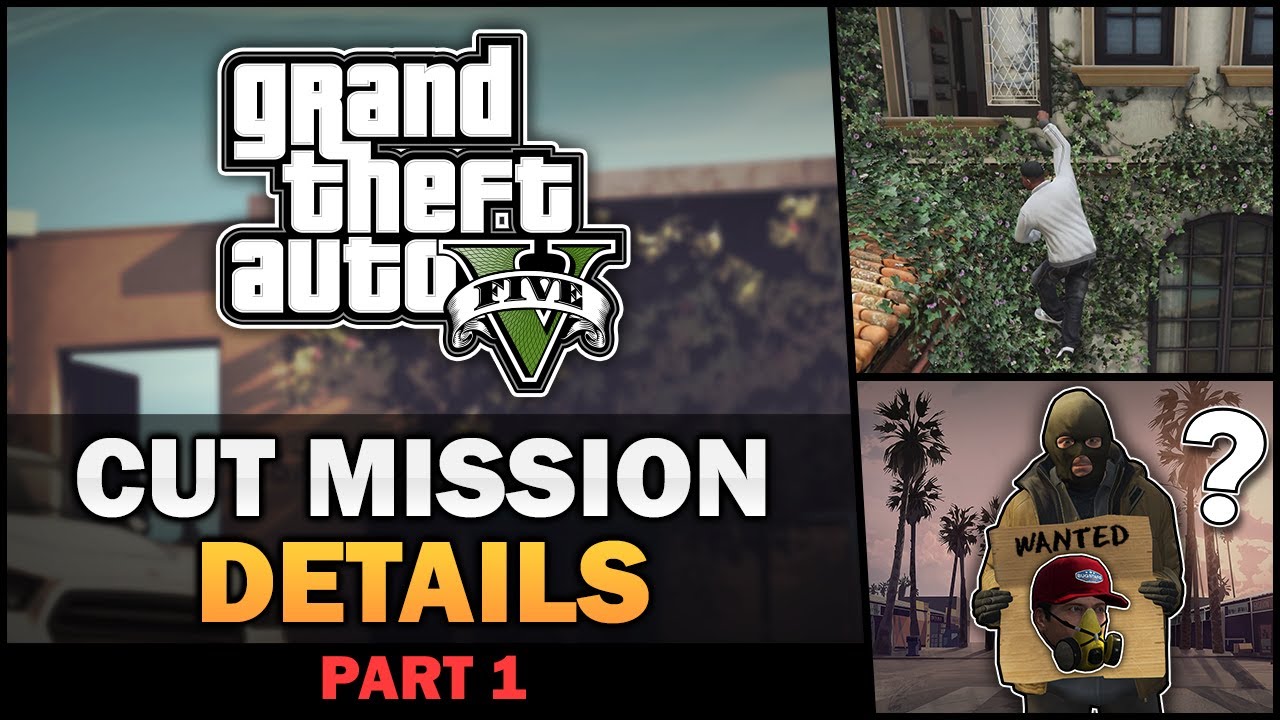
Dit jaar tikken wij alweer het vierde jubileum aan van GTA V. Voor velen is het dan ook al weer even geleden dat zij de storyline hebben gespeeld. Exclusief aan GTA V was dat het spel in verhouding tot andere GTA's veel heists kende die ook de nodige voorbereiding vereiste. YouTuber Vladim M is weer eens de archieven ingedoken en heeft daarbij een analyse gemaakt van de beta missies. In dit eerste deel van de serie kijkt Vladim M vooral naar de heists die in het spel zitten, maar ook andere missies worden besproken. Er wordt eigenlijk verteld wat er op de planning stond ten opzichte van wat waargemaakt is. 


Ben je nou benieuwd geworden naar andere betamissies? Dan zal je helaas nog even geduld moeten hebben op de volgende delen, maar in dit topic is er in ieder geval altijd ruimte om erover te praten. Wat wist jij al van deze betamissies af?


Bron: Vladim M YouTube

User Feedback

Recommended Comments

.Sharingan Legendary Godfather

.Sharingan

Leden

Dit vind ik de coolste GTA videos! Ik ga snel kijken :V

KoningJesper Al Capone

KoningJesper

Leden

Altijd interessant, thanks! :tu:

-COMMANDO- Straatrover

-COMMANDO-

Leden

leuk interessant filmpje :puh:

Join the conversation

You can post now and register later. If you have an account, sign in now to post with your account.

Guest
Add a comment...

Account

Navigation

Search

Search

Configure browser push notifications

Chrome (Android)
  1. Tap the lock icon next to the address bar.
  2. Tap Permissions → Notifications.
  3. Adjust your preference.
Chrome (Desktop)
  1. Click the padlock icon in the address bar.
  2. Select Site settings.
  3. Find Notifications and adjust your preference.