




Skip to content
View in the app

A better way to browse. Learn more.

GTAGames.nl - De Nederlandse Grand Theft Auto Community!

A full-screen app on your home screen with push notifications, badges and more.

To install this app on iOS and iPadOS
  1. Tap the Share icon in Safari
  2. Scroll the menu and tap Add to Home Screen.
  3. Tap Add in the top-right corner.
To install this app on Android
  1. Tap the 3-dot menu (⋮) in the top-right corner of the browser.
  2. Tap Add to Home screen or Install app.
  3. Confirm by tapping Install.

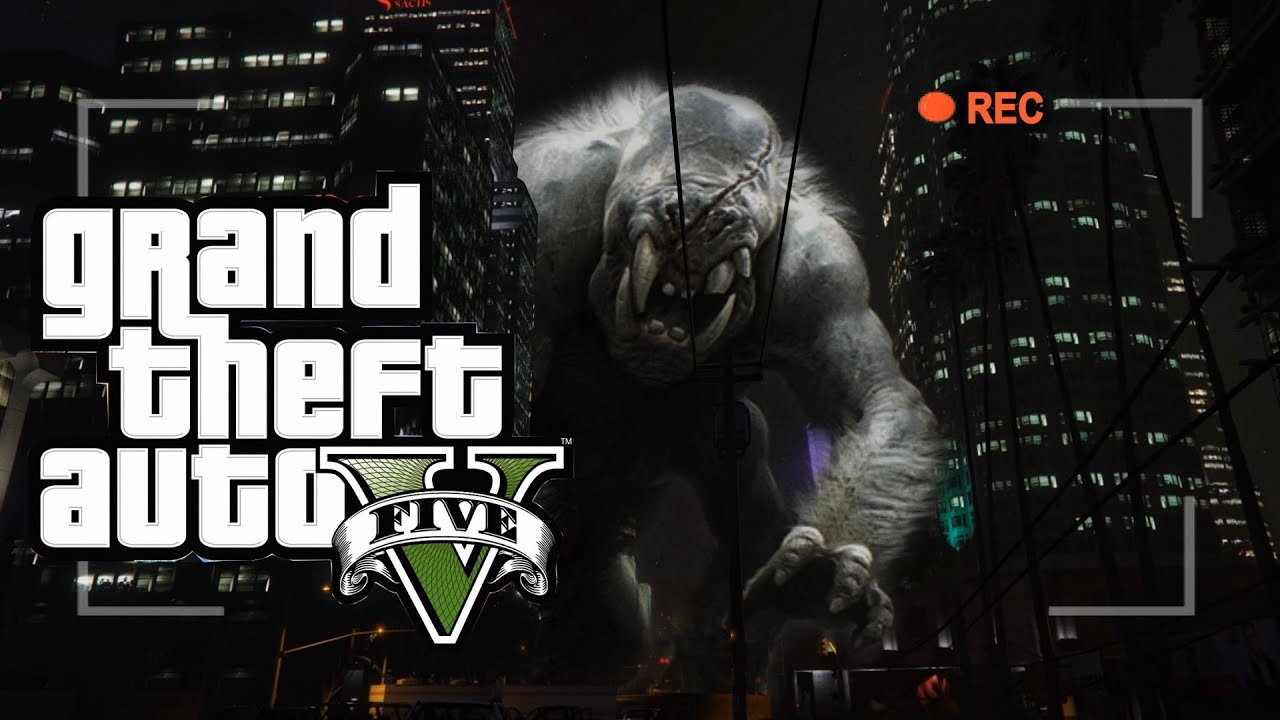
Help! Grote monsters vallen Los Santos aan!

Commandoflauge heeft weer een meesterwerkje gemaakt in Grand Theft Auto V. In dit filmpje is heel Los Santos onveilig geworden door 'grote monsters'! Zelfs nog groter dan in GTA San Andreas. Een zeer knap staaltje videobewerking waarbij duidelijk meer programma's zijn gebruikt dan enkel de Rockstar Editor. Dit filmpje is geïnspireerd op de film Cloverfield en de parodie aflevering van South Park en dat is ook te zien in het onderstaande knappe maar flauwe filmpje. puh2.gif

Ben je een GTA nieuwtje tegen gekomen of werk je zelf aan wat bijzonders ? Tip me dan zodat het ook in het nieuws komt. smile3.gif

Bron video:

User Feedback

Recommended Comments

.Sharingan Legendary Godfather

.Sharingan

Leden

Heel erg vet dit! Krijg meteen DayZ feeling!

Guardian1980 Forum Legend

Guardian1980

Ereleden

Haha, heel erg leuk gedaan. Vooral ook de "vreselijke monsters" in het filmpje.

aron24 Most Wanted (★★★★★)

aron24

Leden

Leuk gedaan :)

Lars Diablos baas

Lars

Leden

haha, doet me denken aan dit

Phoenyxar Community Legend

Phoenyxar

Ereleden

Dit is zo slecht, maar het doet het origineel wel eer aan.

:7

Join the conversation

You can post now and register later. If you have an account, sign in now to post with your account.

Guest
Add a comment...

Account

Navigation

Search

Search

Configure browser push notifications

Chrome (Android)
  1. Tap the lock icon next to the address bar.
  2. Tap Permissions → Notifications.
  3. Adjust your preference.
Chrome (Desktop)
  1. Click the padlock icon in the address bar.
  2. Select Site settings.
  3. Find Notifications and adjust your preference.