





De radiostations waren nog niet direct met het uitbrengen van de Cayo Perico Heist update beschikbaar. Voor Still Slipping Los Santos moesten spelers eerst DJ Joy Orbison helpen om zijn radiosignaal sterk genoeg te krijgen. Dat is de afgelopen week gelukt en nu kan je in heel Los Santos luisteren naar het station dat house, techno, drill en drum-and-bass muziek draait.
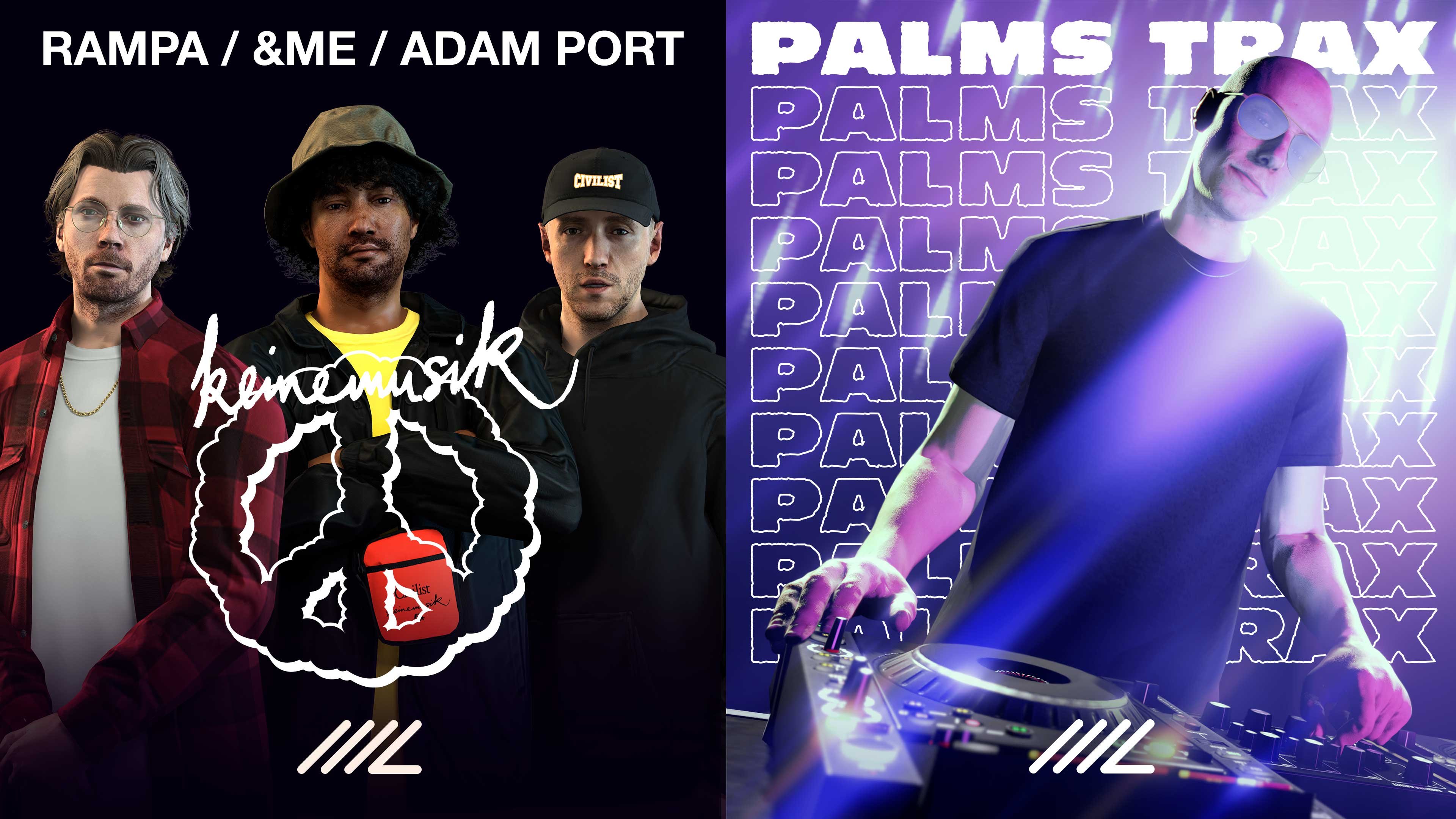
Tevens is muziek uit The Music Locker nu live overal in Los Santos te beluisteren, inclusief van de nieuw toegevoegde bands Keinemusik en Palms Trax. Keinemusik (Duits voor 'geen muziek') is een collectief bestaande uit Adam Port, &ME en Rampa met voornamelijk vooruitstrevende elektrische muziek. Palms Trax zorgt voor een mix van old-school house, exotische disco en de laatste muziek van de Britse underground wereld.


Als klap op de vuurpijl (in Los Santos mag dat wel) zijn er ook twee nieuwe voertuigen toegevoegd: de supercar Grotti Itali RSX en de kart Dinka Veto Modern. Beide zijn uiteraard te koop bij de Legendary Motorsport en Southern San Andreas Super Autos respectievelijk.
Voor de overige updates van vandaag, check onze Events-pagina!
Recommended Comments
Een reactie plaatsen
Je kan nu een reactie plaatsen en pas achteraf registreren. Als je al lid bent, log eerst in om met je eigen account een reactie te plaatsen.