




Skip to content
View in the app

A better way to browse. Learn more.

GTAGames.nl - De Nederlandse Grand Theft Auto Community!

A full-screen app on your home screen with push notifications, badges and more.

To install this app on iOS and iPadOS
  1. Tap the Share icon in Safari
  2. Scroll the menu and tap Add to Home Screen.
  3. Tap Add in the top-right corner.
To install this app on Android
  1. Tap the 3-dot menu (⋮) in the top-right corner of the browser.
  2. Tap Add to Home screen or Install app.
  3. Confirm by tapping Install.

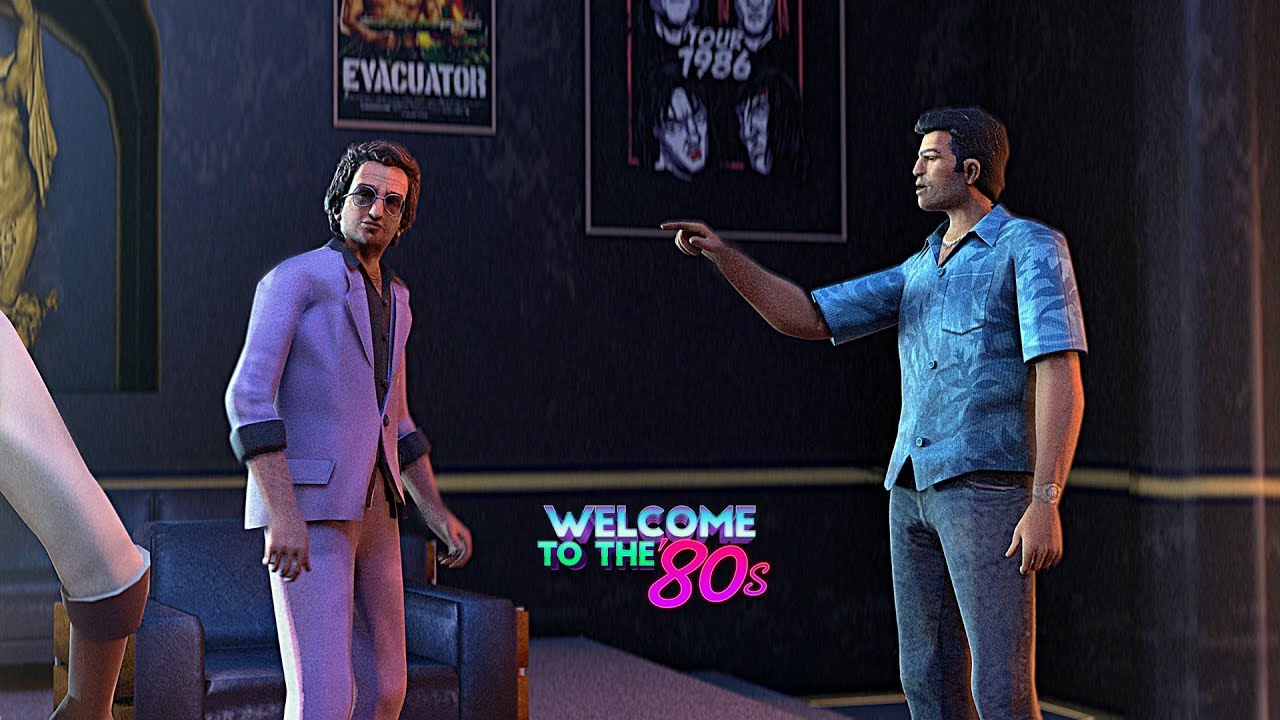
Video: Keep Your Friends Close... Remastered Part 1!

Welcome to the '80s is terug met een nieuwe GTA Vice City video. Deze keer zijn ze aan de slag gegaan met de laatste missie van GTA Vice City en hebben deze een nieuw jasje gegeven. De video is te bekijken in 4K en zal later een vervolg krijgen. 


Binnenkort kunnen we trouwens nog meer video's verwachten. Een paar weken geleden heeft het YouTube kanaal namelijk aangekondigd GTA San Andreas onder handen te nemen met remaster video's. :D 


Bron: Welcome to the '80s

User Feedback

Recommended Comments

.Sharingan Legendary Godfather

.Sharingan

Leden

Oh snap :D Ik ben benieuwd of part 2 ook de missie laat zien of alleen de resterende cutscenes (als ze er zijn). Er gaat heel wat werk in deze video's zitten dus ben benieuwd hoe hij de missie aanpakt. 


Overigens stoor ik me enorm veel aan de manier hoe Lance het woord "safe" zegt. Safffffffffe. :7 


Edit; ik dacht dat ik meer van VC wist. :v 

Bassieboy35 Legendary Godfather

Bassieboy35

Ereleden

Iedere keer als ik deze scene zie word ik boos dat Tommy er is in geluisd haha. Wel weer puik editwerk, inderdaad benieuwd naar part 2. 

Join the conversation

You can post now and register later. If you have an account, sign in now to post with your account.

Guest
Add a comment...

Account

Navigation

Search

Search

Configure browser push notifications

Chrome (Android)
  1. Tap the lock icon next to the address bar.
  2. Tap Permissions → Notifications.
  3. Adjust your preference.
Chrome (Desktop)
  1. Click the padlock icon in the address bar.
  2. Select Site settings.
  3. Find Notifications and adjust your preference.