



Skip to content
View in the app

A better way to browse. Learn more.

GTAGames.nl - De Nederlandse Grand Theft Auto Community!

A full-screen app on your home screen with push notifications, badges and more.

To install this app on iOS and iPadOS
  1. Tap the Share icon in Safari
  2. Scroll the menu and tap Add to Home Screen.
  3. Tap Add in the top-right corner.
To install this app on Android
  1. Tap the 3-dot menu (⋮) in the top-right corner of the browser.
  2. Tap Add to Home screen or Install app.
  3. Confirm by tapping Install.

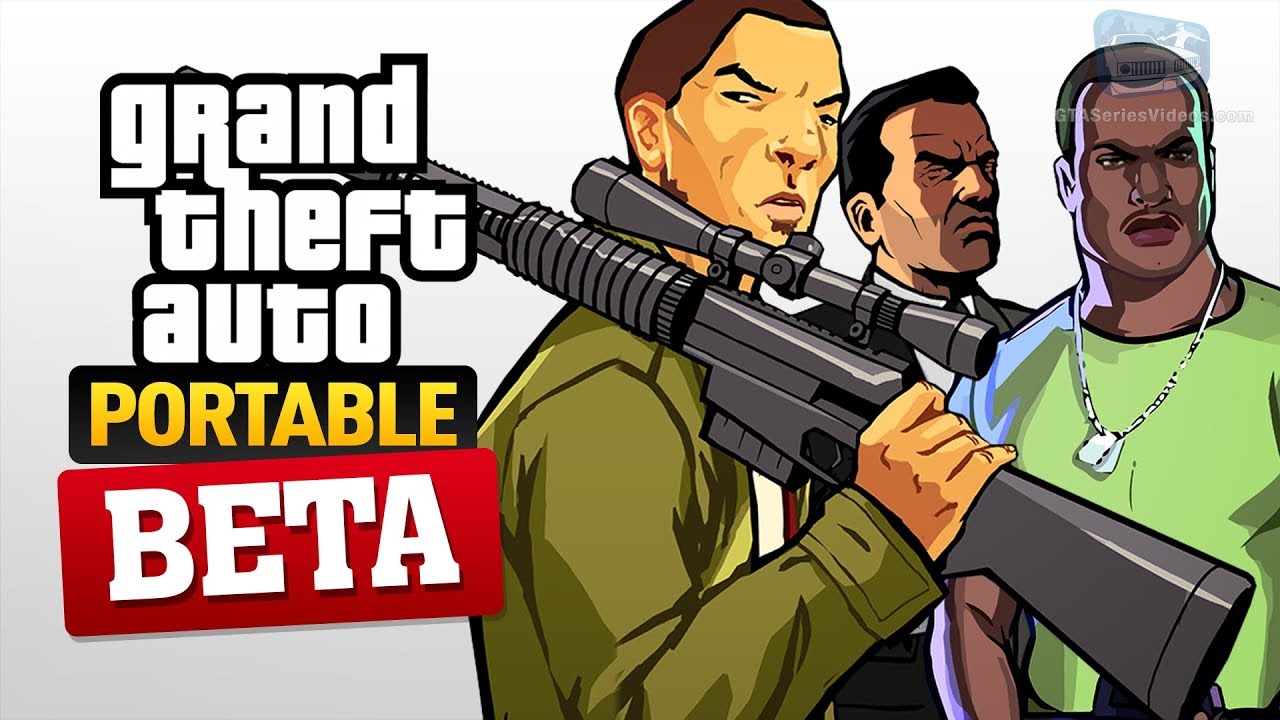
Zo zagen de beta versies van GTA Advance, LCS, VCS en CTW eruit!

Onze Italiaanse collega's zijn weer eens de archieven ingedoken en dat kan maar één ding betekenen; een nieuwe video. Niet zo maar een video, maar eentje in de serie van 'Hot Topic'. Dit is de serie die alle informatie die er maar over een 'beta'-GTA te vinden is verzameld, analyseert en samenvat. In deze halfuur-durende episode worden GTA Advance, LCS, VCS en Chinatown Wars uitgelicht. GTA III, San Andreas en Vice City gingen al voor. 


Het is misschien een lange video, maar voor de echte GTA fans is dit de tijd het zeker waard!


Bron: GTA Series Videos

User Feedback

Recommended Comments

Guardian1980 Forum Legend

Guardian1980

Ereleden

Op zich best leuk om te zien. Zelf heb ik maar twee van deze vier besproken GTA's, maar dat maakt voor dit soort video's niet uit.

Therobster Auto dief

Therobster

Leden

wat mooi. Leuke herinnering.

Join the conversation

You can post now and register later. If you have an account, sign in now to post with your account.

Guest
Add a comment...

Account

Navigation

Search

Search

Configure browser push notifications

Chrome (Android)
  1. Tap the lock icon next to the address bar.
  2. Tap Permissions → Notifications.
  3. Adjust your preference.
Chrome (Desktop)
  1. Click the padlock icon in the address bar.
  2. Select Site settings.
  3. Find Notifications and adjust your preference.