





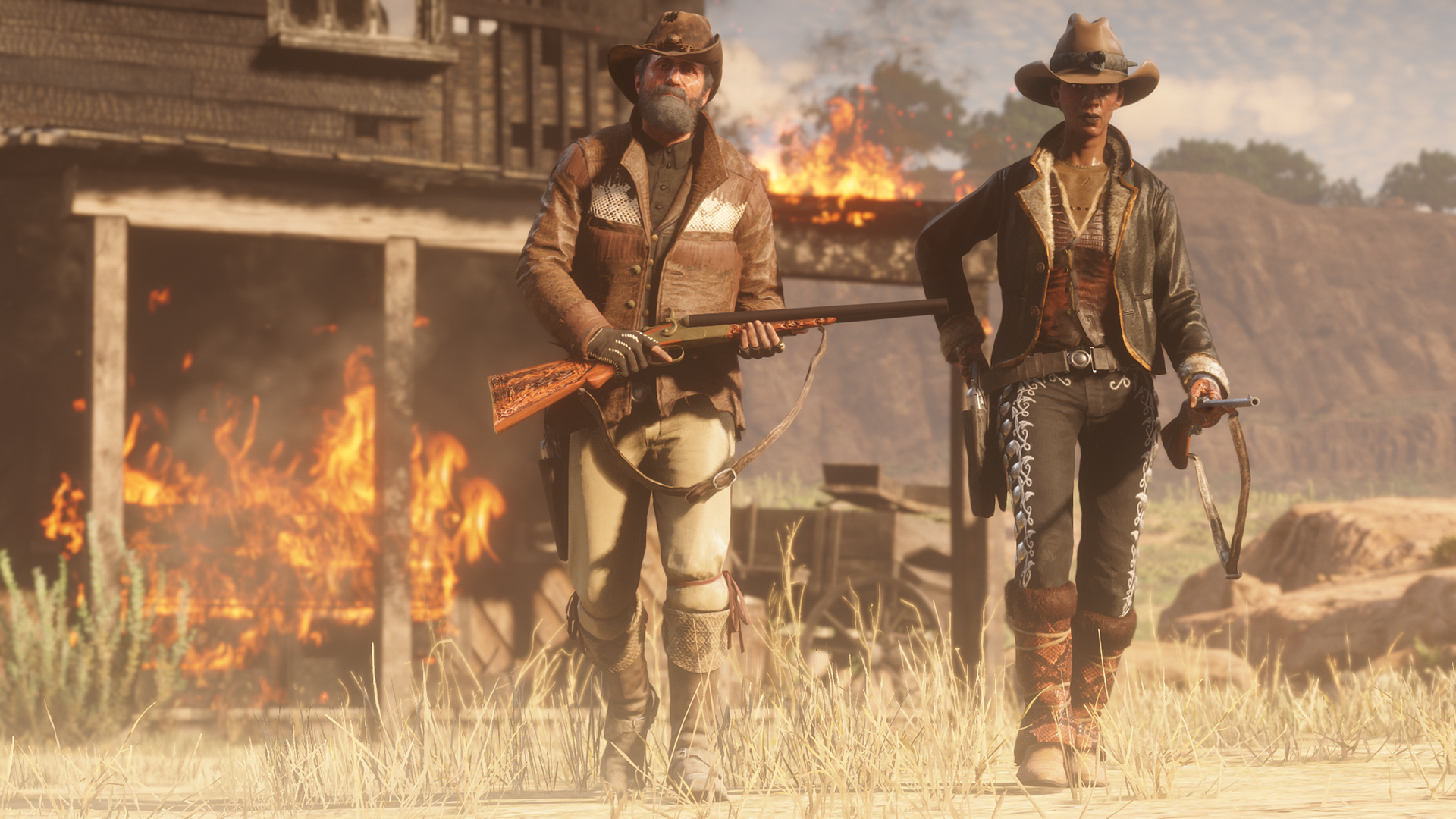
Vanaf vandaag zijn de Open Target Races beschikbaar op de Xbox One. Deze races waren sinds vorige maand al speelbaar op de Playstation 4 en de Xbox One-spelers kunnen nu aan de slag met deze races. Tijdens deze races schiet je op doelwitten terwijl je op je paard deelneemt aan een race. De race heeft geen vaste route en je zelf kunt bepalen welke schietschijven je in het gebied beschiet. De speler die het puntenlimiet bereikt mag naar de finish racen. Blijf dus goed in de gaten houden hoeveel punten de tegenstanders hebben.
Xbox One-spelers kunnen zich ook naar de winkels begeven, daar zijn namelijk de eerder (op de Playstation 4) uitgekomen Emotes, Jawbone Knife en enkele stukken kleding beschikbaar.
Verder kunnen alle spelers tot en met 6 mei profiteren van 30% meer geld en Gold voor A Land of Opportunities missies, alle Free Roam missies en Free Roam Events, alle Showdown Modes inclusief Gun Rush.
Bron: Rockstar Newswire, via Rockstar Social Club

Recommended Comments
Een reactie plaatsen
Je kan nu een reactie plaatsen en pas achteraf registreren. Als je al lid bent, log eerst in om met je eigen account een reactie te plaatsen.