Skip to content
View in the app

A better way to browse. Learn more.

GTAGames.nl - De Nederlandse Grand Theft Auto Community!

A full-screen app on your home screen with push notifications, badges and more.

To install this app on iOS and iPadOS
  1. Tap the Share icon in Safari
  2. Scroll the menu and tap Add to Home Screen.
  3. Tap Add in the top-right corner.
To install this app on Android
  1. Tap the 3-dot menu (⋮) in the top-right corner of the browser.
  2. Tap Add to Home screen or Install app.
  3. Confirm by tapping Install.

kleurentest

Hier staat een leuke test om erachter te komen hoe goed je kleuren kan onderscheiden.

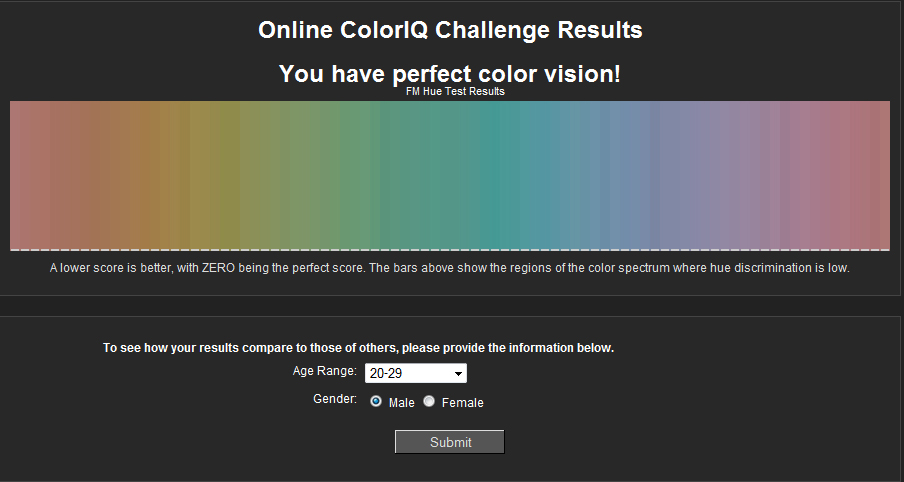
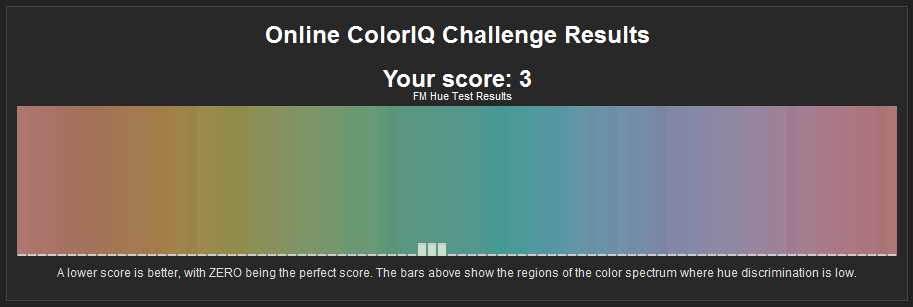
Mijn score was 22, en jullie?

edit:

Ter informatie:

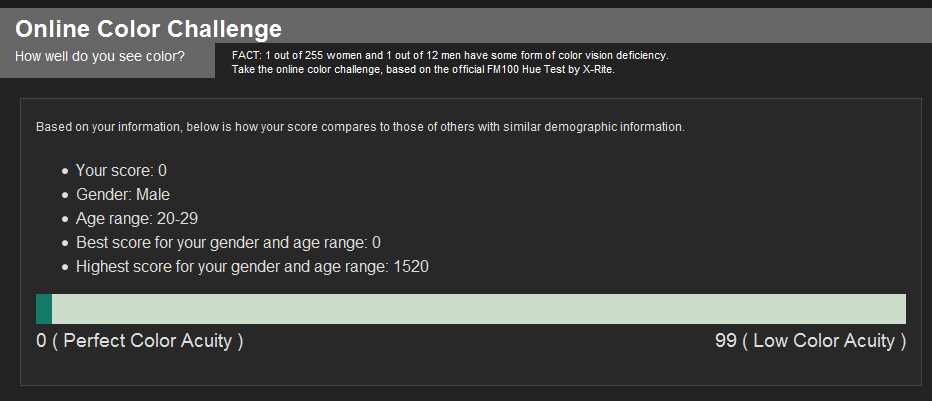
0 = Perfect Color Acuity

99= Low Color Acuity

Acuity betekent zoiets als scherpte.

Edited by clus

  • Replies 61
  • Views 6.3k
  • Created
  • Last Reply

Top Posters In This Topic

Posted Images

Featured Replies

19. Voor de duidelijkheid: 0 is perfect.

Edited by Galiorix

20. Het is wel slim om af en toe een aantal seconden weg te kijken naar bijvoorbeeld een zwart of wit vlak. Zo kan je het later weer beter onderscheiden, maar daar had ik uiteindelijk geen zin meer in :puh:.

Ik ben kleurenblind en heb daarom voor de grap dit ook een geprobeerd. Ik heb 248. :7 Het gemiddelde voor mij leeftijd schijnt 99 te zijn. Overigens wel interessant dat deze test aangeeft dat ik slechter ben in andere gebieden dan de officiële test die ik gedaan heb.

Edited by Flashingdemon666

2prib7o.jpg

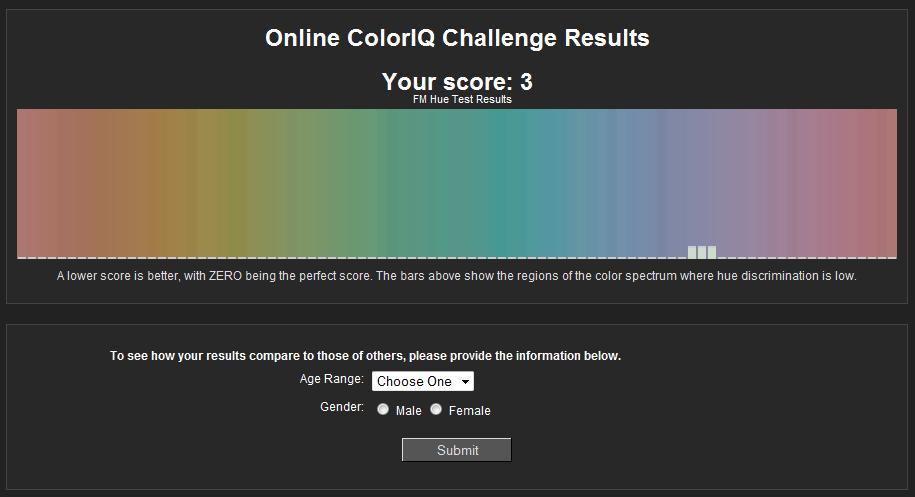
Haha, tweede keer gedaan. Nu is de uitslag 4. :D

30078225.png

Wat moet je precies doen dan??

Kleurtjes in de juiste volgorde zetten.

post-70241-1267383779,58.jpg

v76xac.png

Had niet zo hoog verwacht :puh:

Ik heb 51.

Join the conversation

You can post now and register later. If you have an account, sign in now to post with your account.

Guest
Reply to this topic...

Recently Browsing 0

  • No registered users viewing this page.

Account

Navigation

Search

Search

Configure browser push notifications

Chrome (Android)
  1. Tap the lock icon next to the address bar.
  2. Tap Permissions → Notifications.
  3. Adjust your preference.
Chrome (Desktop)
  1. Click the padlock icon in the address bar.
  2. Select Site settings.
  3. Find Notifications and adjust your preference.