Jump to content
View in the app

A better way to browse. Learn more.

GTAGames.nl - De Nederlandse Grand Theft Auto Community!

A full-screen app on your home screen with push notifications, badges and more.

To install this app on iOS and iPadOS
  1. Tap the Share icon in Safari
  2. Scroll the menu and tap Add to Home Screen.
  3. Tap Add in the top-right corner.
To install this app on Android
  1. Tap the 3-dot menu (⋮) in the top-right corner of the browser.
  2. Tap Add to Home screen or Install app.
  3. Confirm by tapping Install.

Dag forummensjes!

Laten we een spel doen en jullie gamekennis testen!

Het is heel simpel. Iemand plaatst een afbeelding van een videospel, daarna is het aan de rest om te raden welke game dit is!

Dan zegt de persoon, die de afbeelding postte, of het juist is of niet en is gene die het heeft geraden aan de beurt!

Regeltjes:

  • Zorg dat de afbeelding niet te standaard is: Plaats bijvoorbeeld maar een deel van de afbeelding, of pas de keuren een beetje aan. Je mag het dus best moeilijk maken!
  • Heb je de screen van het internet geplukt? Zorg dan dat je de URL onherkenbaar maakt(als de naam van het spel erin staat), door de afbeelding eerst op te slaan en daarna een andere naam te geven.
  • Maximaal 3 berichten per persoon per dag om te raden.

Om te beginnen, een simpele smile3.gif

post-6602-0-42197000-1414442817.jpg

Disclaimer: als dit al wel bestaat dan sorry, ik kon het niet vinden.

Edited by Dexist

  • Replies 481
  • Views 52.2k
  • Created
  • Last Reply

Top Posters In This Topic

Posted Images

Featured Replies

Red Dead Redemption.

Ow geninjad

Edited by Nyltje

  • Author

Inderdaad, dat was om even warm te lopen ;) Jij bent!

Edit; Kai dus :bier:

Edited by Dexist

Dead Rising

Dead rising 3?

TULZM.jpg

Ja! Volgende is voor jou! :puh:

  • Author

-

Team Fortress 2!

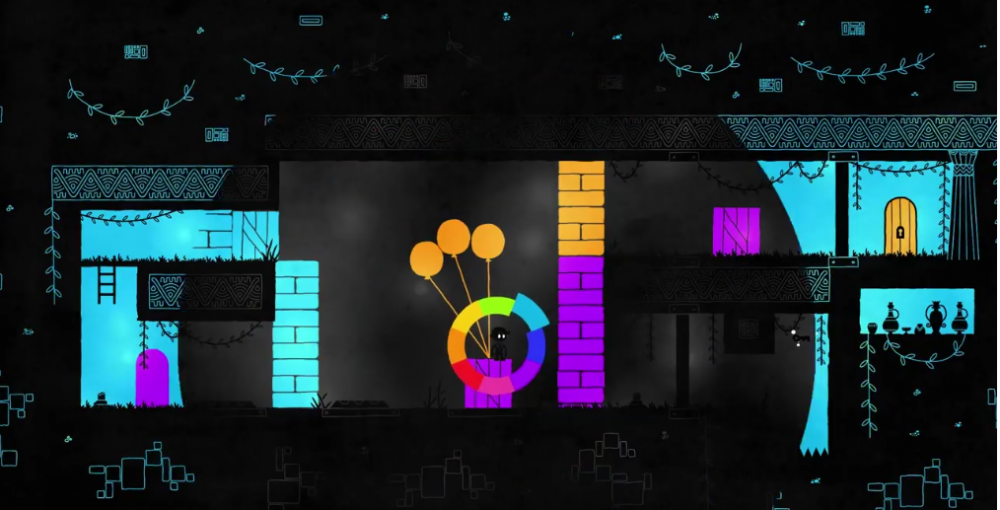
  • Author
w7ltua.jpg

Join the conversation

You can post now and register later. If you have an account, sign in now to post with your account.

Guest
Reply to this topic...

Recently Browsing 0

  • No registered users viewing this page.

Configure browser push notifications

Chrome (Android)
  1. Tap the lock icon next to the address bar.
  2. Tap Permissions → Notifications.
  3. Adjust your preference.
Chrome (Desktop)
  1. Click the padlock icon in the address bar.
  2. Select Site settings.
  3. Find Notifications and adjust your preference.