Skip to content
View in the app

A better way to browse. Learn more.

GTAGames.nl - De Nederlandse Grand Theft Auto Community!

A full-screen app on your home screen with push notifications, badges and more.

To install this app on iOS and iPadOS
  1. Tap the Share icon in Safari
  2. Scroll the menu and tap Add to Home Screen.
  3. Tap Add in the top-right corner.
To install this app on Android
  1. Tap the 3-dot menu (⋮) in the top-right corner of the browser.
  2. Tap Add to Home screen or Install app.
  3. Confirm by tapping Install.

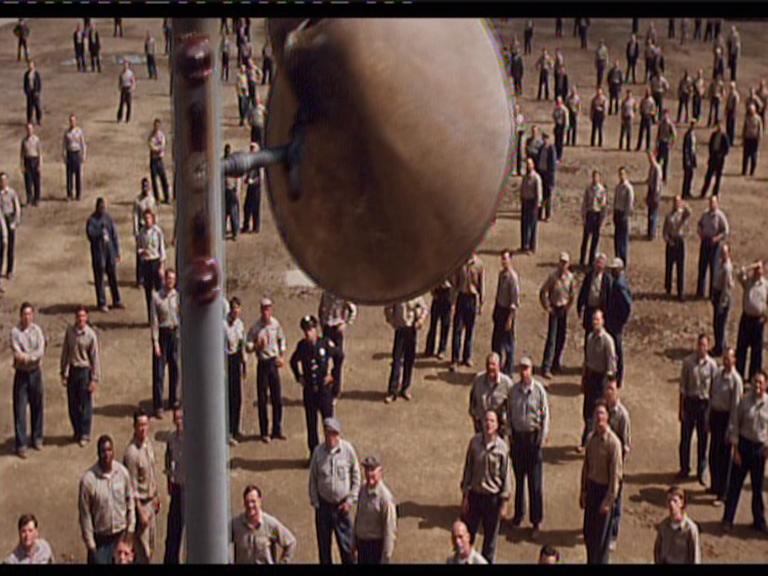
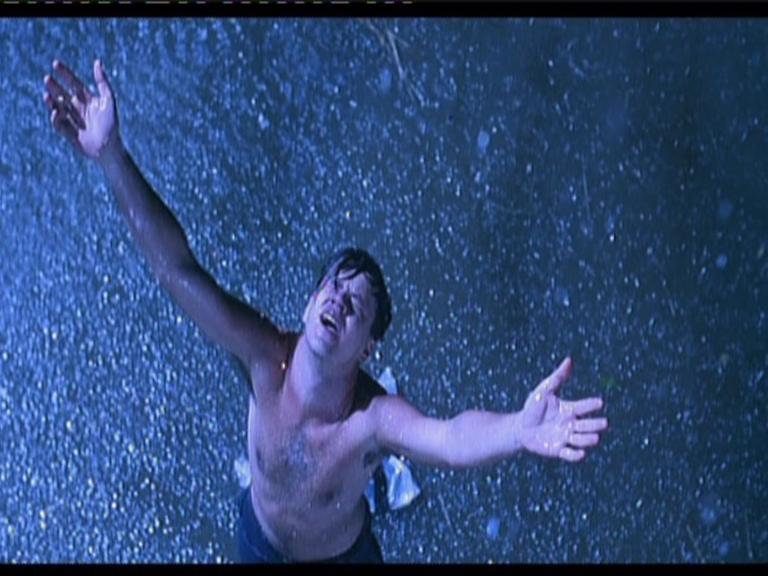
Raad de Film adhv het plaatje

eej,

dit spel kun je ook vinden in Games maar dan gaat het over spelletjes.

dit gaat over films...

Je zet er een screenshot neer

en de andere moet raden welke film!

wel makkelijk maar als je een onbekende film word het ook moeilijker

hier de eerste:

leuk8lo.jpg

  • Replies 468
  • Views 21.6k
  • Created
  • Last Reply

Top Posters In This Topic

Posted Images

Featured Replies

  • Author

ja dat klopt

jij bent

(hij was makkelijk check de mouwen vna ze ;) )

Rain man?

Goede tijden slechte tijden? :lol:

Goede tijden slechte tijden? :lol:

Nou leuk hoor ;)

Bij dit soort topics moet je niet offtopic gaan omdat het anders iritand word voor de gene die serieus wil meedoen.

Maar ik denk Rain man.

Edited by tim13

Rain man?

Yep jij bent.

Postaldude

oke deze

post-27-1105169939.jpg

Volgens mij is het Safety Last.

Nee, een andere.

Hij was een paar weken geleden op televisie.

I know what you did last summer?

(Ik heb trouwens de topictitel aangepast. Nu is die in het Nederlands)

I know what you did last summer?

(Ik heb trouwens de topictitel aangepast. Nu is die in het Nederlands)

Weer niet...

De acteur speelde daar wel in.

Het is redelijk een saaie zeikfilm :lol:

Pas geleden op tv geweest en een zijkfilm.

Is het dan: Richie Rich?

Nee nog steeds heeft niemand het geraden, de film heeft 2 woorden 1 moeilijk woord en een makkelijk woord in de titel (engels)

Guest
This topic is now closed to further replies.

Recently Browsing 0

  • No registered users viewing this page.

Account

Navigation

Search

Search

Configure browser push notifications

Chrome (Android)
  1. Tap the lock icon next to the address bar.
  2. Tap Permissions → Notifications.
  3. Adjust your preference.
Chrome (Desktop)
  1. Click the padlock icon in the address bar.
  2. Select Site settings.
  3. Find Notifications and adjust your preference.