Jump to content
View in the app

A better way to browse. Learn more.

GTAGames.nl - De Nederlandse Grand Theft Auto Community!

A full-screen app on your home screen with push notifications, badges and more.

To install this app on iOS and iPadOS
  1. Tap the Share icon in Safari
  2. Scroll the menu and tap Add to Home Screen.
  3. Tap Add in the top-right corner.
To install this app on Android
  1. Tap the 3-dot menu (⋮) in the top-right corner of the browser.
  2. Tap Add to Home screen or Install app.
  3. Confirm by tapping Install.

Editie 454 - Knutselhokje

(0 reviews)

knutselhoekjebys8f.png

Intro

Welkom terug, dames en heren, bij een gloednieuwe editie van Knutselhoekje. **applaus**

Vandaag bespreken we absolute wins in GTA V. Dingen die gewoon met puur geluk gebeuren of waarvoor je gewoon een goede skillset nodig bent. Laten we beginnen, let's go!

5 meest absolute knotsgekke wins in GTA V:

1

"Als we gaaaaaaan, dan gaan met z'n alluhhhhhh"
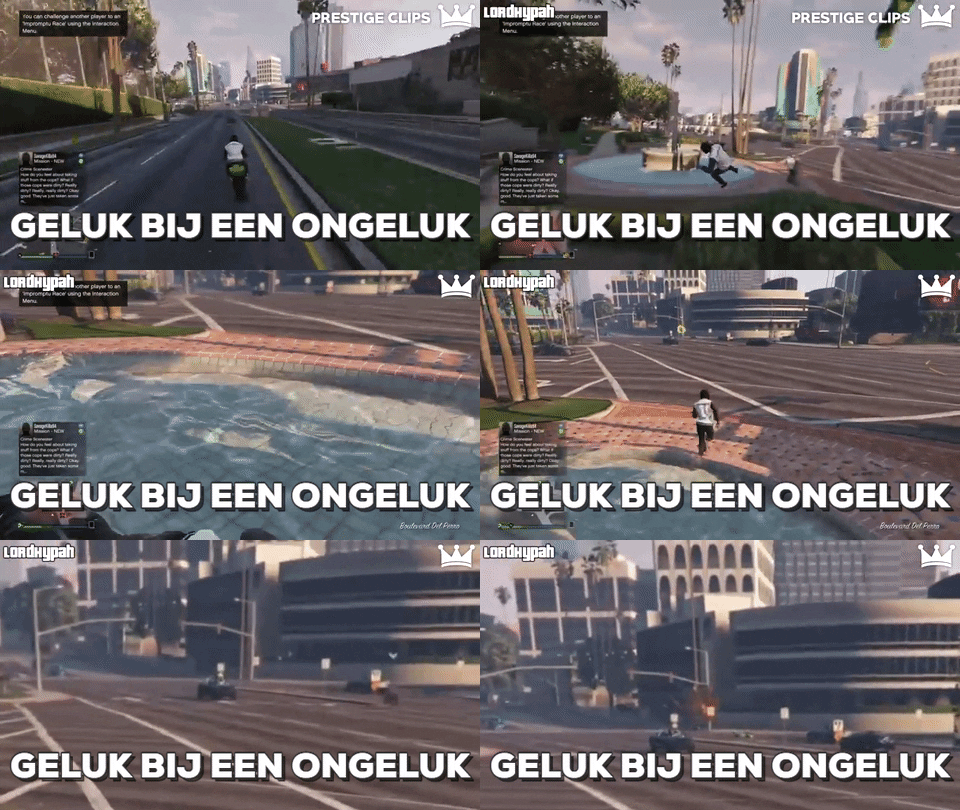
giphy.gif

2

Zelfs de windmolens helpen spelers een handje mee.

giphy.gif

3

Politie ontwijken level 9000.

giphy.gif

4

Hier krijg je een letterlijk tweemaal een mini hartaanval van.

giphy.gif

5

Wie dit na kan doen, krijgt van mij 10 euro.

giphy.gif

b3c413b50bf694be293dee0u92.png

5 Comments

Recommended Comments

-COMMANDO- Straatrover

-COMMANDO-

Leden

zitten leuke tussen :puh:

JasonStatham The Godfather

JasonStatham

Leden

Er wordt zelden gereageerd bij deze rubriek, maar ik bekijk ze toch wel weer elke week met veel plezier en vast en zeker de andere lezers ook!

SpacyColours Al Capone

SpacyColours

Leden

Wauw, vooral die laatste is episch. o.O

KoningJesper Al Capone

KoningJesper

Leden

Blijft altijd erg leuk dit :D

ERRWINS Legendary Godfather

ERRWINS

Leden

Bedankt voor de reacties luitjes :)

Guest
Add a comment...

Configure browser push notifications

Chrome (Android)
  1. Tap the lock icon next to the address bar.
  2. Tap Permissions → Notifications.
  3. Adjust your preference.
Chrome (Desktop)
  1. Click the padlock icon in the address bar.
  2. Select Site settings.
  3. Find Notifications and adjust your preference.